£2.99 for 10 tokens



A professional headshot photographer will cost you anywhere between £150 and £400. You'll book a slot, travel to a studio, spend an hour in front of a lens, and then wait for the edited results. For a single LinkedIn photo that may or may not be what you hoped for, that's a significant investment of both time and money.
How to Get a Professional Headshot Without a Photographer
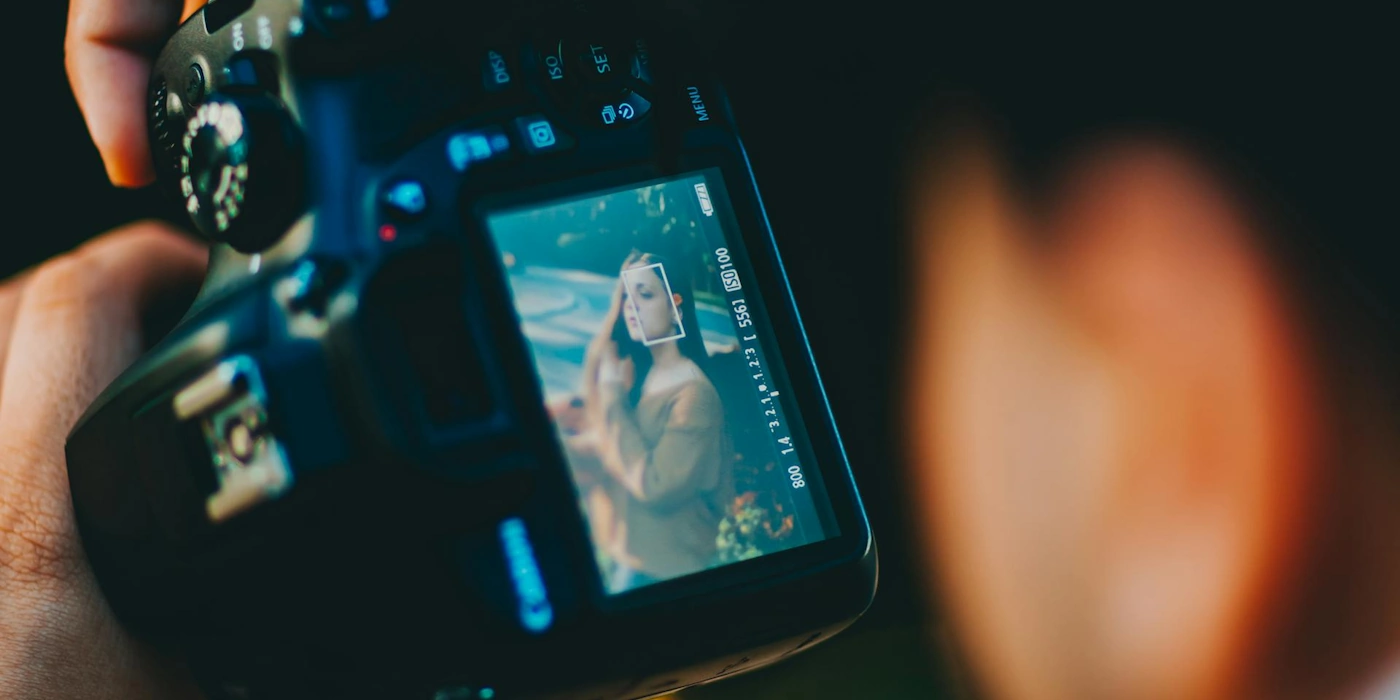
The good news is that in 2026, a studio photographer is no longer the only route to a great professional headshot. Between modern smartphone cameras, decent lighting technique, and AI headshot generation, getting a polished, LinkedIn-ready photo is entirely achievable without leaving your house, and without paying studio prices.
This guide covers both approaches: how to take a great headshot yourself using your phone, and how to use AI to transform an existing photo into a professional portrait instantly.
The gap between a £300 studio headshot and a well-taken phone photo in good light is smaller than most people think. The gap between both of those and a bad photo in poor light is enormous.
Why Your Current Headshot Probably Isn't Working
Before getting into the how, it's worth understanding what makes a professional headshot actually professional, because most people's current LinkedIn photo fails on at least one of these counts.
- Lighting. The single most important variable in any photo. Harsh, directional light creates unflattering shadows. Flat, diffused light, the kind you get near a window on an overcast day, is what gives studio photos their clean, polished look.
- Background. A cluttered, distracting, or overly personal background immediately reads as unprofessional. Neutral, plain backgrounds keep the focus on you.
- Framing. Most people's phone photos are either too far away (you're a tiny figure in the middle of a room) or poorly cropped. A headshot should frame your face and shoulders, with your eyes in the upper third of the frame.
- Expression. A natural, engaged expression is harder to achieve than it sounds — especially when you're holding your own phone. Forced smiles read as forced. A relaxed, confident expression takes practice or someone behind the camera to help you relax.
- Clothing and grooming. Distracting patterns, poor fit, and grooming that wasn't considered before the photo was taken all undermine an otherwise decent shot.
Option 1: Take a Great Headshot Yourself
With the right setup, a modern smartphone is entirely capable of producing a professional-quality headshot. Here's exactly how to do it.
Find a window with indirect natural light
Position yourself facing a large window, not in direct sunlight, but in the soft, diffused light that comes through on an overcast day or when the sun isn't directly hitting the window. This is the closest you can get to studio lighting without any equipment. Direct sunlight creates harsh shadows; indirect light flatters almost everyone.
Sort your background
Find a plain wall — white, light grey, or a soft neutral tone works best. If your walls aren't suitable, a large piece of white card or a plain bedsheet pinned flat can work. Alternatively, stand far enough from the background that your camera's portrait mode blurs it out of focus entirely.
Set up your phone at eye level
Never shoot from below. It's unflattering for everyone. Position your phone at eye level or very slightly above using a tripod, a stack of books, or any stable surface. The camera lens should be roughly level with your eyes. Use portrait mode if your phone has it, and set a timer so you don't have to hold the phone.
Use the rear camera, not the selfie camera
The rear camera on any modern smartphone is significantly higher quality than the front-facing camera. Set a 10-second timer, position yourself, and let the rear camera do the work. It makes a noticeable difference to sharpness and detail.
Dress and groom deliberately
Solid colours photograph better than patterns. Choose something that suits your industry — professional but not costume-like. Check your collar, sort your hair, and take a moment before you start shooting. Small grooming details that you'd never notice in person show clearly in a close-up headshot.
Take more than you think you need
Shoot 20–30 frames across a few minutes. Vary your expression slightly, look slightly off-camera, look directly at the lens, try a natural smile versus a more serious expression. Having options is everything. The difference between the best and worst photo in a batch of 30 is usually significant.
Do minimal editing
A slight brightness and contrast adjustment in your phone's photo editor is usually all you need if the lighting was good. Avoid over-filtering. A professional headshot should look like you on your best day, not like a heavily processed image. If the background isn't ideal, an AI background removal tool can replace it cleanly.
lightbulb
Ask a friend or colleague to take the photos for you if possible. Even someone with no photography experience will get better results than a self-timer setup, simply because having another person in the room helps you relax and produce a more natural expression.
Option 2: Use AI to Generate Your Headshot
If you have a decent photo of yourself but the background, lighting, or overall finish isn't professional enough, AI headshot generation is the fastest and most cost-effective route to a polished result.
Modern AI headshot tools can take a standard photo, even a casual one, and transform it into a professional portrait with clean lighting, a neutral background, and a polished finish that's indistinguishable from a studio result. The technology has advanced significantly in the past two years, and the best tools now produce genuinely impressive output.
Try it with NeonSnap
Professional headshots in seconds, free
NeonSnap's AI LinkedIn headshot generator transforms any photo into a professional portrait. Clean backgrounds, polished lighting, and a studio-quality finish, without the studio price tag or the booking wait.
Try AI Headshot free →What makes a good source photo for AI headshot generation?
The AI works best when given a clear, well-lit source photo to work from. You don't need a professional photo to start with, but a few things make a significant difference to the output quality:
- → Your face should be clearly visible, not obscured by sunglasses, hats, or shadows
- → Good lighting helps, a photo taken in natural daylight will produce better results than a dark or harshly lit image
- → A relatively neutral expression, extreme expressions don't translate as well to a professional portrait
- → A recent photo, the output should look like you now, not a few years ago
- → Face forward or at a slight angle, heavily side-on photos produce less consistent results
How the Options Compare
Professional photographer
Cost £150–£400
Time Half day
Quality Excellent
Control High
DIY phone setup
Cost Free
Time 30–60 mins
Quality Good–Excellent
Control Full
AI headshot generator Recommended
Cost Free
Time Seconds
Quality Excellent
Control Medium
What to Wear for a Professional Headshot
Clothing has a disproportionate effect on how a headshot reads. The wrong choice can make an otherwise excellent photo look casual or dated. A few principles that apply regardless of industry:
- Solid colours over patterns. Patterns and prints create visual noise that competes with your face. Solid colours, navy, white, charcoal, burgundy, forest green, photograph cleanly and keep the focus where it belongs.
- Avoid matching your background. If your background is white or light grey, a white shirt will make you appear to float. Create some contrast between yourself and what's behind you.
- Dress for your industry, not for the most formal version of it. A tech founder in a suit looks out of context. A barrister in a t-shirt looks similarly off. Aim for the most polished version of what you'd actually wear to work.
- Check your neckline. Collars and necklines are prominently visible in a headshot. Make sure whatever you're wearing sits neatly and suits the proportions of your face and shoulders.
- Keep accessories minimal. Simple, understated jewellery is fine. Anything that catches the light heavily or dominates the frame is a distraction.
Where to Use Your Professional Headshot
Once you have a headshot you're happy with, make the most of it. A consistent, professional photo across your professional presence creates a coherent, trustworthy impression:
- LinkedIn, the most important placement. Profiles with professional headshots get significantly more profile views and connection requests than those without
- Email signature, adds a human element to professional correspondence
- Company website, team pages with consistent, professional headshots look significantly more credible than mixed, casual photos
- Speaker profiles and press bios, event organisers and journalists will thank you for having a high-resolution headshot ready
- Twitter/X and other professional social profiles, consistency across platforms reinforces your professional identity

Also on NeonSnap
Change your background instantly
If your headshot photo is good but the background isn't, NeonSnap's AI background changer can replace it with a clean, professional setting in seconds. No green screen required.
Try Background Change free →Frequently Asked Questions
Can I take a professional headshot with my phone?
Yes, modern smartphones produce excellent portrait quality, particularly in good natural light. The key variables are lighting, background, and framing rather than the camera itself. A recent iPhone or Android flagship in portrait mode, positioned at eye level in indirect natural light, will produce results that are indistinguishable from a basic studio setup.
What is the best background for a professional headshot?
A plain, neutral background, white, light grey, or a soft out-of-focus environment, works best for professional headshots. Avoid busy or cluttered backgrounds, strong patterns, and anything that competes with your face for attention. If your background isn't ideal, NeonSnap's AI background changer can replace it entirely.
How much does a professional headshot photographer cost?
Professional headshot photography typically costs between £150 and £400 in the UK, and £200–£500 in the US, depending on the photographer's experience and location. AI headshot generators like NeonSnap produce comparable results at a fraction of the cost.
Can AI generate a professional headshot?
Yes, AI headshot generators have advanced significantly and can produce polished, professional-quality results from a standard photo. NeonSnap's free AI LinkedIn headshot tool transforms any photo into a professional portrait with realistic lighting, clean backgrounds, and a polished finish.
What should I wear for a professional headshot?
Solid colours work better than patterns or prints on camera. Choose colours that complement your skin tone — navy, white, charcoal, and soft neutrals are universally flattering. Avoid pure white if your background is white, and steer clear of overly casual clothing even for informal industries.
Get your professional headshot today, free.
No photographer. No booking. No waiting. NeonSnap's AI headshot generator delivers a polished, LinkedIn-ready portrait in seconds.
Try AI Headshot Generator free