 £2.99 for 10 tokens


Try looks without the spend
Preview lipstick, foundation, eyeshadow and more. Our AI reads your features for realistic placement.



Want to see yourself with professional makeup?
NeonSnap's Makeup feature applies professional makeup to your photo while maintaining your facial identity. Our AI creates natural blending with realistic shadows and highlights. Get stunning makeup looks with perfect color matching and skin texture preservation while maintaining your exact features.
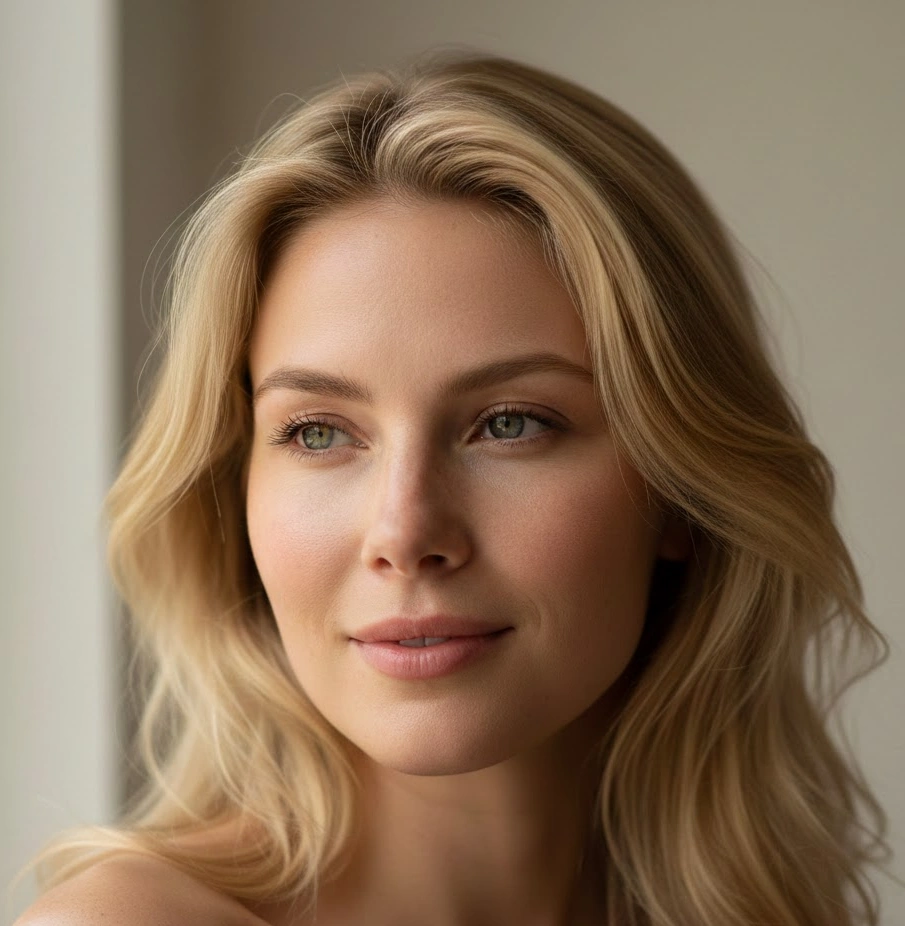
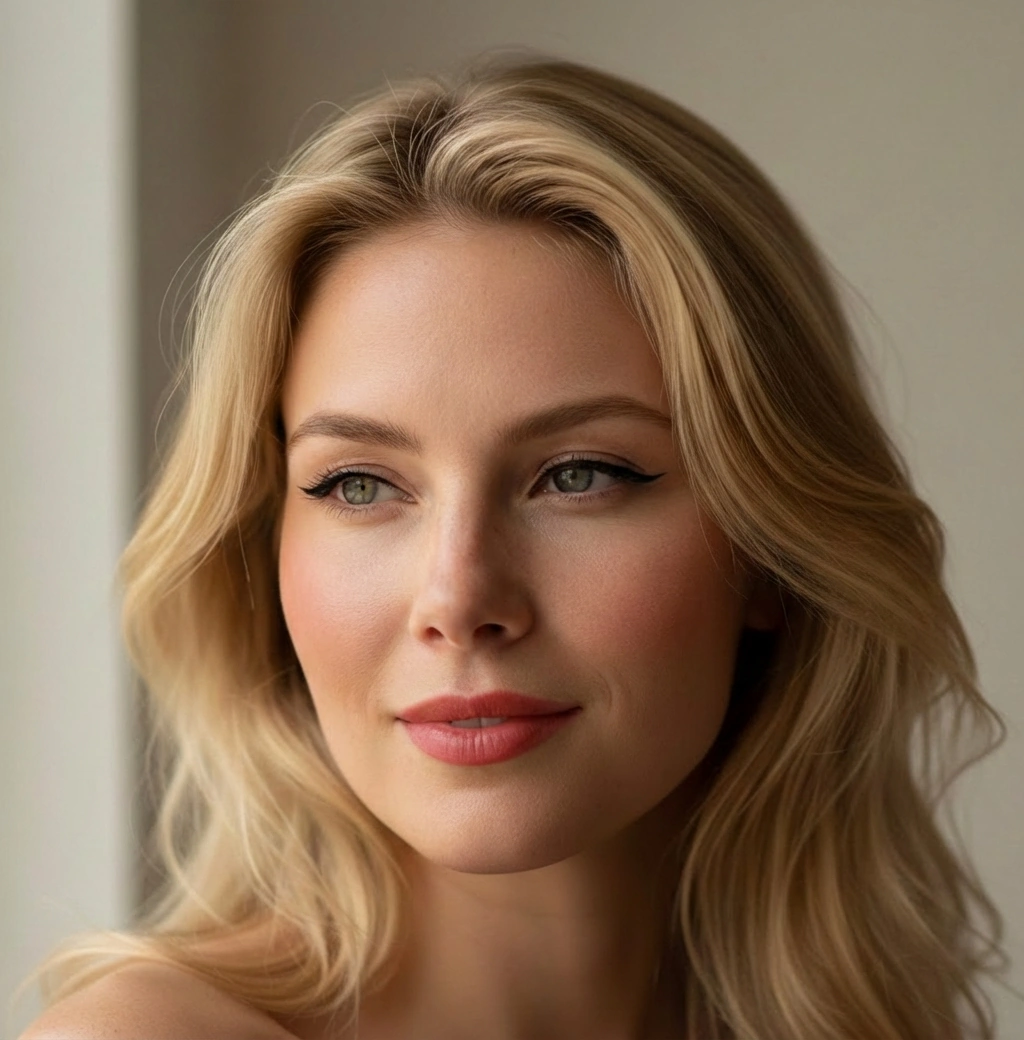
Wondering if a bold lip or soft glam suits you? Curious about winged liner, dewy skin, or a smoky eye? Our AI makeup changer lets you try new shades, styles, and finishes in seconds. Upload your photo, describe the look, and see a natural result, no products required.
Preview lipstick, foundation, eyeshadow and more. Our AI reads your features for realistic placement.
Test undertones, blush tones and lip colours safely before you commit to a purchase.
Cat-eye, graphic liner or subtle tightline, plus natural to full-volume lashes. See what flatters you most.
Describe it or choose a template, then fine-tune skin finish, eyes, lips and cheeks until it’s perfect.
Use NeonSnap to visualise makeup looks for clients, speed up content creation, and align expectations before appointments.
Ava Chen
★★★★★“Shade matching was unreal. I tested three foundations and two blush tones, saved screenshots, and bought exactly what I needed. Perfect undertone on the first try.”
Jordan Blake
★★★★★“I wanted a sharper, professional look but wasn’t sure about liner thickness. Seeing versions on my face helped me pick the exact wing and lash style. No second-guessing.”
Sofia Mendes
★★★★★“Brow preview saved me from going too dark. I switched to a softer arch and added a peach blush after seeing how each option balanced my features.”
Transform your makeup with AI and see lip, eye, brow and skin changes instantly. Upload your photo, describe the look, and preview your style in seconds. Free to try.
The Makeup feature applies professional makeup to your photo while maintaining your exact facial identity. It creates natural blending at all edges with realistic shadows and highlights. You get photorealistic makeup application that respects your natural skin texture and facial contours.
Yes! Our AI is trained to apply makeup with professional techniques that look photorealistic. It creates natural blending, realistic color matching, and preserves your skin texture and pores. The result looks like professionally applied makeup, not a filter.
Best results come from clear photos with good lighting. Our AI is designed to match the lighting of your original photo, ensuring the makeup application looks natural and realistic in your specific lighting conditions.
No accounts, no logins, no forms. Just upload your photo and download your makeup transformation.
Yes, you'll get a few makeup transformations for free to try it out. We'll be adding upgrade options for more transformations soon.
Our AI can apply various professional makeup styles including natural day looks, dramatic evening makeup, and bold artistic styles. You can provide reference images or text descriptions to customize the makeup application to your preferences.
Yes. Makeup applies professional makeup looks to your photo while maintaining photorealism. It preserves your exact facial features and skin texture. Other transformations like Editorial Studio or Glow Up focus on overall photo enhancement rather than targeted makeup application.