 Make yours now
 Enough for 10 ten second videos






Upscale Images with AI
Enhance quality and sharpen details instantly
Got a low-resolution photo that you wish was sharper and clearer?
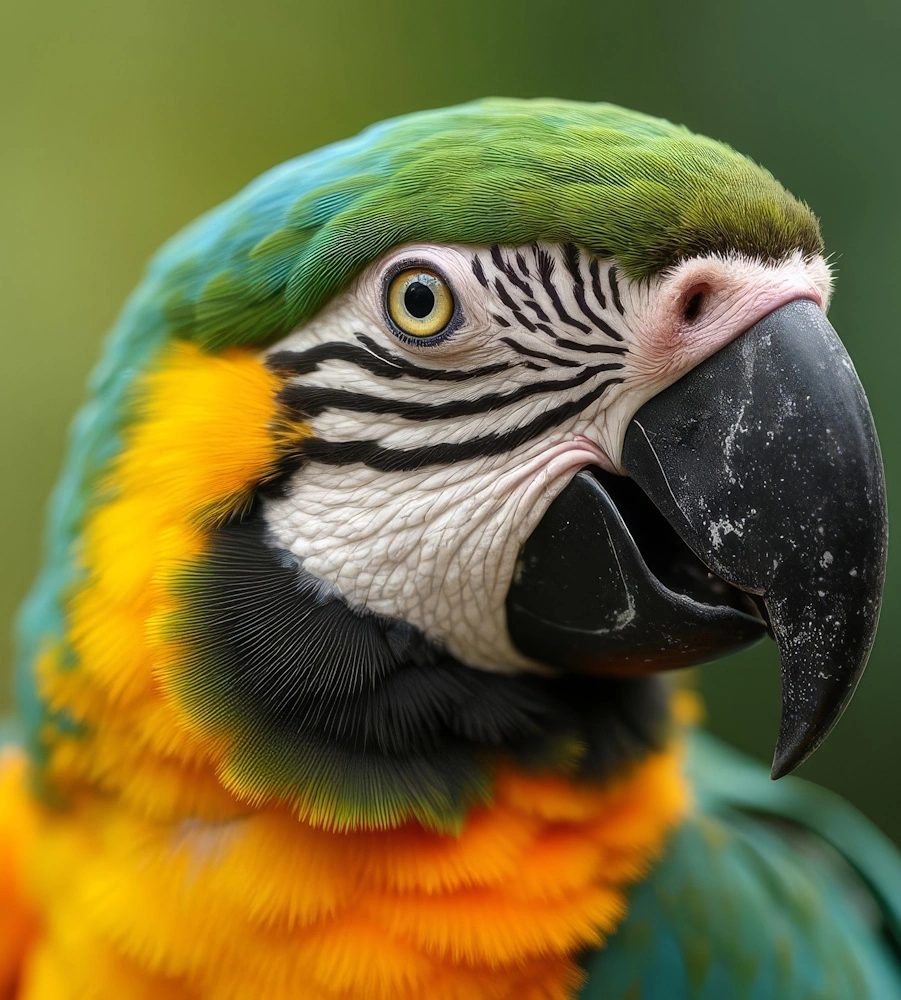
NeonSnap's AI Upscaler raises images to 2K resolution. It rebuilds texture and fine detail instead of stretching pixels, and leaves your composition and colours untouched. Useful for making a small image print-ready, rescuing a compressed download, or sharpening an old scan.
Try Some Of Our Other AI Editing Tools
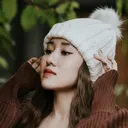
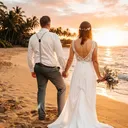

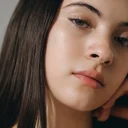
Upscale images to 2K resolution in one click, with your original composition left alone.
NeonSnap's AI Upscaler takes a low-resolution image and rebuilds it at 2K. Textures and fine details are reconstructed rather than stretched, and your composition and colours are untouched. It runs in your browser, needs no account, and takes seconds. If the photo is old or damaged, run it through Photo Restore first, then upscale the repaired version for printing.
 2K resolution enhancement Boost your images to professional 2K quality
 Detail sharpening AI enhances textures and fine details
 Clarity improvement Sharper, clearer images without artifacts
 Preserves composition & colors Original look maintained, just higher quality
Frequently asked questions
What does the AI Upscaler do?
It enlarges images to a higher resolution while rebuilding texture and detail, rather than just stretching pixels. Composition and colours stay exactly as they were; the image simply gets sharper and bigger.
What resolution will my upscaled image be?
Images are upscaled to 2K resolution, which is enough for large prints, presentations and high-quality displays.
Will my upscaled image look pixelated or blurry?
No. The AI adds detail instead of enlarging pixels, so the result is sharper than the original, not a stretched version of it.
Can I upscale any type of image?
Yes. It works on portraits, landscapes, product shots, old family photos and screenshots.
Do I need to create an account?
No accounts, no logins, no forms. Upload your image, let the AI upscale it, and download the result.
Is this free?
Yes. You get a few upscales free to try it out, with upgrade options for more coming soon.
Is this different from your other transformations?
Yes. The Upscaler only increases resolution and sharpness. It doesn't change composition, add effects or alter your subject. If the photo is also damaged or faded, run it through Photo Restore first.