 Make yours now
 Enough for 10 ten second videos





Try styles without the spend
Preview tees, shirts, dresses, suits, jackets and more. The AI maps each garment to your body for realistic drape and fit.



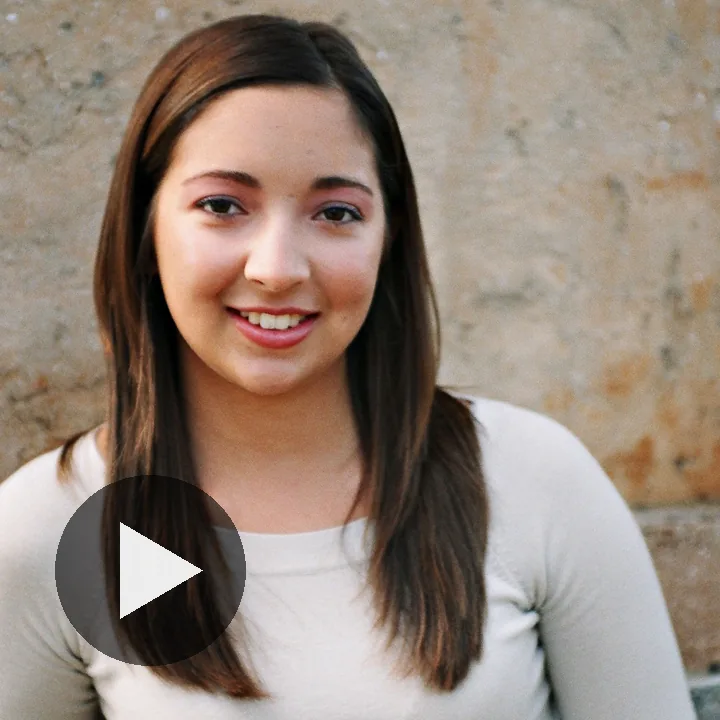




Want to see an outfit on yourself before you spend on it? Upload a photo, then describe the clothes you want or add a reference picture of an outfit you like. The AI redraws the clothing on your body and leaves your face and background exactly as they were.
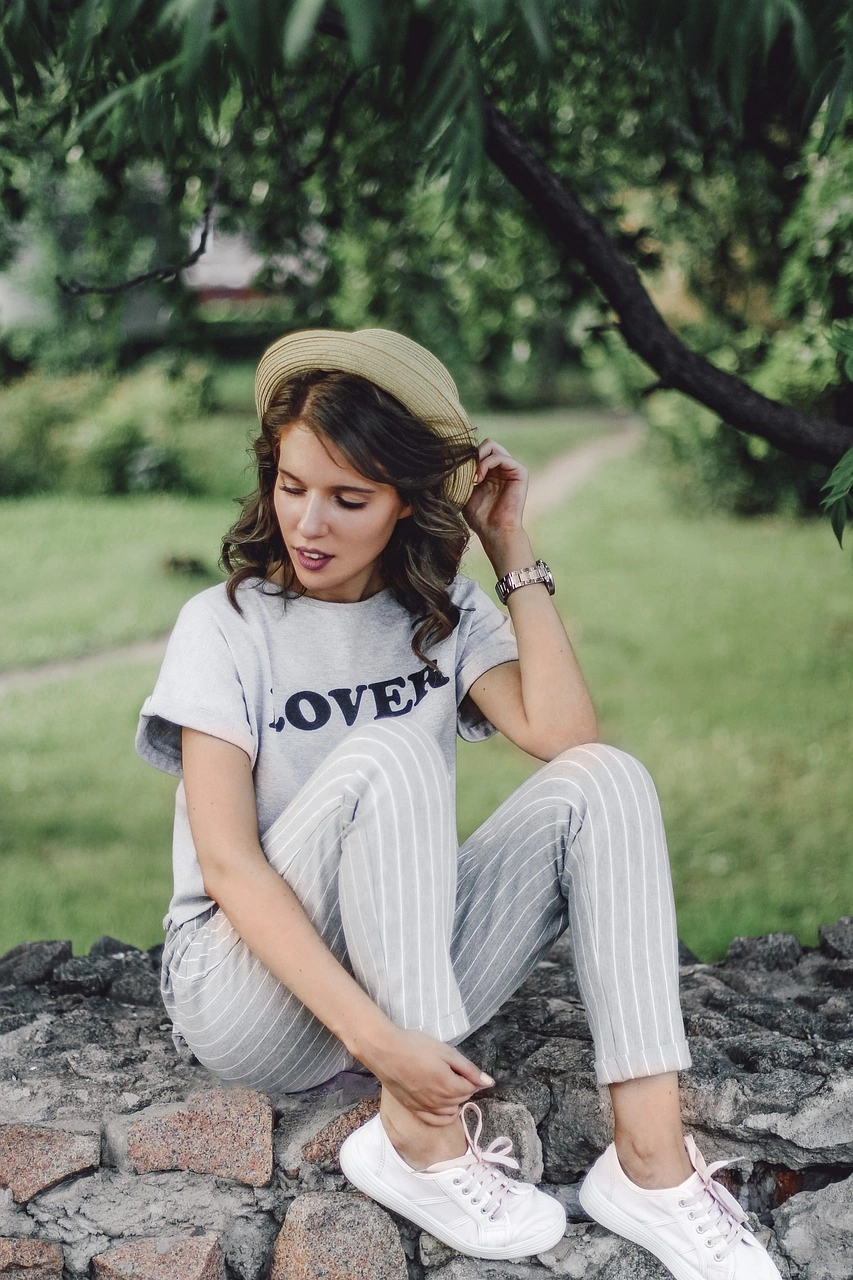
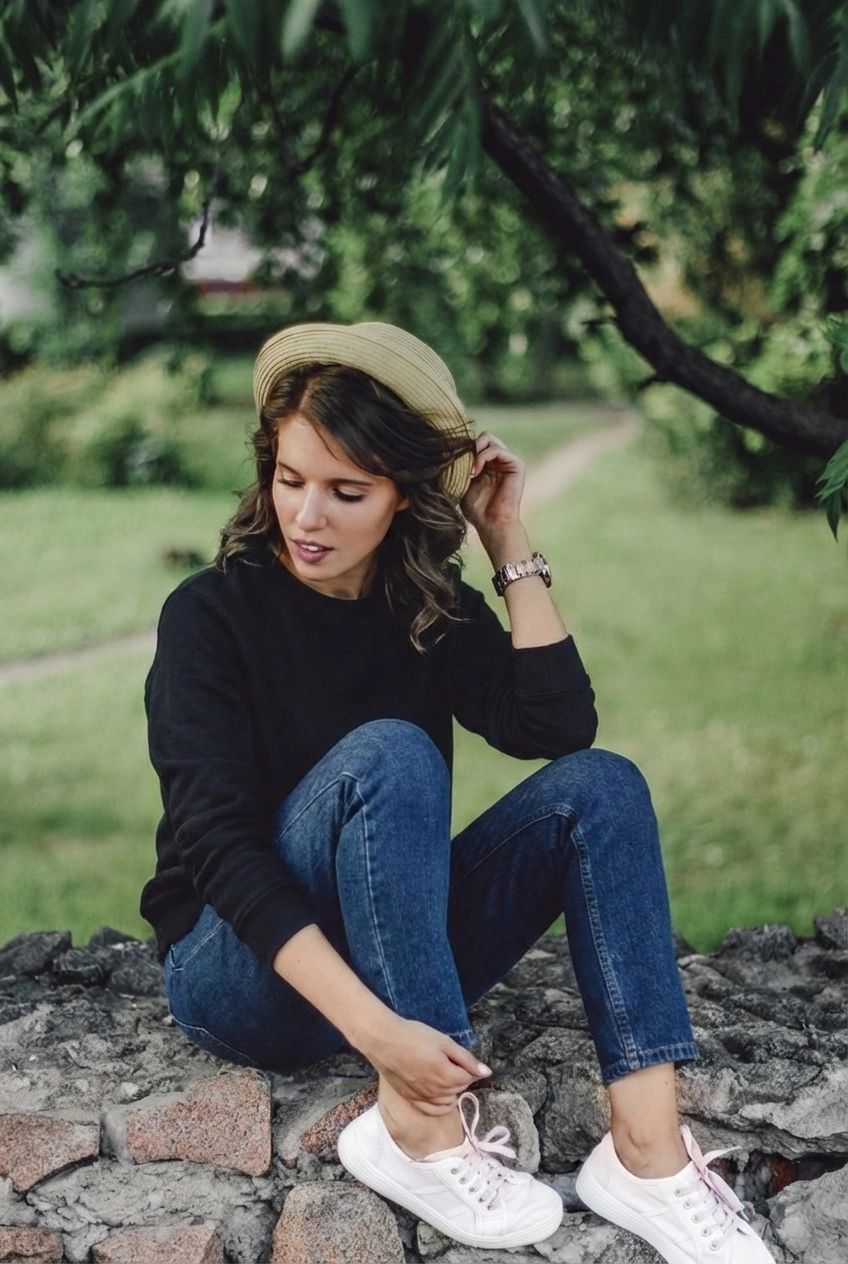
Not sure if a blazer or a bomber suits you? Curious about a colour, a fit, or a dress code? Upload your photo, describe the look, and the AI outfit changer shows you wearing it in seconds, no changing room needed.
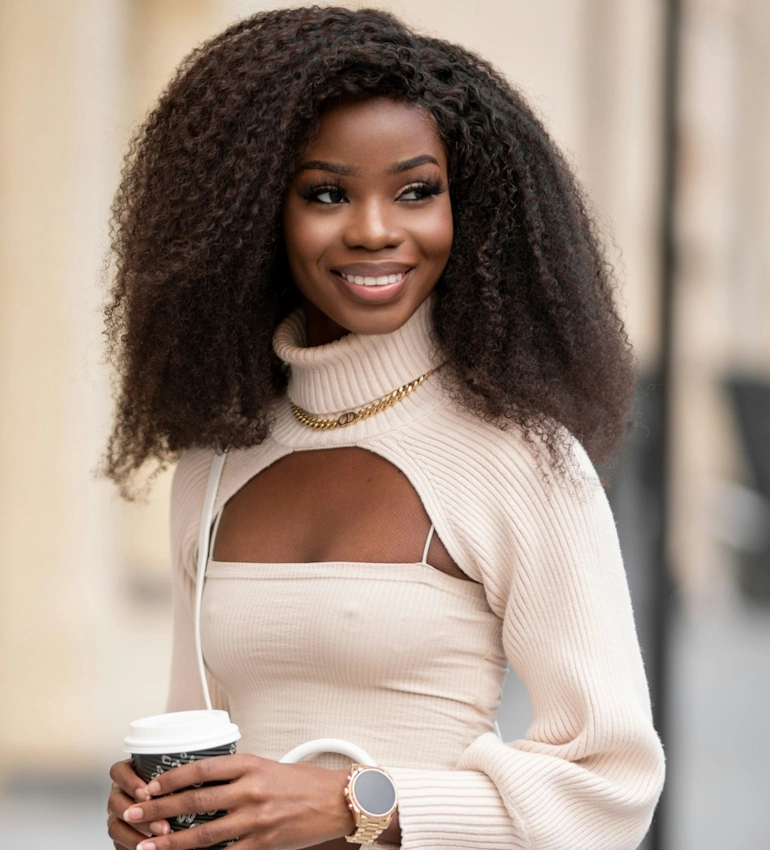
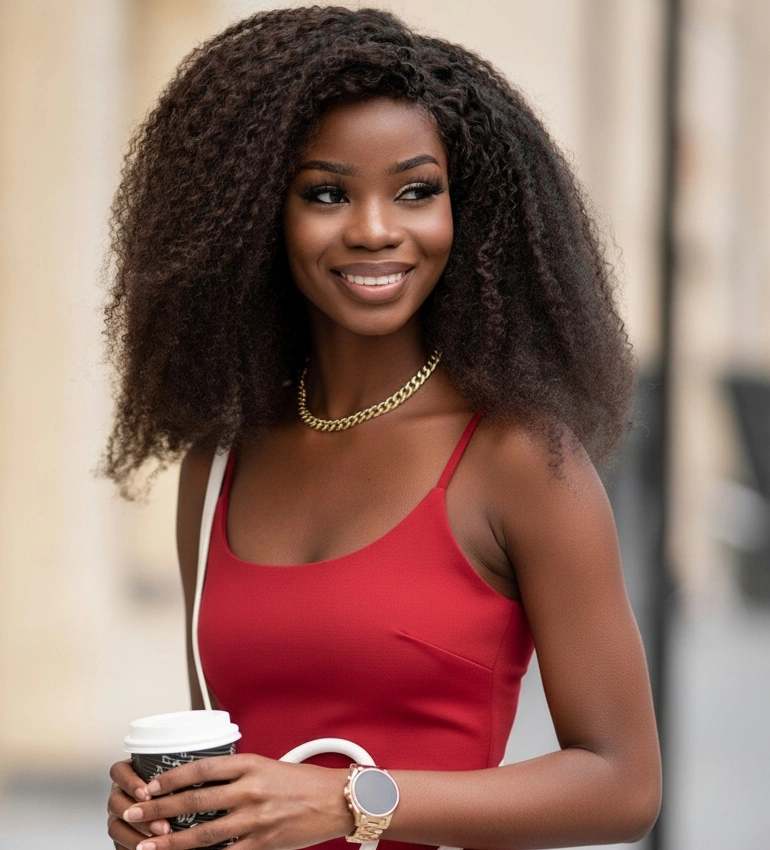
Preview tees, shirts, dresses, suits, jackets and more. The AI maps each garment to your body for realistic drape and fit.
Test neutrals, bold hues, stripes, checks or minimal prints before committing.
Relaxed, regular or tailored; cropped, midi or full length. See what suits your proportions.
Describe it or start from a reference photo, then fine-tune layers, accessories and footwear until it’s right.
Chasing a whole aesthetic rather than one outfit? Start with our guide to finding your aesthetic, then try the old money, clean girl or Y2K looks on your own photo here.
Show a client three options on their own photo before a shopping trip, or settle a wardrobe question before a shoot instead of on set. It’s a faster conversation when everyone is looking at the same picture.
Not getting the result you pictured? The outfit change guide explains how to word a prompt and when a reference photo works better than text.
Run the same suit in slim and regular cuts on your own frame, compare them side by side, and order the one that actually works instead of guessing and returning.
Upload the product photo as a reference and see that exact jacket or dress on your body, in your colouring, before it goes in the basket.
Test jackets, skirts and accessories on the photo you already have, settle on the look, and walk onto set with the decisions made.
Upload your photo, describe the outfit or add a reference, and see it on yourself in seconds. It’s free to try, and if you want to change the setting as well, the background changer does that part.
Upload a photo, then either describe the outfit you want or upload a reference picture of one. The AI reads your pose, body shape and lighting and redraws the clothing on you, leaving your face and background as they were.
Yes. Upload a product photo from the shop as a reference and the AI puts that garment on your own photo, so you can check the colour and cut on your body before you order.
Yes. Texture, shadows and fit are matched to your photo, so the garment drapes the way fabric actually would rather than sitting on top like a sticker.
Yes. Ask for a single swap, such as a navy blazer over your current shirt, and the rest of the outfit stays as it is.
Yes. Describe the complete look, from top to shoes, and the AI styles it together in one pass.
Yes. It works across body types, and with streetwear, smart-casual, business, formal and athleisure looks.
No. NeonSnap runs in your browser with no download, account or form to fill in. Upload your photo and download the result.
Yes. Photos are processed securely and deleted automatically once your outfit change is complete.
Yes. You get a few outfit changes free to try it out, with upgrade options for more coming soon.
Yes. The Outfit Changer only replaces clothing and keeps your face, body and background as they are. If you want to change the setting too, use it together with the Background Changer.