 £2.99 for 10 tokens


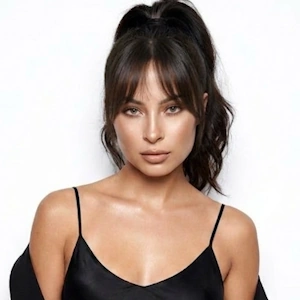
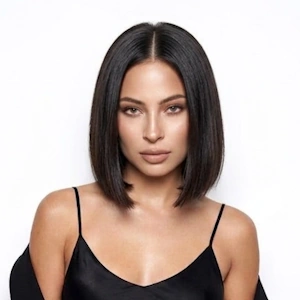
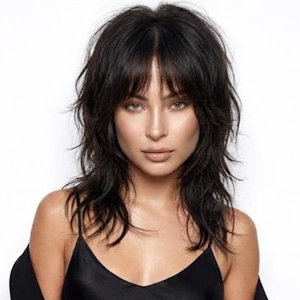
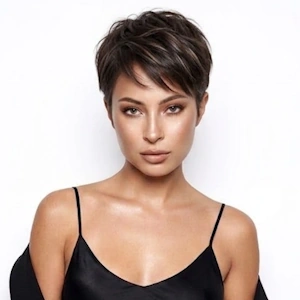
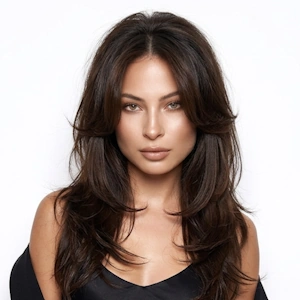
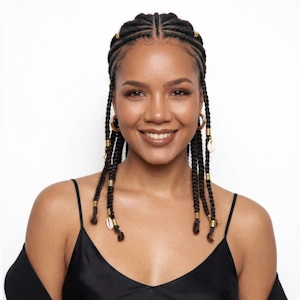
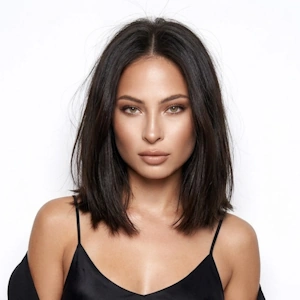
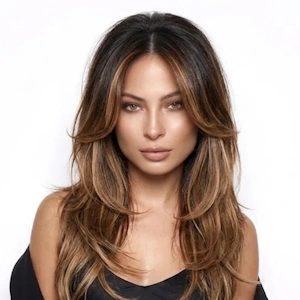
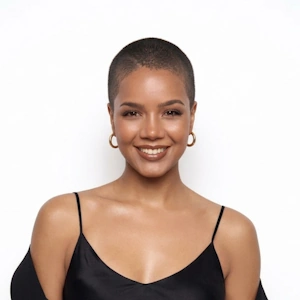
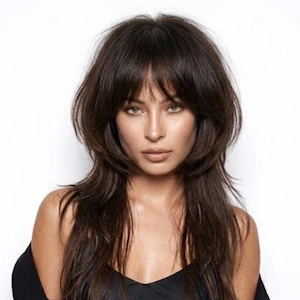
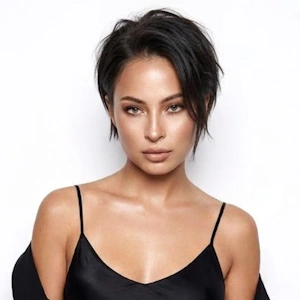
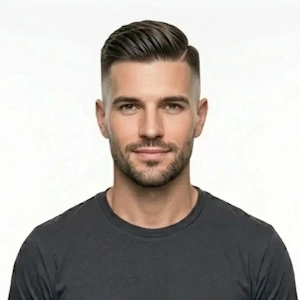
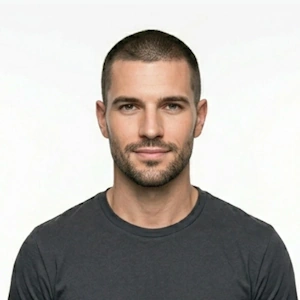
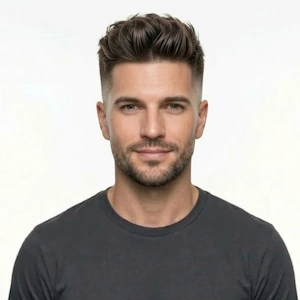
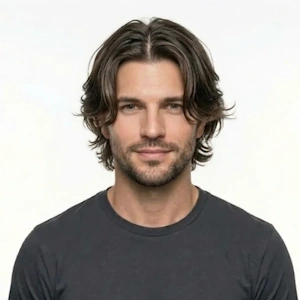

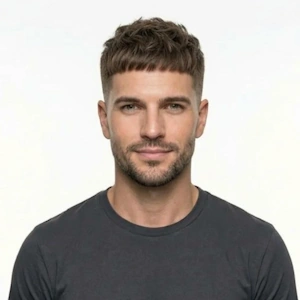
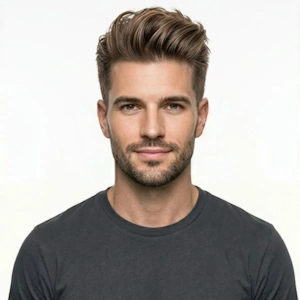
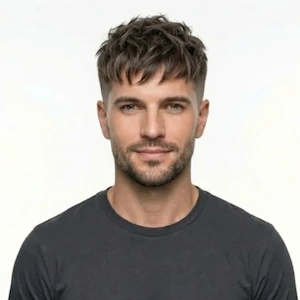
Try styles without the haircut
Preview bobs, lobs, long layers, pixies and more. Our AI detects your face shape for natural results.



Ready for a new look? Upload a photo, describe the hair you want, and watch the AI put it on you in seconds. Test a colour before you commit to the dye, check whether a fringe actually suits your face shape, or find out how short you can go without the regret. Because everything happens on your own photo, what you preview is close to what you'd walk out of the salon with.
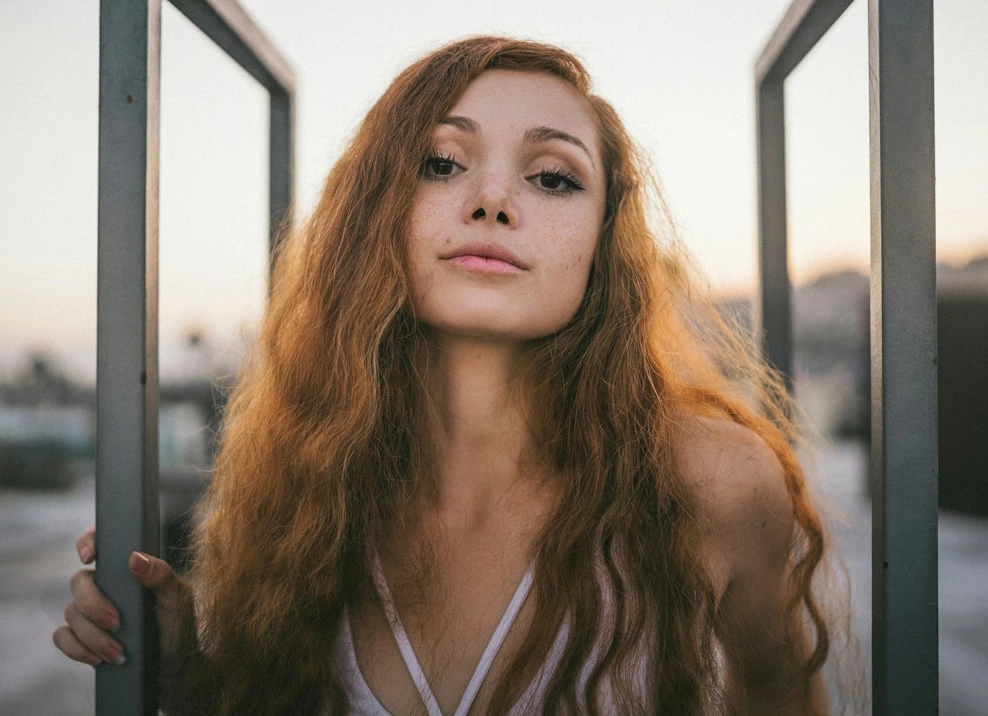
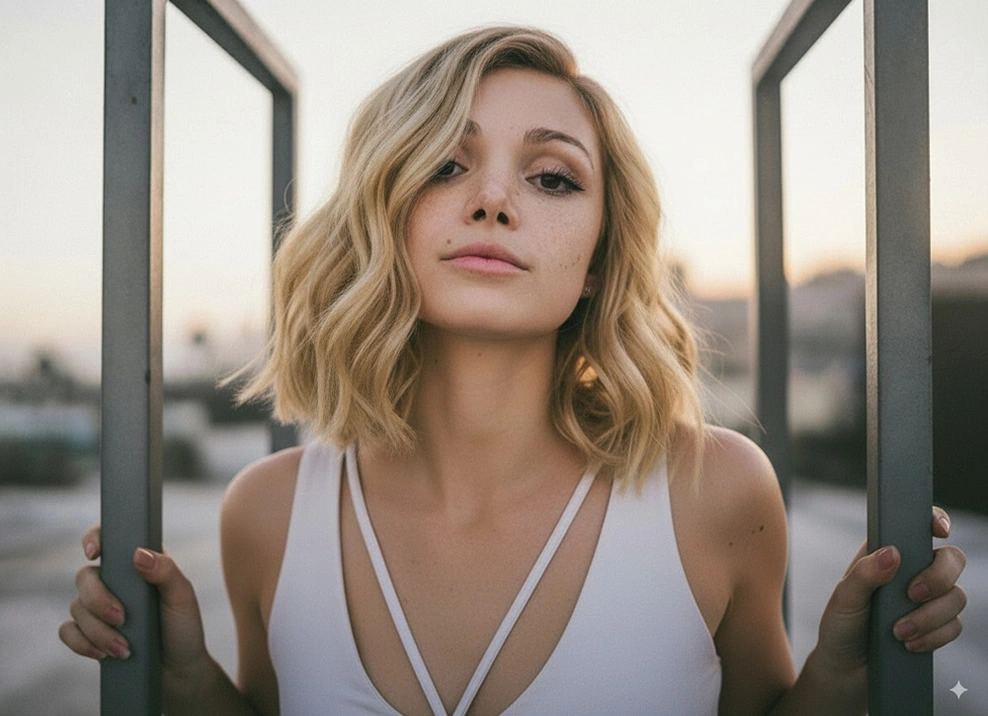
Not sure what to ask for? Each preset below opens a try-on page for that style, from a French bob to a wolf cut, with separate sets for women and men. Pick one and see the cut on your own photo in seconds.
Not sure if blonde suits you? Curious about a short bob or a pastel ombré? Upload your photo, describe the look, and the AI hair changer shows you a natural result in seconds, without booking anything.
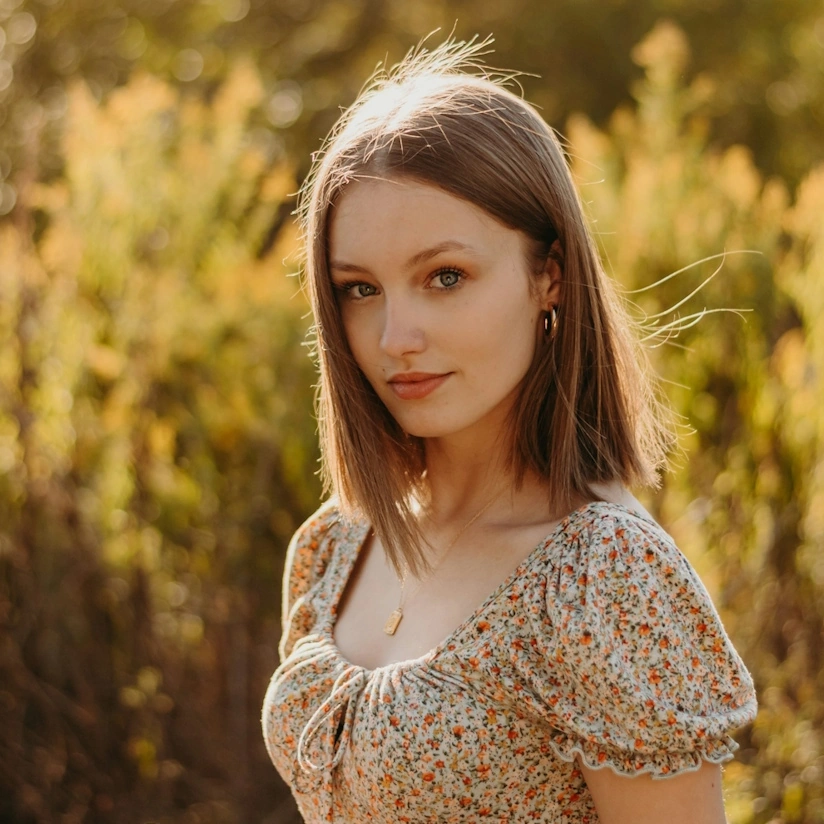
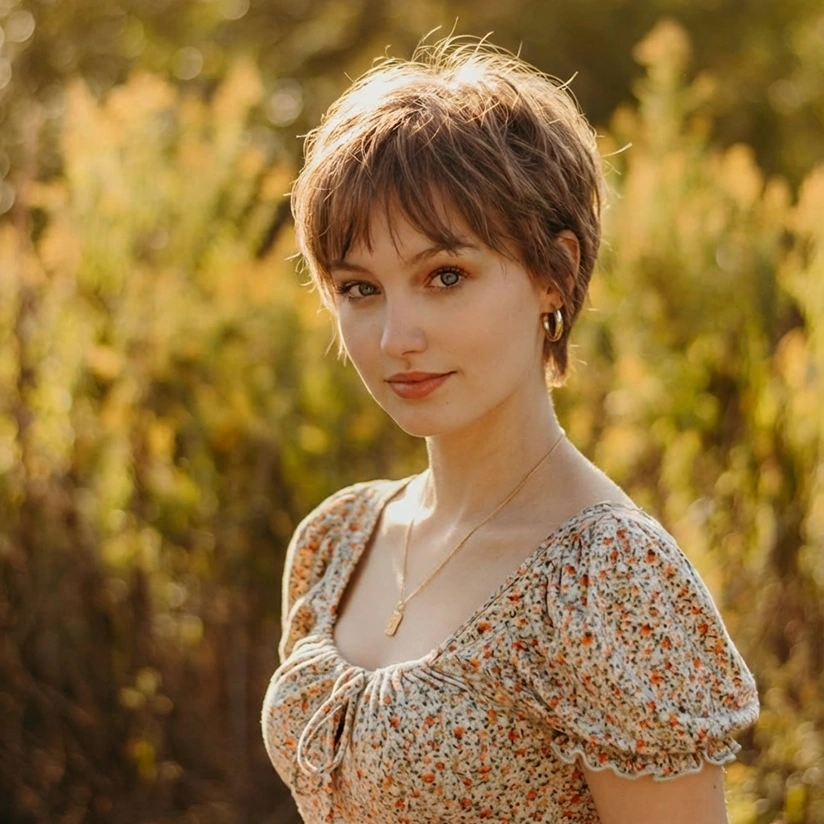
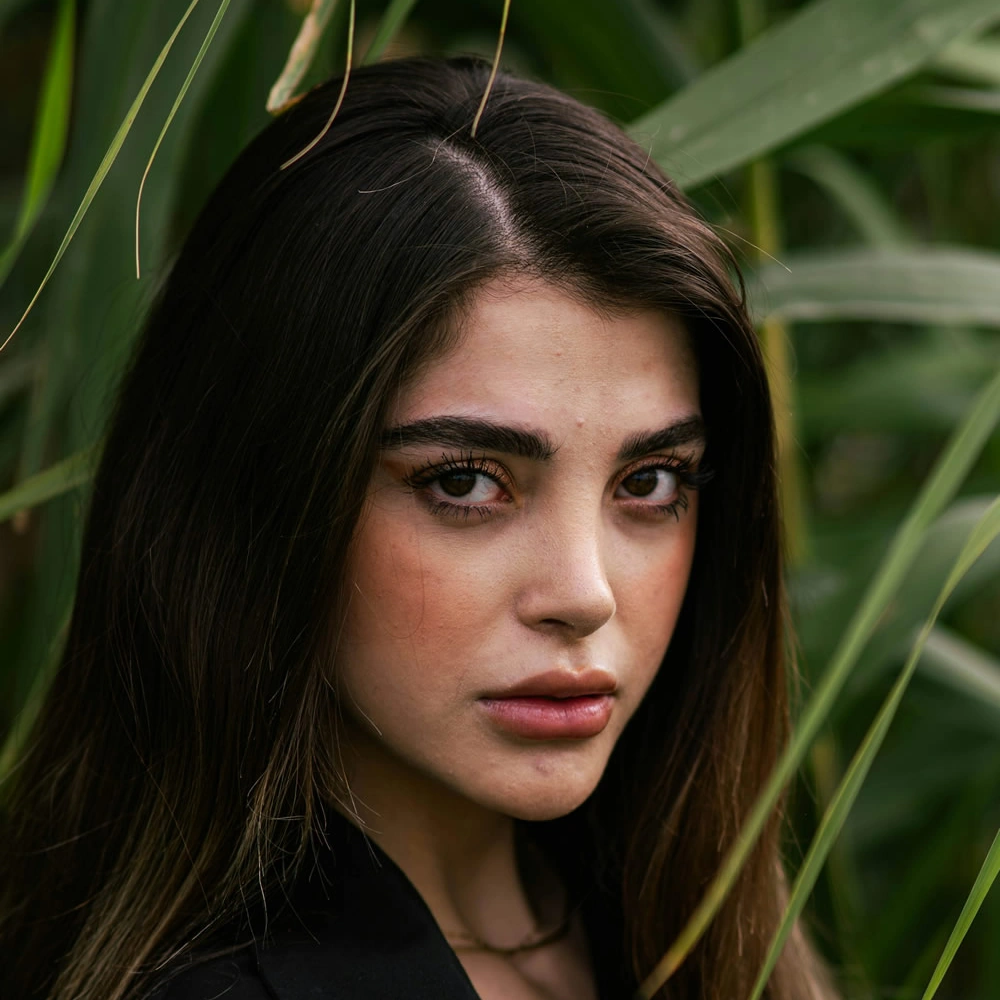
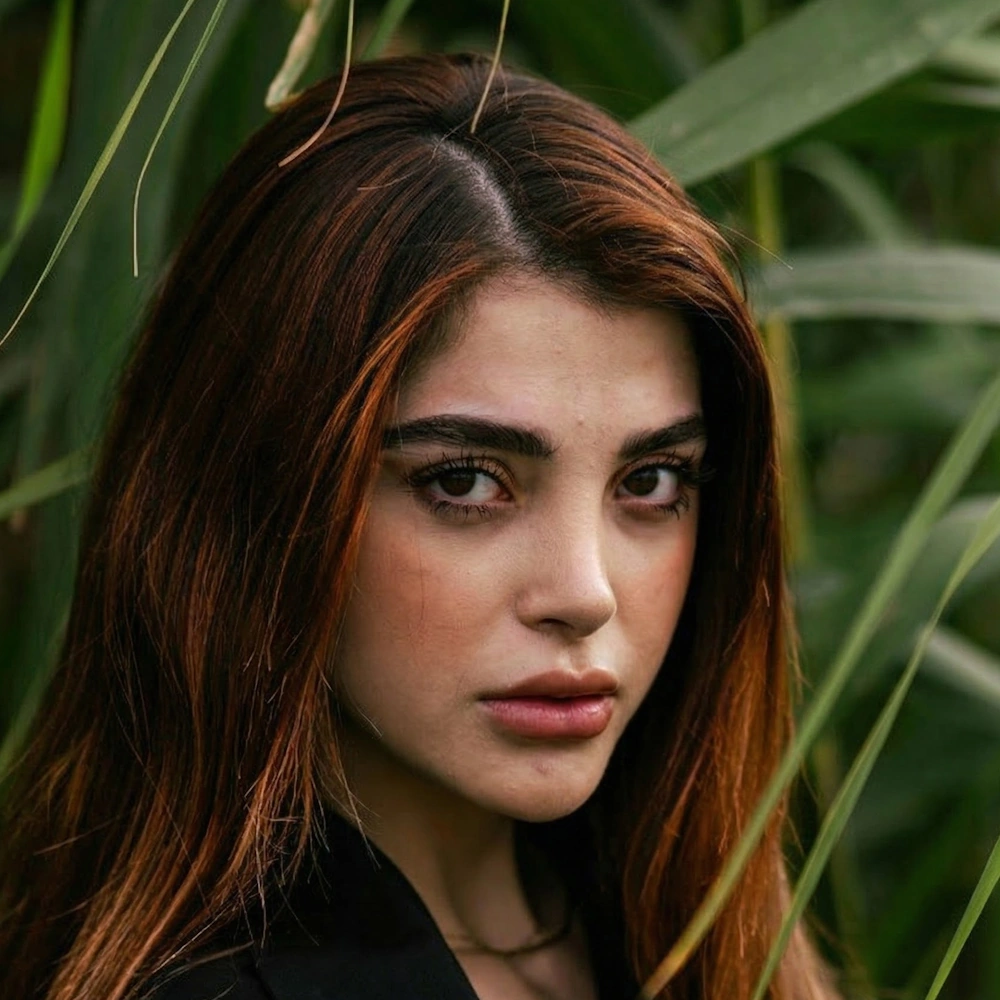
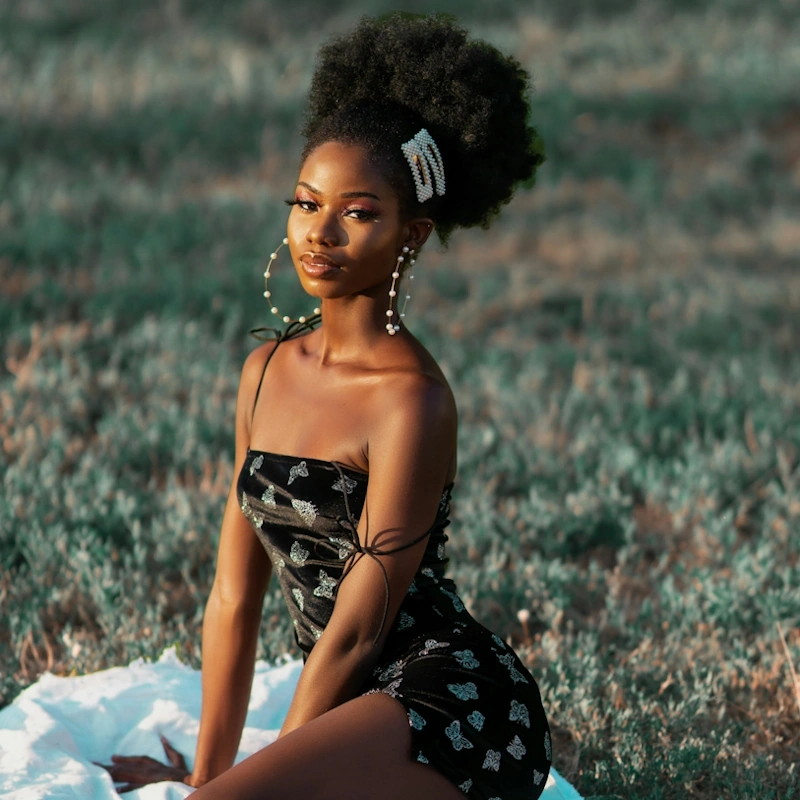
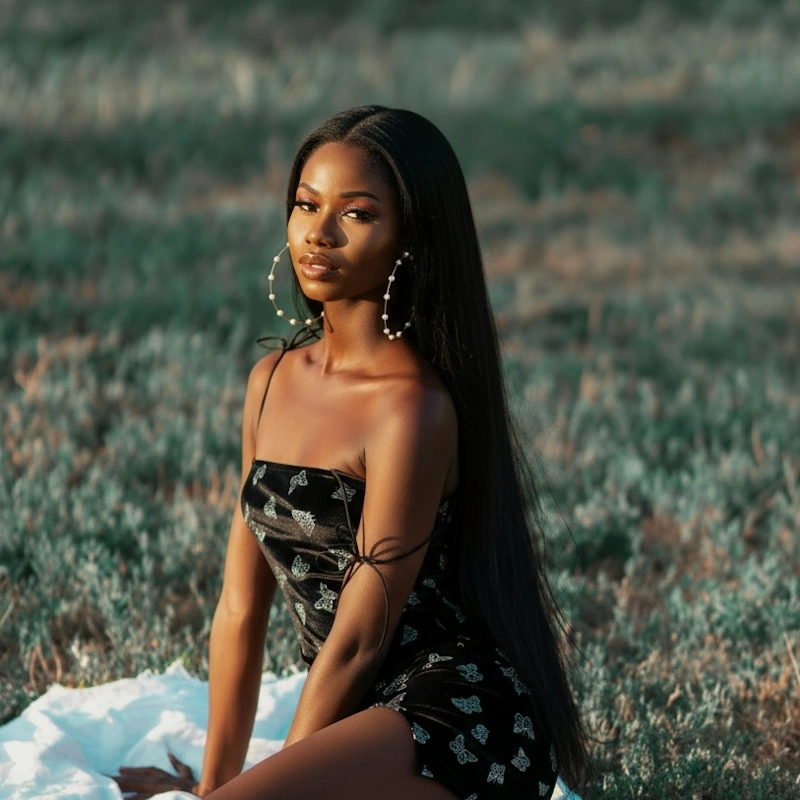
Preview bobs, lobs, long layers, pixies and more. Our AI detects your face shape for natural results.
From soft browns to electric blues, experiment safely before a real dye job.
Curtain, wispy, blunt or micro, see which frames your face best.
Describe it or choose a template, then fine-tune every detail until it’s perfect.
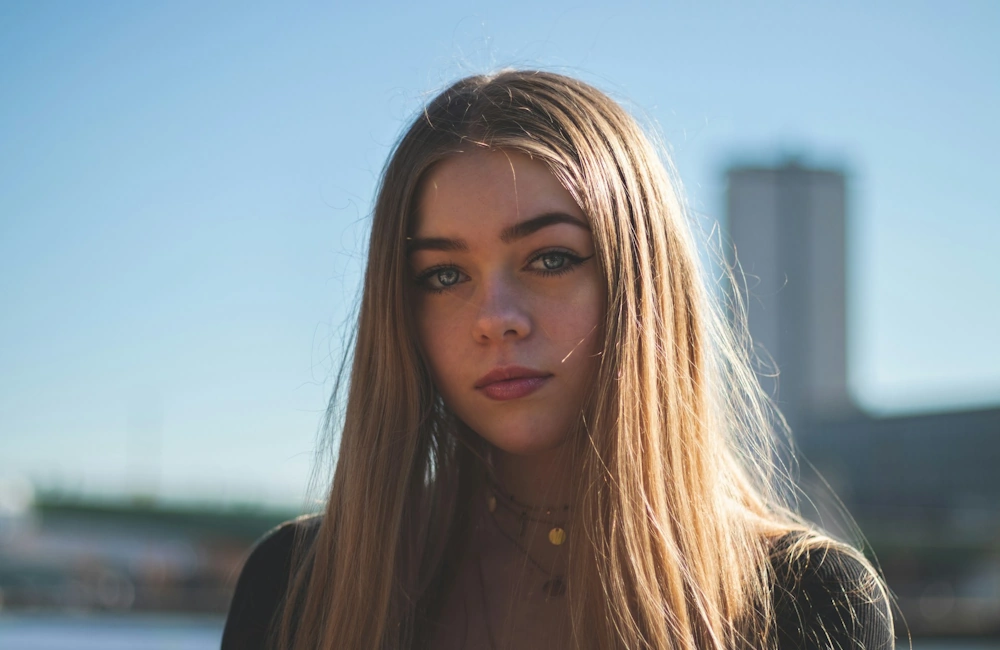
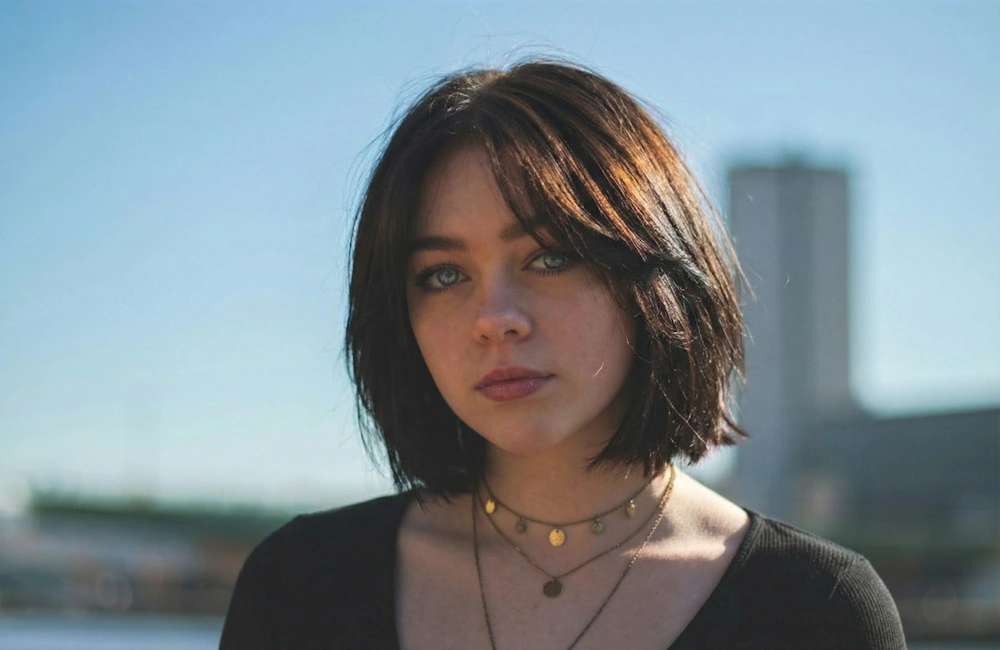
NeonSnap also works as a consultation tool. Show a client three colour options on their own face before you mix anything, preview a big chop before the scissors come out, or put together before-and-after posts for your salon’s social accounts. The conversation is easier when the client has already seen the result on their own photo.
Want more ideas? The hair change prompt guide has ready-made prompts for specific cuts, colours and finishes you can copy straight in.
Preview caramel, auburn and mocha on your own photo, screenshot the one that works, and take it to your stylist so you’re both looking at the same shade.
Run the same cut at three lengths and compare them side by side. Pointing at a photo of yourself beats trying to describe “shorter, but not too short”.
Bangs are the classic regret cut. See curtain, blunt and wispy versions framed on your own face first, then decide whether to go through with it.
Upload a photo, type the hair you want, and see it on yourself in seconds. If the first result isn’t quite right, reword the prompt and try again. It’s free to try, straight from your browser. For a tour of the most-requested looks, start with our AI hairstyle try-on guide.
Upload a photo, describe the hairstyle or colour you want, and the AI redraws your hair while leaving your face untouched. You get a realistic preview in seconds, ready to save or share.
Yes. You can try it free in your browser, with no download and no card details needed.
Yes. Upload a photo and preview blonde, jet black, copper, silver or pastel shades on your own hair, so you know how a colour looks on you before you book the salon.
It mostly comes down to your undertone. Warm undertones tend to suit golden blondes, coppers and rich browns, while cool undertones suit ash blonde, cool brunette and blue-black. The quickest way to check is to preview a shade on your own photo. Our guide to choosing hair colour by skin tone goes deeper.
No. NeonSnap runs entirely in your browser, on desktop or mobile.
Yes. NeonSnap works with all hair lengths, textures and colours.
Yes. The AI keeps accessories like glasses and hats in place while it changes your hair.
Yes. The new hair is matched to your face, lighting and hair texture, so the preview looks like a photo of you after the appointment rather than an obvious edit.
Yes. Upload a reference image and the AI matches your new look to that style. It’s a good way to test a celebrity cut before taking it to your stylist.
Yes. Your images are processed securely and deleted from our servers automatically once your transformation is complete.
Yes. Ask for a new colour and length in the same request and the AI blends them into one natural result.