 £2.99 for 10 tokens


Balances lighting & skin tone
Removes harsh shadows and colour casts for a clean, professional appearance.



Your LinkedIn photo is often the first impression you make and unlike social media, credibility matters more than charisma. Poor lighting, soft focus, or unbalanced colour can quietly undermine how professional you appear, even if the photo "looks fine".
NeonSnap's LinkedIn Headshot transformation is designed to fix that.
Three professional modes: Corporate, Creative, Tech
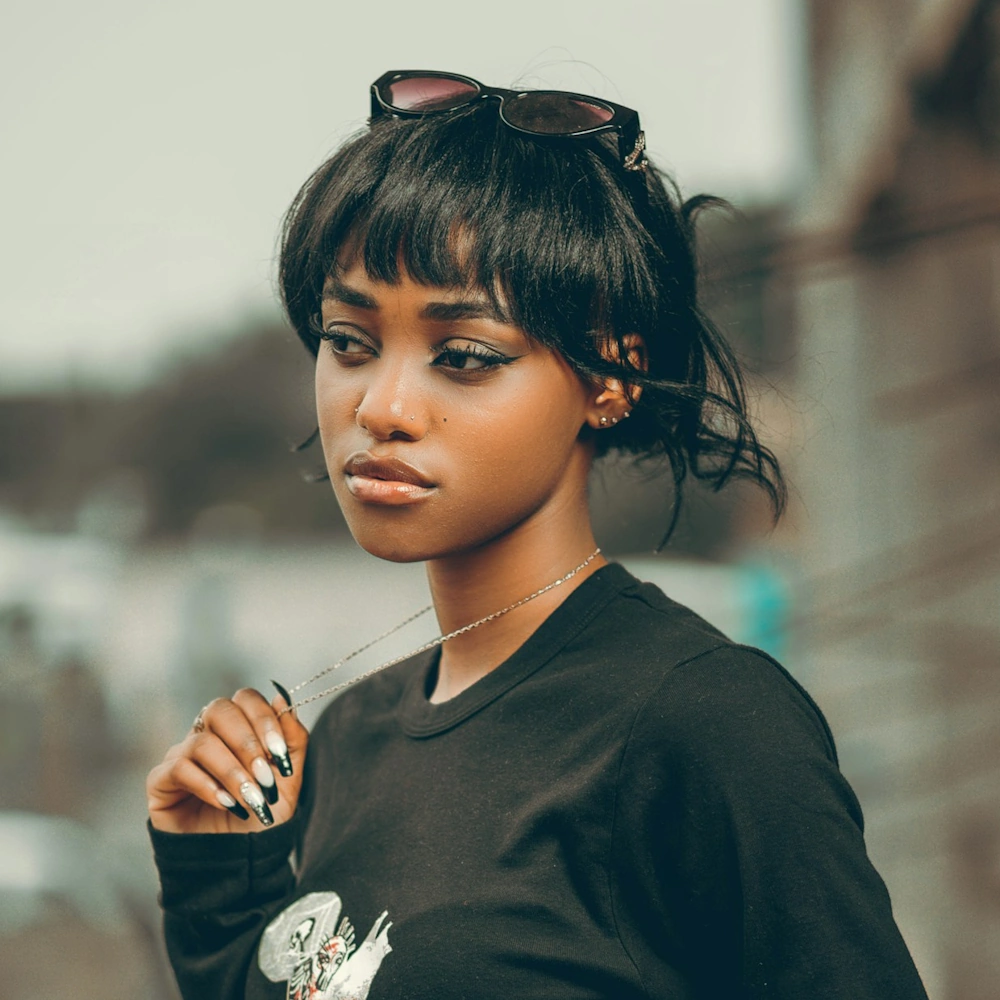
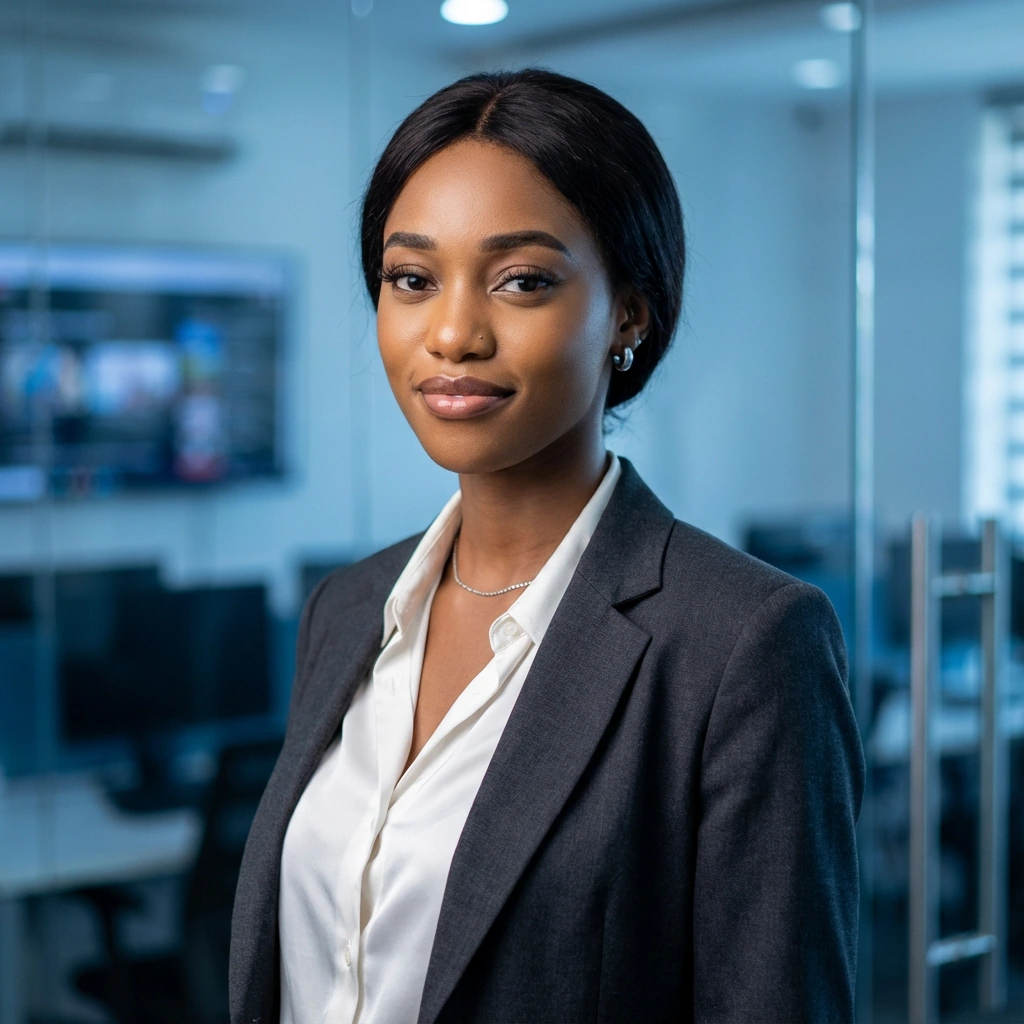
This transformation improves lighting balance, facial clarity, and overall polish while keeping your expression, features, and proportions completely intact. Choose from three professional modes, Corporate, Creative, and Tech. Each one optimized for different industries and roles. The result looks like a well-shot professional headshot, not an edited image, and not a filter. No facial reshaping, no exaggerated features, no stylized effects, just suitable for recruiters and employers.
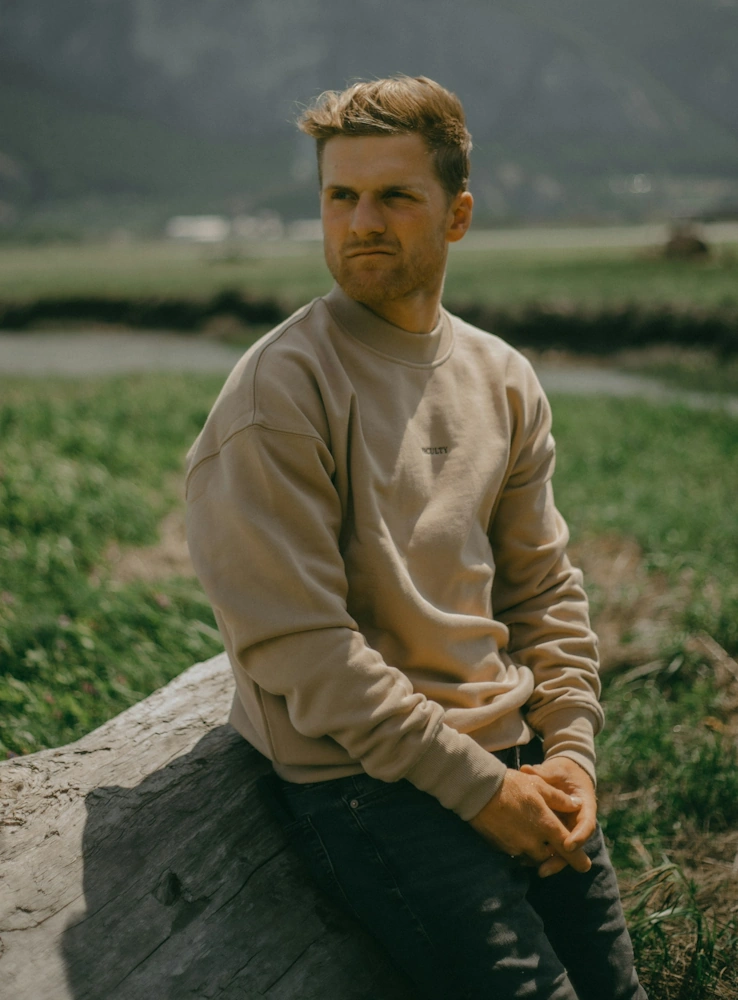
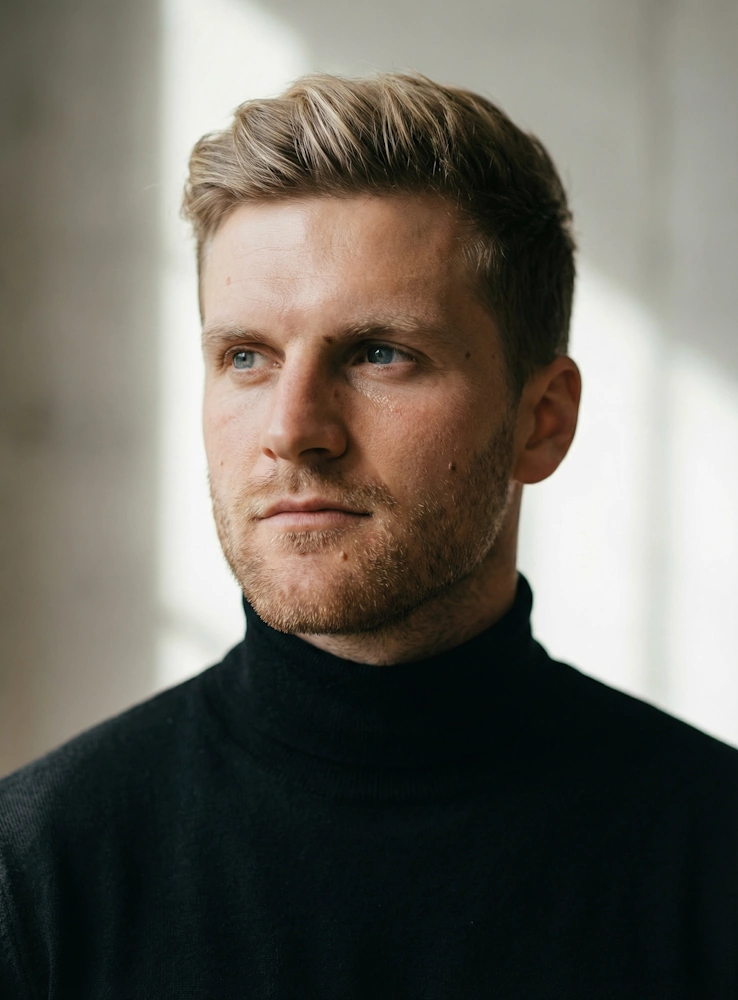
Removes harsh shadows and colour casts for a clean, professional appearance.
Crisp and clear results without looking retouched or over-edited.
Recognisable and realistic, you'll look exactly like yourself.
Confident, not posed, perfect for business contexts.
NeonSnap's LinkedIn Headshot offers three distinct professional modes, each optimized for different industries while maintaining natural, credible results:
NeonSnap's LinkedIn Headshot transformation helps professionals, job seekers, and business owners create credible headshots instantly. With three industry-optimized modes, Corporate, Creative, and Tech. You can match the perfect aesthetic to your field and role. The AI improves lighting, clarity, and polish without changing your appearance, delivering natural, professional results suitable for recruiters, employers, and clients. No expensive photo shoots, no awkward posing, just clean, credible headshots from your existing photos.
David Thompson
★★★★★"Exactly what I needed for my LinkedIn profile. The lighting looks professional but I still look like myself. No awkward studio photos required."
Rachel Kim
★★★★★"I was job hunting and needed a professional headshot fast. The Corporate mode gave me exactly the credible, polished look I needed for applications."
Michael Brown
★★★★★"As a creative director, I needed something professional but not too stiff. The Creative mode hit the perfect balance for my industry."
Transform your photos into professional LinkedIn headshots with AI. Upload your photo and experience improved lighting, clarity, and polish, all while staying completely recognizable. Choose from Corporate, Creative, or Tech modes to match your industry. It's fast, natural-looking, and completely free to try.
No. This transformation is intentionally conservative. The goal is to improve photo quality, not change how you look.
Yes. The LinkedIn Headshot mode is designed specifically to meet professional expectations.
Yes. As long as your face is clear and visible, NeonSnap can improve lighting and polish even if the original photo wasn't taken professionally.
Studio photos require time, money, and setup. NeonSnap offers a fast, private alternative that produces a clean, professional result from an existing image.
Corporate mode works best for traditional business sectors like finance, law, and consulting. Creative mode suits marketing, design, and media professionals. Tech mode is ideal for technology, startups, and digital roles. Choose the mode that aligns with your industry's professional norms.
No, but a clean, uncluttered background helps. The AI can work with various backgrounds, though simpler backgrounds tend to produce the most professional results.
Transformations typically complete in seconds. Simply upload your photo, select your professional mode, and your enhanced headshot will be ready to download immediately.
Yes. Your photos are processed securely and automatically deleted from our servers after transformation. We never store, share, or reuse your images.
Absolutely. You can transform the same photo using different modes to see which professional style works best for your profile and industry.
Business casual or professional attire works best. The AI enhances lighting and clarity but doesn't change your clothing, so wear something appropriate for your industry.
Yes. While professional photos work best, NeonSnap can transform well-lit selfies into polished headshots. Just ensure your face is clearly visible and the lighting is reasonably good.
Yes. While optimized for LinkedIn, these professional headshots work perfectly for company websites, business cards, email signatures, conference profiles, and any professional context.