

When it comes to AI hair transformations, the difference between mediocre and stunning results often comes down to one thing: your prompt. A vague prompt like "change my hair" might give you something, but it won't be predictable, realistic, or exactly what you envisioned. A well-crafted prompt, on the other hand, gives you control, precision, and professional-quality results.
How To Write an AI Hair Change Prompt
Master AI Hair Transformations
In this guide, we'll strip away the guesswork and show you precisely what makes a great hair change prompt on NeonSnap. You'll see real examples comparing poor versus excellent prompts, learn the specific elements that drive realistic results, and discover pro tips for advanced transformations.
lightbulb A good prompt is like a detailed instruction to a professional hairstylist. The more specific you are about style, color, texture, and length, the better your final image will look.
1. Understanding Hair Change Prompt Basics
Before we dive into examples, let's establish the foundation. Every effective hair change prompt should include a mix of core elements and enhancement details:
Core Elements:
- Length: Short, medium, long, shoulder-length, waist-length
- Style/Cut: Bob, layers, shag, pixie, blunt cut, curtain bangs
- Texture: Straight, wavy, curly, coily, sleek, tousled
- Color: Natural brown, platinum blonde, auburn, balayage, highlights
- Finish: Natural shine, matte, glossy, dimensional
Enhancement Elements:
- Lighting: Match or specify lighting direction and warmth (e.g., "warm sunlight")
- Detail level: Instructions like "tidy edges," "natural flyaways," or "soft parting"
- Style quality: Words like "salon-styled," "natural," or "polished"
2. Essential Elements of a Great Hair Prompt
Length & Style Specificity
Being specific about length and style prevents ambiguous results. Compare these two approaches:
- close Vague: "Make my hair shorter"
- check_small Specific: "Make my hair a medium-length bob with soft layers, ending just below the chin"
Color & Tone Precision
Hair color has countless variations. Generic terms produce generic results, while precise color definitions ensure the exact shade you want:
- close Generic: "Give me brown hair"
- check_small Precise: "Change my hair to natural chestnut brown with warm undertones and subtle caramel highlights"
Texture & Movement
Texture dramatically affects the realism, shape, and style of the generated hair:
- close Missing: "Change my hair color to blonde"
- check_small Described: "Make my hair platinum blonde with soft waves, natural volume, and gentle movement"
3. Real Examples: Poor vs. Excellent Prompts
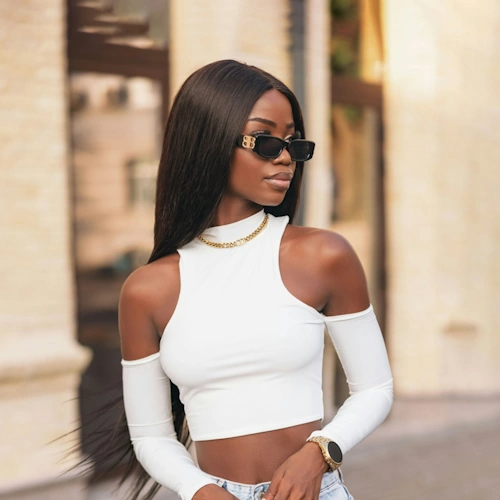
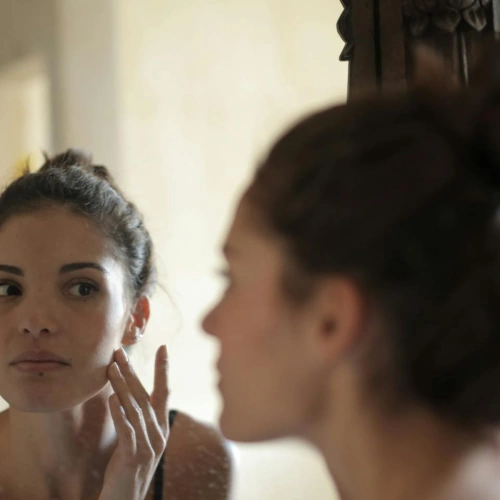
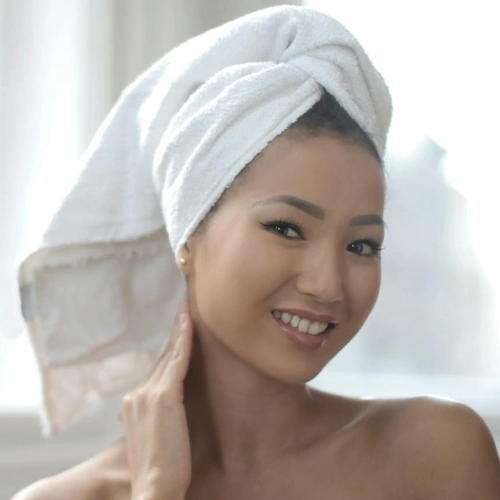
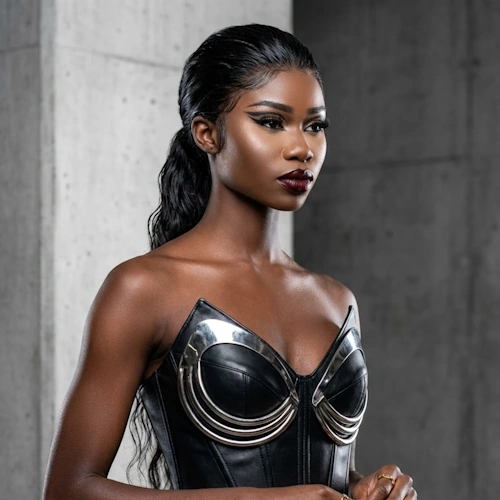
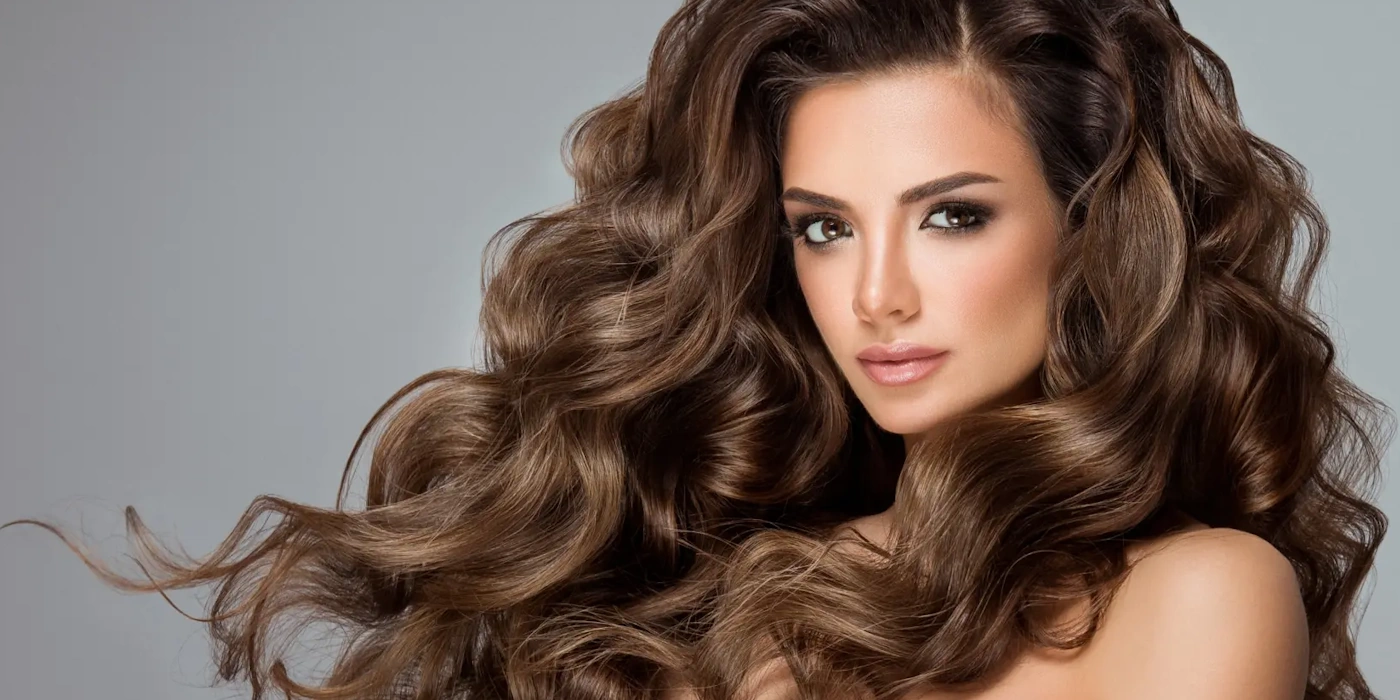
Now let's see how different prompts produce dramatically different results. All examples are based on the same photo shown above.
Example 1: The Vague Prompt
Poor Prompt: "Change my hair"
Why it fails: No style direction given, no color specification, and no length mentioned. This leads to random, unpredictable, and often unrealistic results.
Excellent Prompt: "Make my hair a medium-length bob with soft layers, ending at chin level. Natural chestnut brown with subtle shine. Straight texture with gentle volume. Warm lighting."
Why it works: Clear style and length, specific color and texture, includes lighting direction, resulting in a professional, salon-quality finish.
Example 2: Generic Style Description
Poor Prompt: "Make my hair blonde and wavy"
Why it fails: No length specified, "blonde" encompasses dozens of shades, "wavy" doesn't describe the wave pattern, and no lighting or finish is mentioned.
Excellent Prompt: "Give me long, platinum blonde hair with cool undertones and subtle dimension. Soft, loose waves with natural movement and volume. Glossy finish with light reflecting from above. Tidy, salon-styled appearance."
Why it works: Specific blonde shade (platinum, cool), clear wave description (soft, loose), finish specified (glossy), and professional quality implied.
Example 3: Short Hair Requires Extra Detail
Poor Prompt: "Short pixie cut"
Why it falls short: Pixie cuts have many variations. The prompt provides no texture, styling, color, or finish information.
Excellent Prompt: "Give me a textured pixie cut with longer side-swept bangs and tapered sides. Natural honey blonde with subtle highlights. Piece-y, tousled texture with soft volume on top. Matte finish with natural movement. Soft, even lighting."
Why it excels: Specific cut details (side-swept, tapered), defined texture (piece-y, tousled), accurate styling clarity, and detailed color provided.
4. Advanced Prompt Techniques
Using Reference Photos
When you want to match a specific hairstyle exactly, combine a reference photo with a detailed prompt:
"Match my hair to the reference photo: medium bob with curtain bangs and soft layers. Keep natural brown color with warm undertones. Maintain the same volume and texture as shown. Warm, natural lighting."
Addressing Common Issues
Add these specific phrases to your prompt to fix common AI generation problems:
- For blurry edges: Add "Tidy, clean edges around face and neck"
- For color bleed: Add "Clear hairline with no color spill onto skin"
- For unnatural shine: Add "Natural shine, not too glossy"
- For stiff appearance: Add "Natural movement and softness"
5. Refine and Iterate for Perfection
Even with a stellar prompt, small tweaks can take your generated result from good to exceptional. Here are some quick fixes for your iterations:
- Issue: Looks too dark. Fix: "Increase warmth and add subtle caramel highlights"
- Issue: Too much volume. Fix: "Reduce crown volume, keep natural and sleek"
- Issue: Edges too sharp. Fix: "Soften edges with natural flyaways near temples"
- Issue: Color too vibrant. Fix: "Reduce saturation for a natural, subtle tone"
Start Creating Expert Hair Transformations
The difference between an average hair change and a stunning, photorealistic result comes down completely to your prompt. Specificity wins every time. Don't forget that iterating in small steps and utilizing reference images will get you closest to your desired aesthetic.
Frequently Asked Questions
What makes a good AI hair change prompt?
A good prompt covers four key elements: length and cut (e.g. chin-length bob with soft layers), colour and tone (e.g. chestnut brown with caramel highlights), texture and movement (e.g. soft waves with natural volume), and finish (e.g. glossy, natural, or matte). The more specific you are across these areas, the more predictable and realistic your result will be.
Why does my AI hair change look unrealistic?
Unrealistic results are almost always caused by vague prompts. Missing information about texture, colour tone, or lighting forces the AI to guess, which leads to inconsistent or unnatural output. Try adding phrases like “natural shine, not too glossy”, “tidy clean edges around face and neck”, and “natural movement and softness” to improve realism.
Can I use a reference photo for hair changes on NeonSnap?
Yes. Combining a reference photo with a detailed prompt gives you the most accurate results. Describe the key elements you want to match from the reference — cut shape, wave pattern, colour — and NeonSnap will use both the image and your prompt to guide the transformation.
How do I fix a hair change result that is too dark or too light?
Iterate with a targeted adjustment in your next prompt. For results that are too dark, add phrases like “increase warmth and add subtle caramel highlights”. For results that are too light, try “deepen the base tone with cool ash undertones”. Small, specific corrections in each iteration get you to the result faster than starting over.
What hairstyles can I change with NeonSnap?
NeonSnap supports a wide range of hair transformations including length changes, cuts and styles (bobs, pixie cuts, layers, bangs), colour changes (natural shades, balayage, highlights, vivid colours), and texture changes (straight, wavy, curly). You can preview any style before committing to it in real life.
Ready to transform your hair style?
Head over and try our AI hair change.
Try NeonSnap Hair Change →