 £2.99 for 10 tokens



See yourself in another decade
The AI decade filter that drops you into any era from the 1950s to Y2K: the hair, the clothes, and the photo style of the time. Free to try, results in 30 seconds.
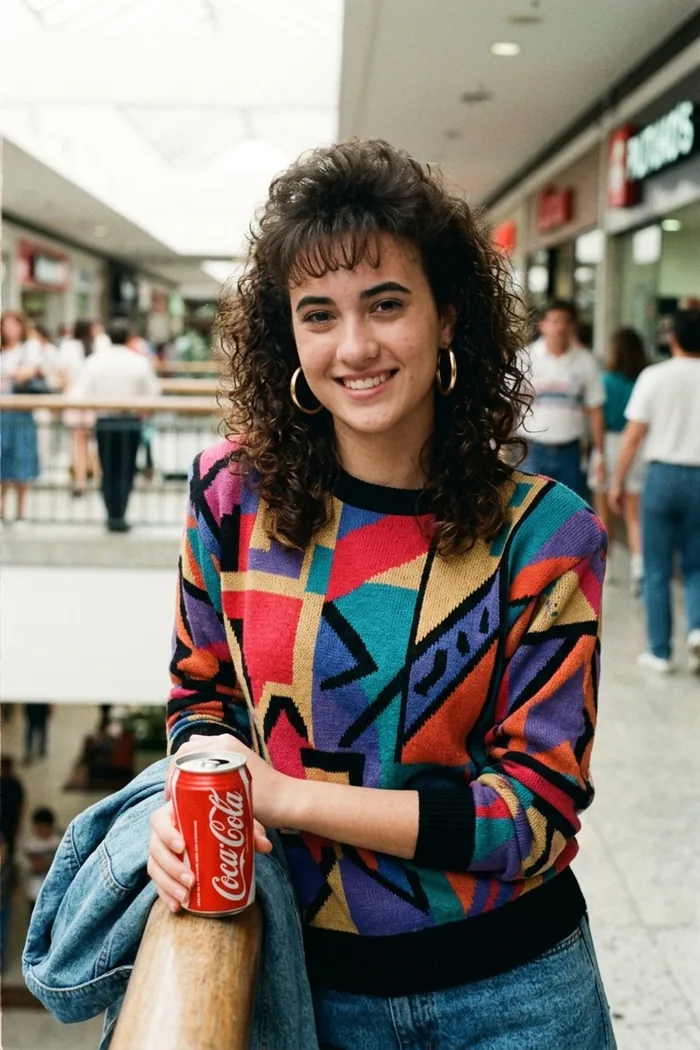
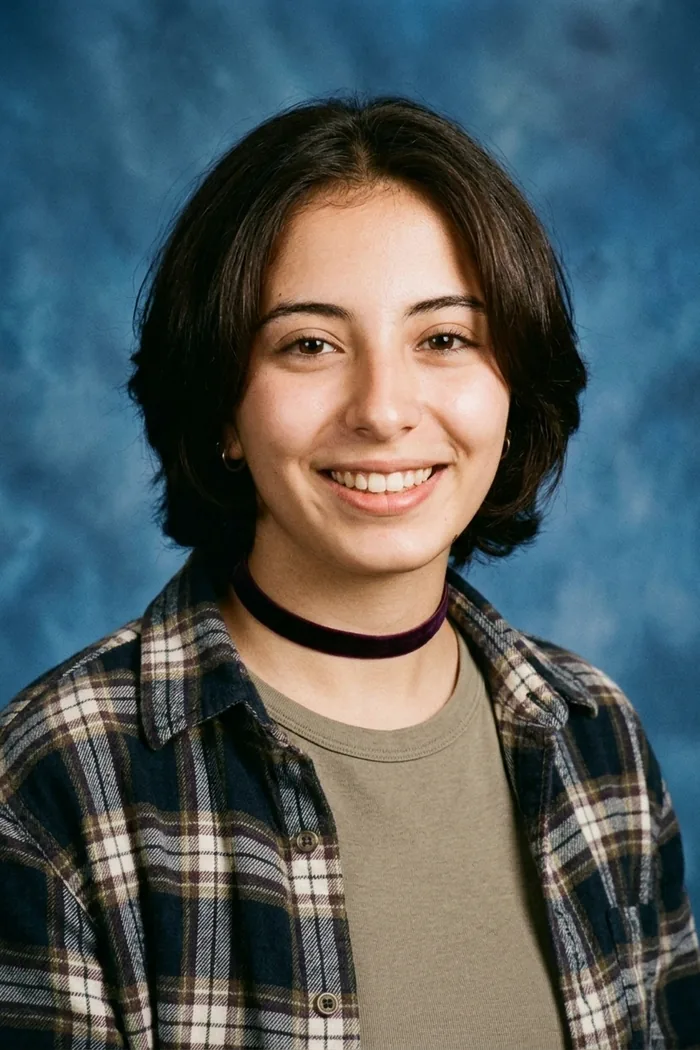
Which decade were you made for? The mall glamour shot with impossible hair, the 90s yearbook photo you never had, the Y2K flash snap that belongs on a fridge somewhere?
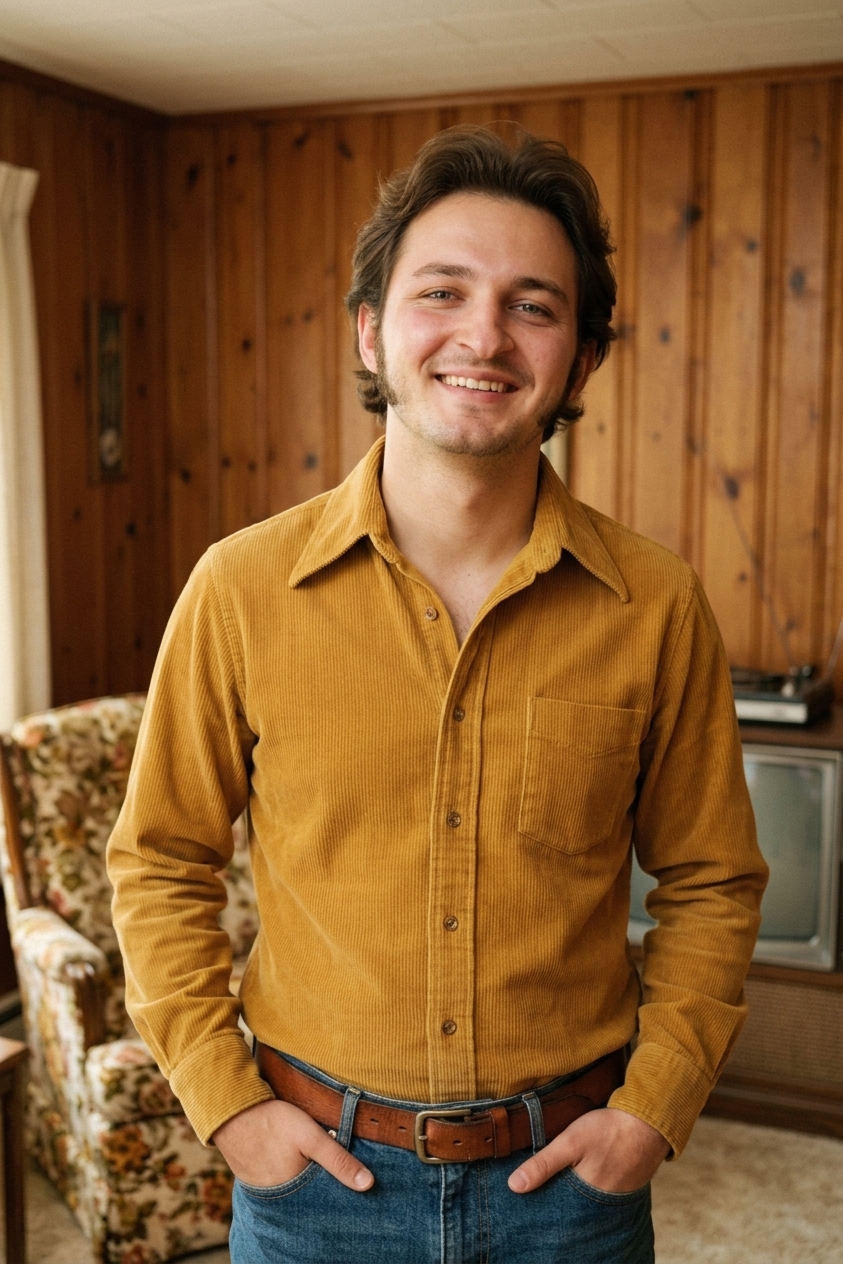
Upload one photo and pick your era. Decade Rewind restyles you and the photograph itself, so the result looks like it genuinely came out of a shoebox of old prints. Same face, same you, different decade. Feeling lucky? Hit Surprise me and let the time machine choose.
Try Some Of Our Other AI Editing Tools




Six people, six decades
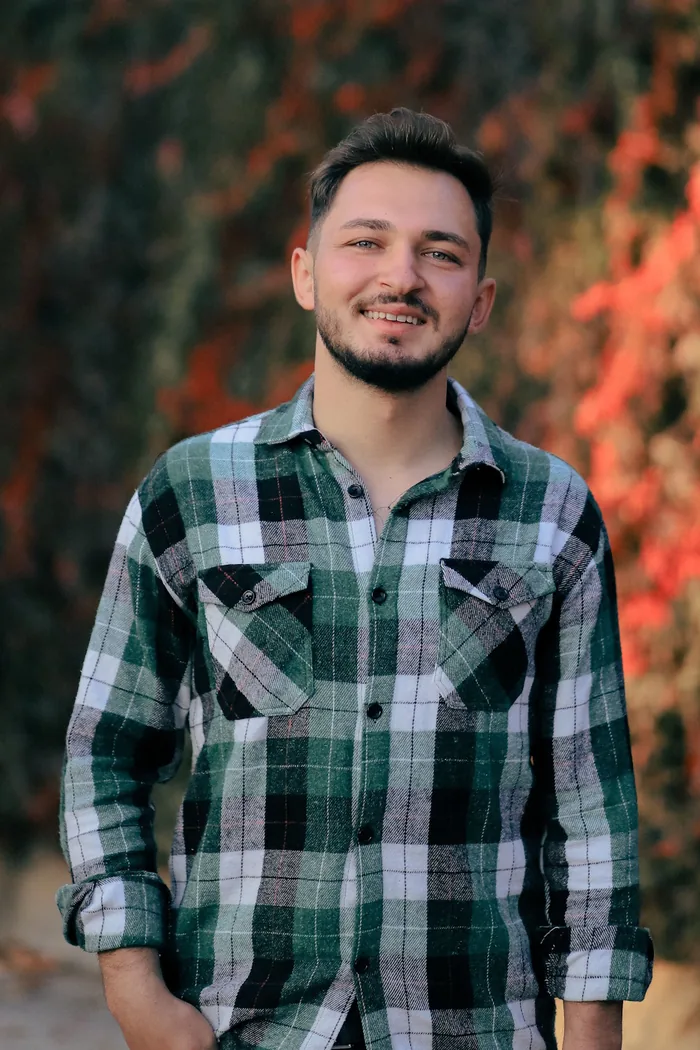
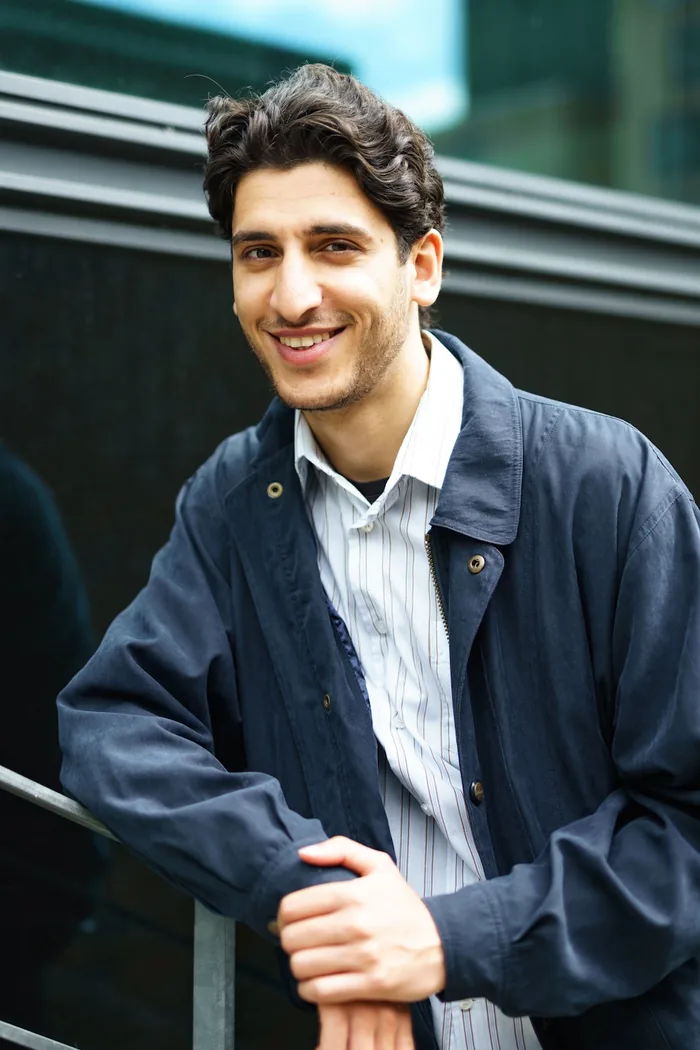
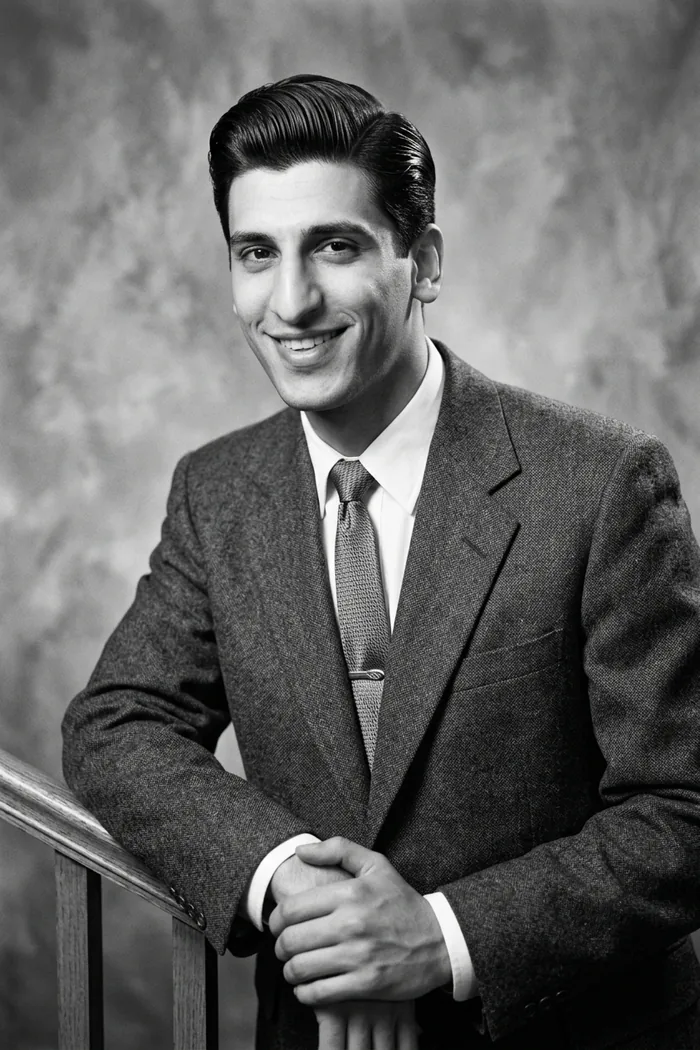
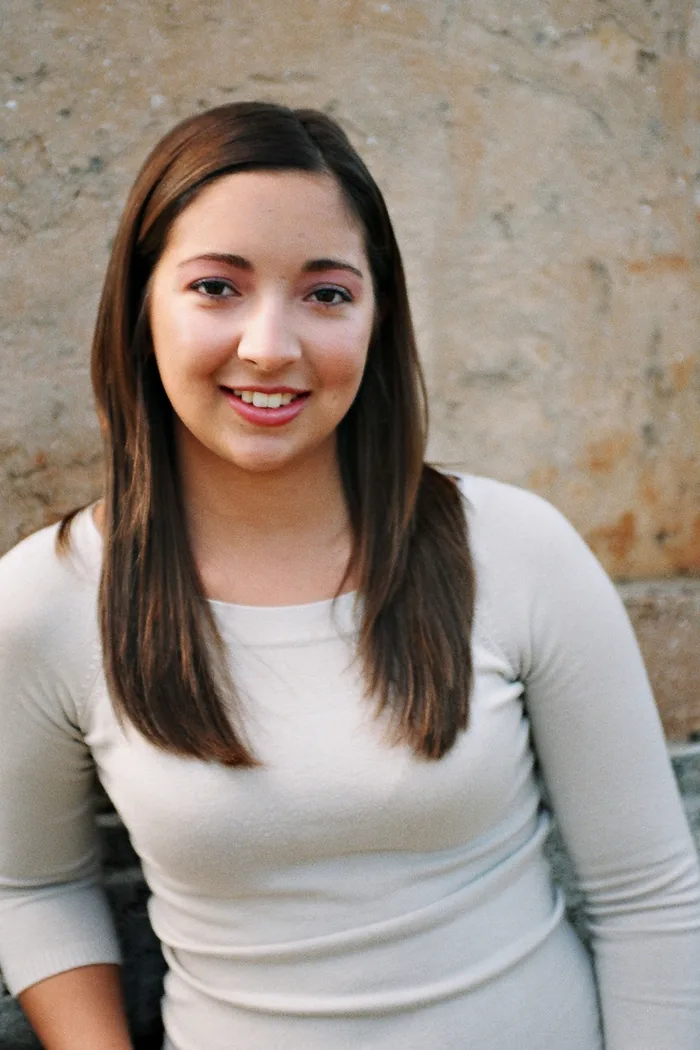
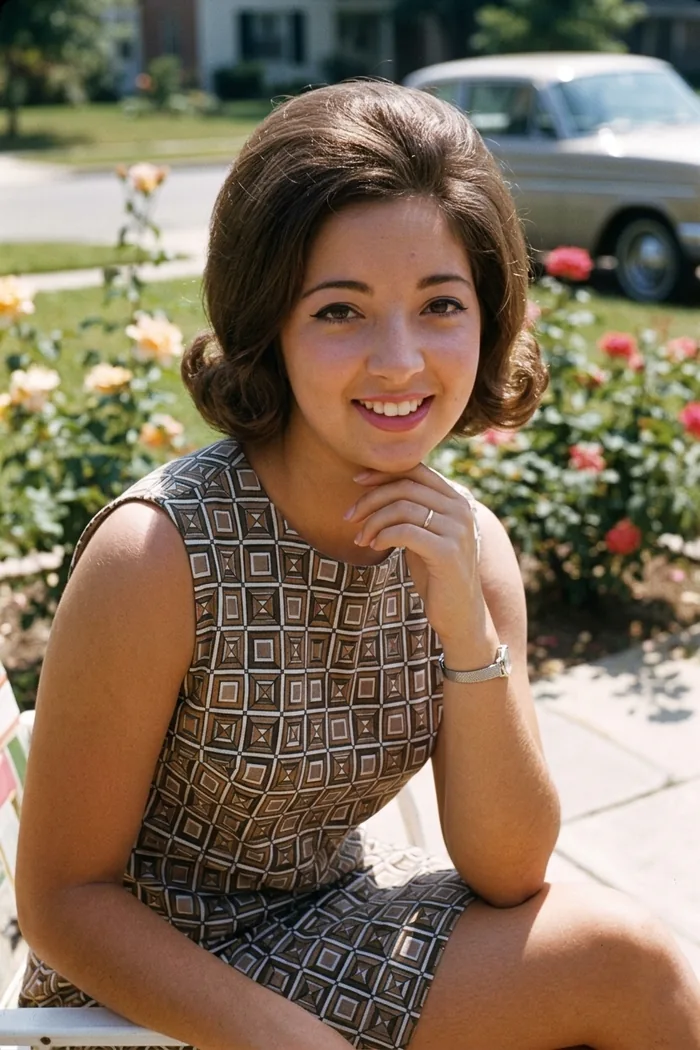
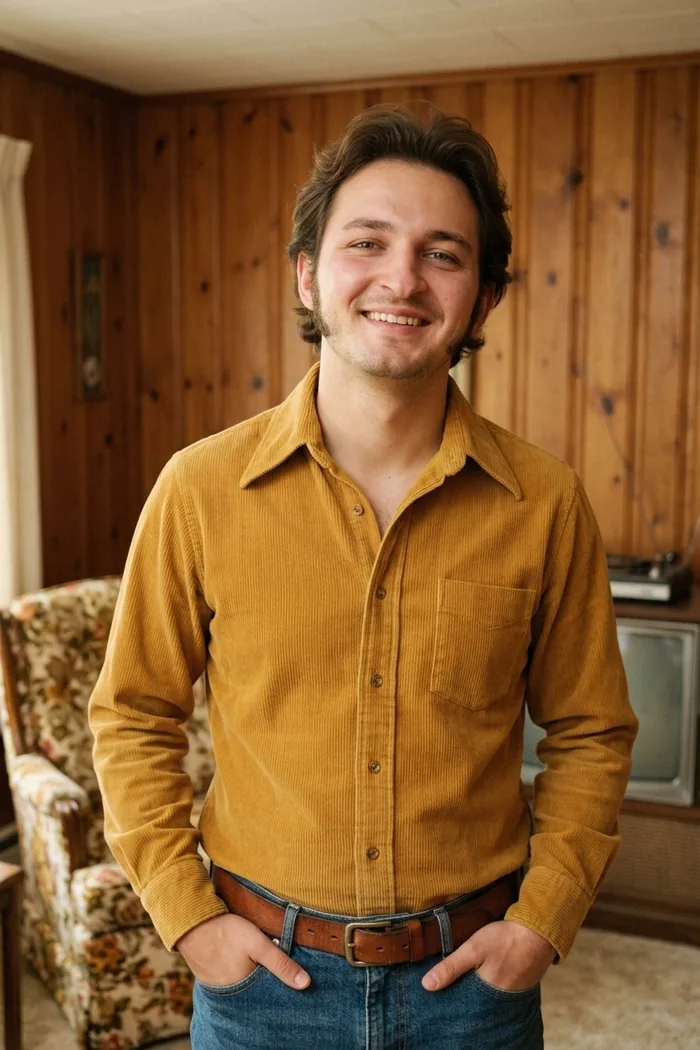
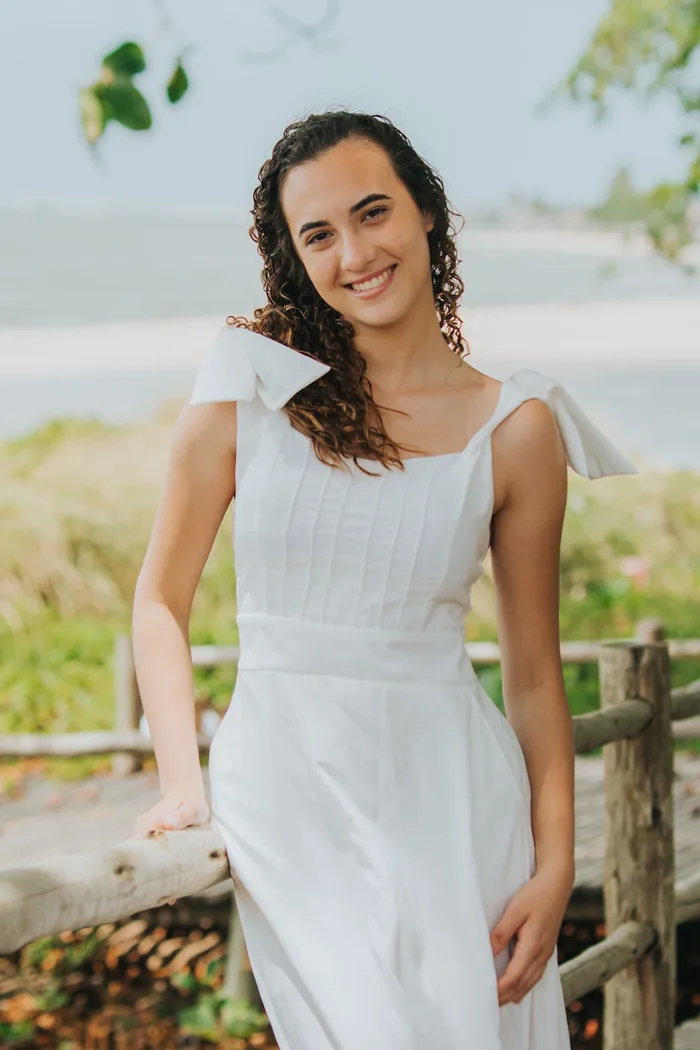
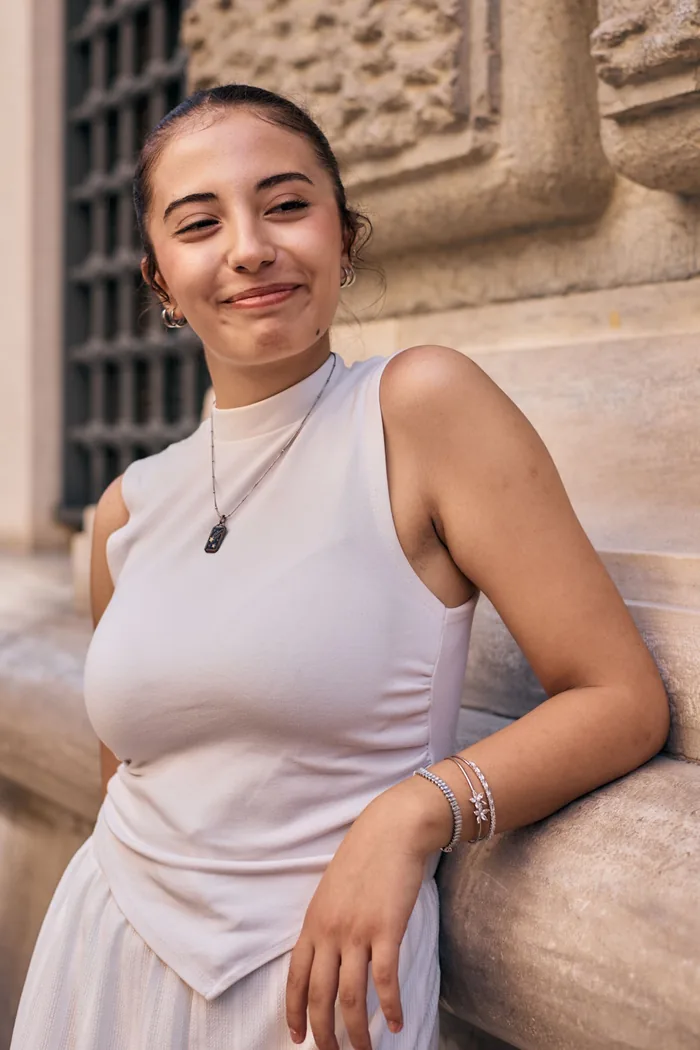
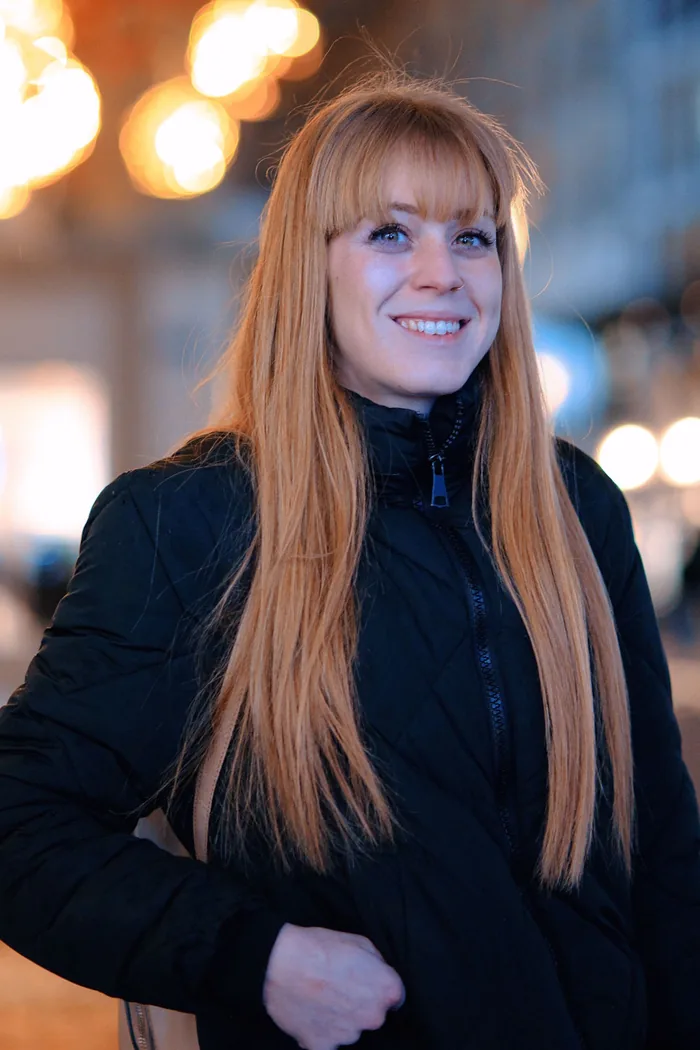
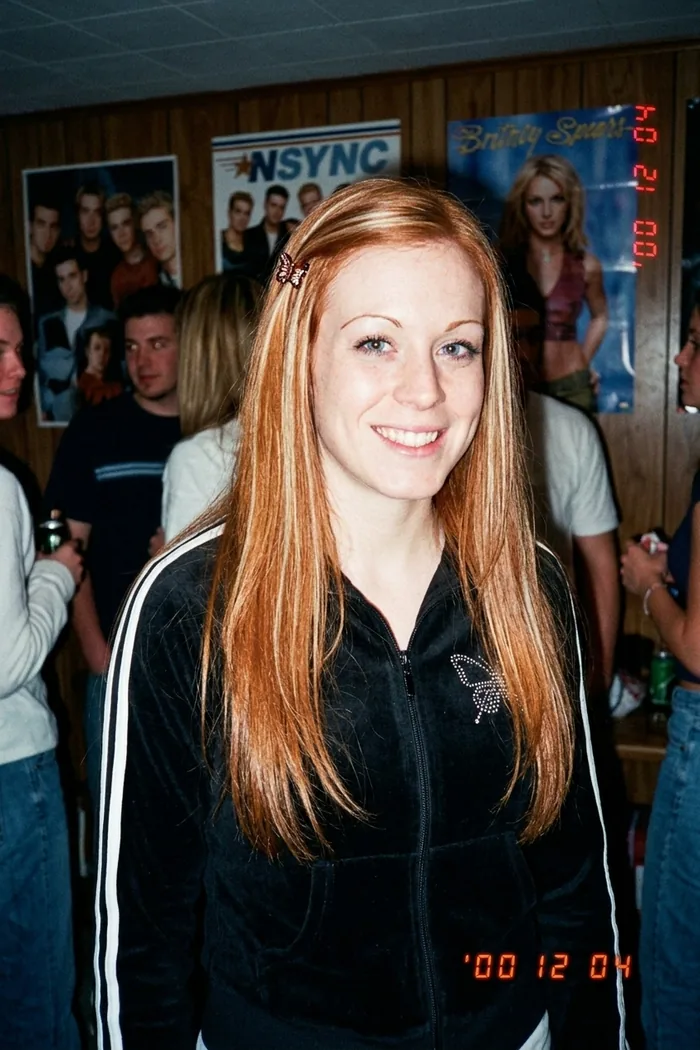
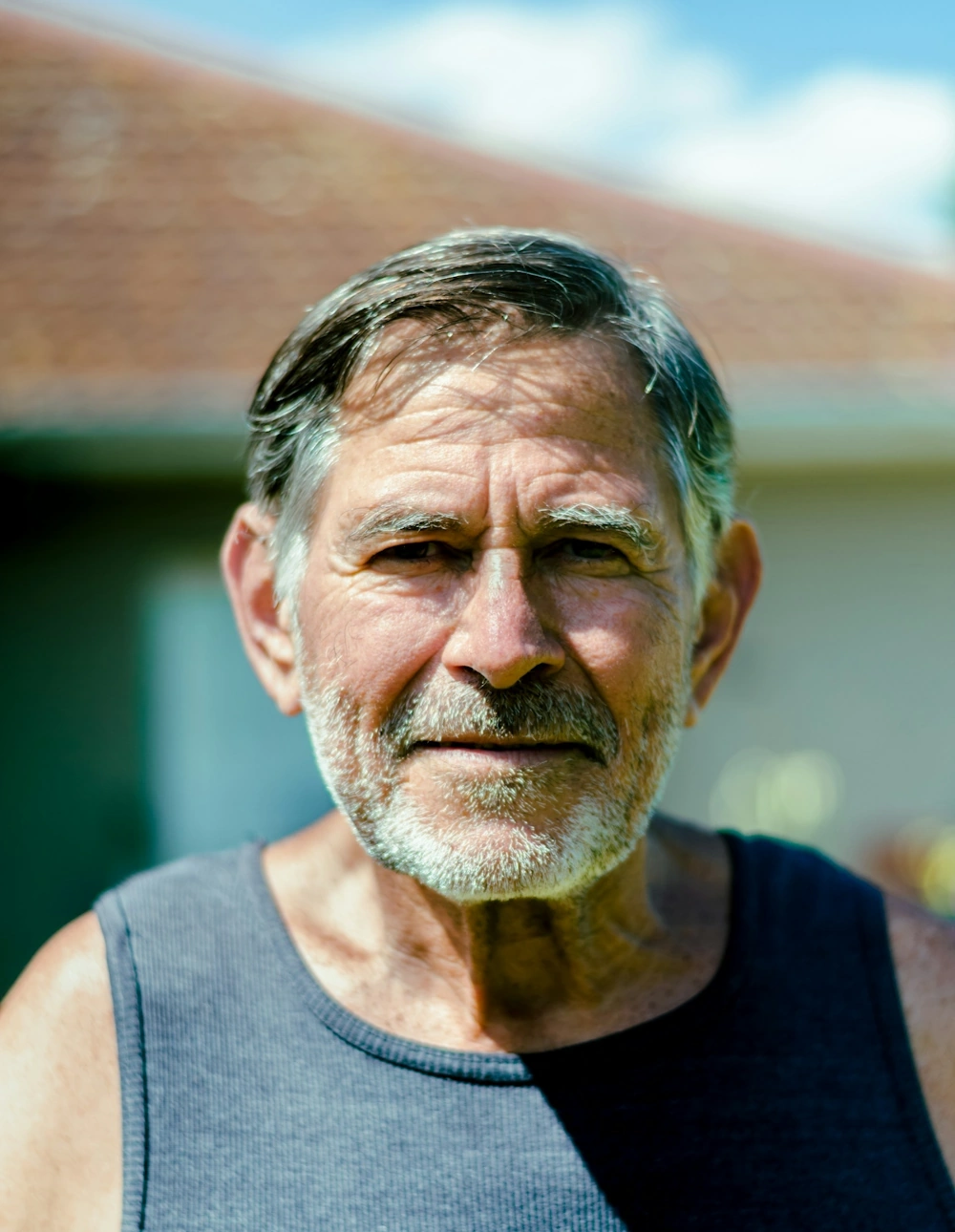
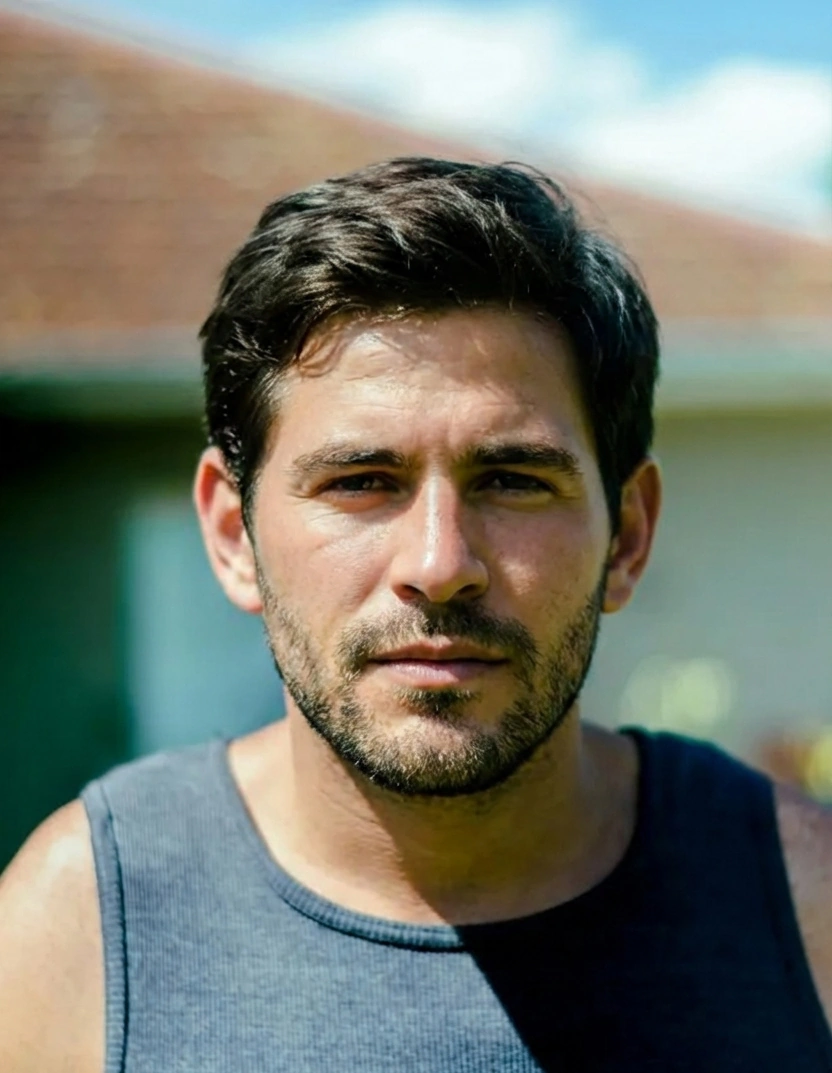
Every one of these started as an ordinary photo taken this year. Drag any slider to send them back.
How it works
One face, six eras
The share format writes itself: run every decade and post the strip. Find out whether you're a 70s person or a Y2K person. Then do your partner, your mum, your group chat. Nobody escapes the 80s glamour shot with their dignity fully intact, and that's the point.
Frequently asked questions
What is Decade Rewind?
Upload one photo, pick a decade, and NeonSnap's AI re-photographs you in that era: the hair, the clothes, and the photographic style of the time, from a 1950s studio portrait to a Y2K digicam flash photo. The result looks like a real photo from the period, with you unmistakably in it.
Is there a free 90s yearbook filter?
Yes. The 1990s yearbook preset is one of Decade Rewind's six eras. Your first transformations are free, right in your browser, no account needed. If you want more, tokens are £2.99 for a pack of 10.
Which decades can I choose?
Six eras: 1950s studio portrait, 1960s Kodachrome, 1970s film snapshot, 1980s glamour shot, 1990s yearbook, and Y2K digicam. There's also a Surprise me option that picks one for you.
Will I still look like myself?
Yes. The AI keeps your bone structure, eye shape, and distinctive features, and changes only the era: hair styling, clothing, setting, and how the photo itself was taken.
Do I need an account?
No. Upload your photo and your first transformations are free, no sign-up required. Create a free account if you'd like your results saved to your images folder so you can download them again later.
Is it private?
Your photos stay yours. Uploads are deleted automatically after 30 days unless you save them to your account, and you can delete saved images whenever you like. See our privacy policy for the full details.