Make yours now
 Enough for 10 ten second videos






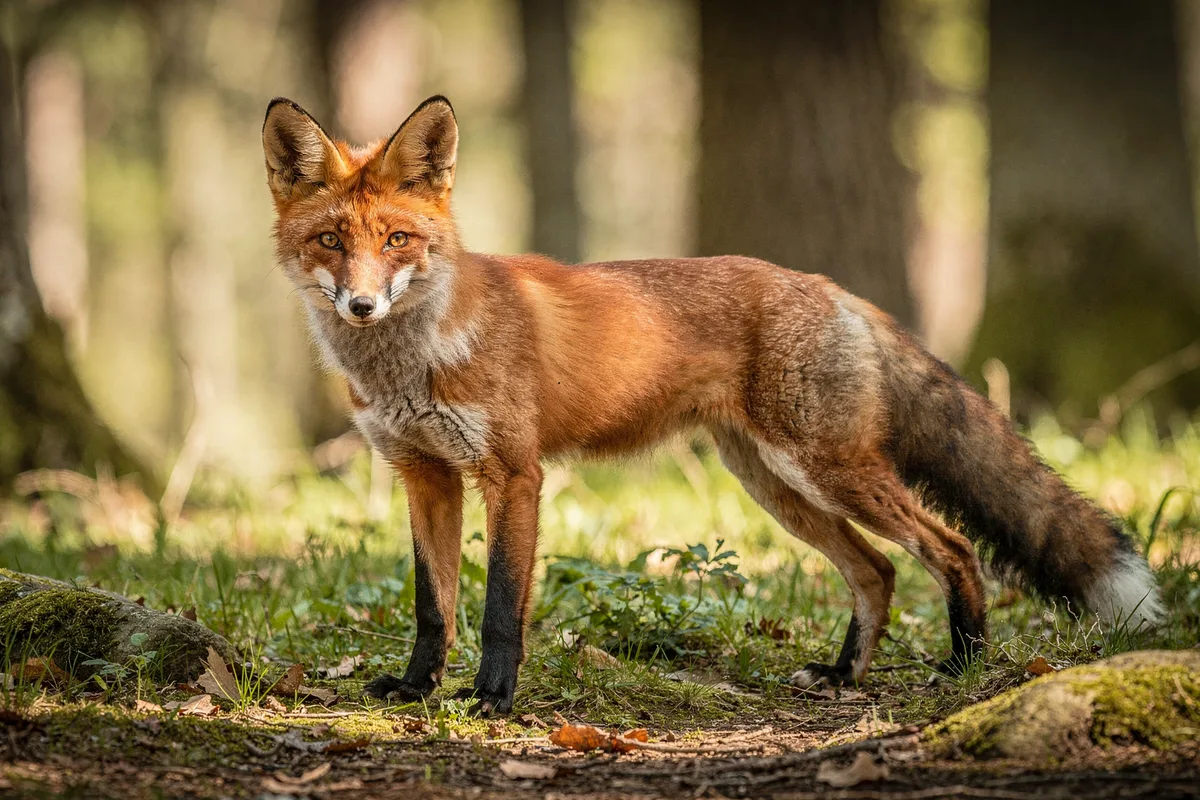
Ask Claude for a picture of a fox and you get a polite explanation, maybe a diagram, maybe some SVG code, but no fox. Claude doesn't generate photos or illustrations, and Anthropic's own help pages say so. What it can do is use tools, and a connector is a tool. Add one that makes images and Claude can write the prompt, send it off and show you the picture a few seconds later, in the same chat. NeonSnap's connector adds short videos and voiceovers too, paid from your NeonSnap credits. Here is what that looks like, how to set it up, and what it costs.
Can Claude Generate Images and Videos?
Not on Its Own. With a Connector It Can Make Pictures, Short Videos and Voiceovers in the Chat
Can Claude Make Images on Its Own?
No. Claude is a language model: it reads and writes text and code. It can build things that look visual, such as charts, flow diagrams, a styled web page or an SVG logo, because those are all made of code. A photograph or a painting isn't, so Claude can't produce one by itself, on any plan.
That surprises people who come from ChatGPT, which has an image model built in. Claude's answer to the same request is usually to describe the picture in detail or suggest a prompt you could paste into an image generator. Useful, but you still have to go and paste it somewhere.
How Does a Connector Let Claude Make Pictures?
A connector is a service Claude is allowed to call while it works, using a standard called MCP (Model Context Protocol). The service tells Claude what it can do, for example "make an image from a prompt, here are the models and the sizes", and Claude decides when to use it.
So when you ask for a fox in the snow, Claude writes a proper prompt, sends it to the image service, waits, and shows you what comes back. The picture is made by an image model, not by Claude. Claude's part is the bit it is good at: understanding a vague request, turning it into a precise one, and following up when you say "warmer light" or "make it landscape".
How Do You Connect NeonSnap to Claude?
- In Claude, open Settings, then Connectors, and choose Add custom connector. Name it NeonSnap and paste
https://neonsnap.com/mcpas the address. - Choose Connect. A NeonSnap page opens. Sign in if you need to, check the details and press Allow. Your account needs to have bought a credit pack.
- Start a chat, switch NeonSnap on in the tools menu and ask. For example: "Make me a 6 second video of a lighthouse at sunset."
The full steps for Claude, ChatGPT and Claude Code, with more prompts to try, are on our Use NeonSnap in Claude and ChatGPT page. Claude's menus move around from time to time, so if Connectors isn't under Settings, try Customize.
What Can You Ask Claude to Make?
Images, with a choice of models: Nano Banana Pro and Nano Banana 2 from Google, FLUX.2 Max, Seedream 5.0 Pro and Muse Image. If you don't name one, Claude uses Nano Banana Pro, which is the best all-rounder. You can ask for a shape too: square, 16:9 for a banner, 9:16 for a phone screen.
Videos of 4 to 10 seconds, made with Google's Gemini Omni, either from a description or by animating a picture. That picture can be one Claude just made for you, one already in your NeonSnap library, or a public link to a photo.
Voiceovers in ten voices, from a calm narrator to an excitable one, with the tone described in plain words ("slow and serious", "like a sports commentator").
The interesting part is chaining them. Something like "write a 10 second TikTok script about autumn walks, then make a portrait video for it and a voiceover in the Puck voice" gets you a script, a clip and an MP3 from one message, with Claude doing the joining up. Doing that by hand means three tools and a lot of copying and pasting.
The picture is made by an image model, not by Claude. Claude's part is turning a vague request into a precise one.
Can Claude Make Videos Too?
With the connector, yes. Videos take longer than pictures, usually a minute or two and roughly twice that in HD, so Claude starts the video, gets a reference number back, and checks on it until it's ready. You get a link to the MP4, and the video is saved to My Videos on NeonSnap like anything you make on the site.
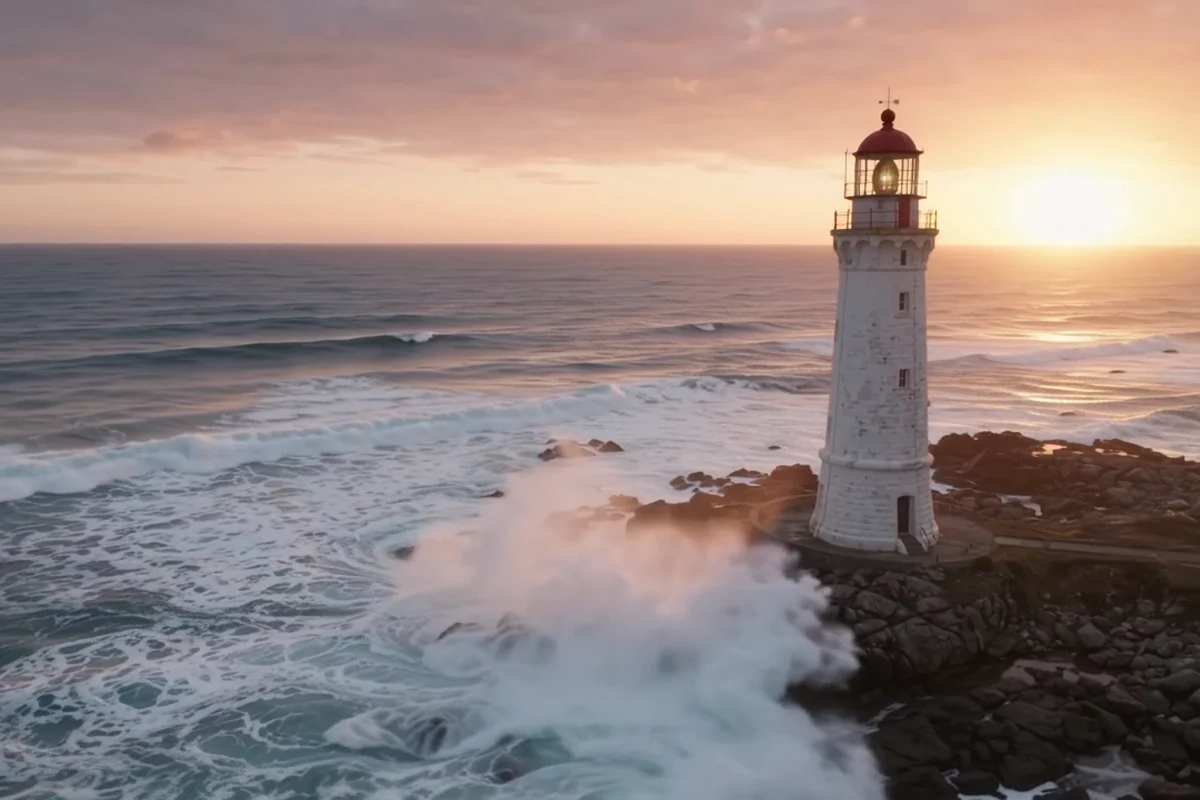
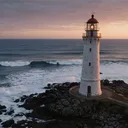
Write the prompt the way you'd describe a shot: what is in it, how the camera moves, the light. "Waves crashing against a lighthouse on a rocky coast at sunset, a slow aerial drone shot circling the tower" made the clip above. If you'd rather not think about it, describe what you want loosely and let Claude write the shot for you. It is good at that, and our guide to turning a photo into a TikTok covers what makes a short clip work.
What Does It Cost?
Connecting costs nothing. Whatever Claude makes is paid from your NeonSnap credits at exactly the website's prices: an image is 1 credit, a video is 1 credit a second at 720p and 1.5 a second in HD, and a voiceover is 1 credit per 1,000 characters, with a minimum of 1. The free offers on the website, the free first video and the free daily voice clips, don't apply when an assistant is doing the asking.
Claude is told the price of every tool and asked to check with you before it spends credits, so it should tell you what something costs and wait for a yes. If you're short of credits it will say so, with how many you have, rather than failing halfway.
What About ChatGPT?
ChatGPT can add the same connector where your plan allows custom connectors, which is currently done through its developer settings and differs by plan. The address and the sign in are the same. ChatGPT already makes images itself, so for pictures the connector is about choice: different models, and everything landing in one NeonSnap library. The videos and the voices are the bigger reason to add it there.
Is It Safe to Let an Assistant Spend Your Credits?
It's worth thinking about, because an assistant can call a tool more than once. A few things keep it in check. NeonSnap asks the assistant to check the price with you before spending, Claude and ChatGPT can ask you to approve each tool before it runs (depending on your settings), and you can switch individual tools off. NeonSnap only accepts a limited number of requests a minute from one account, so an assistant stuck in a loop can't drain your balance. Failed requests are refunded. And you can cut the connection at any time from My Account, which signs the assistant out straight away.
NeonSnap only sees what the assistant sends to it, such as the prompt for a picture, not the rest of your conversation. Images made this way also use stricter content settings than the website.
Frequently Asked Questions
Can Claude generate images?
Not by itself. Claude writes text and code and can draw diagrams and charts, but it does not make photos or illustrations. Add an image connector such as NeonSnap and Claude can ask it for a picture and show you the result in the chat.
Can Claude make videos?
Not on its own. With the NeonSnap connector, Claude can start a 4 to 10 second video from a text prompt or from one of your images, then check back for it. A video usually takes a minute or two.
Is the NeonSnap connector free?
Connecting is free, but what Claude makes is paid from your NeonSnap credits at the same prices as the website, and the account needs to have bought a credit pack. An image is 1 credit and a video is 1 credit a second at 720p.
Does it work with ChatGPT?
Yes, where your ChatGPT plan lets you add custom connectors. You add NeonSnap with the same address, sign in and press Allow. ChatGPT can already make images itself, so the reason to connect is NeonSnap's other image models, its videos and its voices.
What does NeonSnap see from my conversation?
Only what Claude sends to a NeonSnap tool, such as the prompt for an image or the words for a voiceover. The rest of your chat stays between you and Claude.
Give Claude a camera.
Connect NeonSnap to Claude or ChatGPT and ask for images, videos and voiceovers in the chat, paid from your NeonSnap credits.
Connect NeonSnap