Make yours now
 Enough for 10 ten second videos



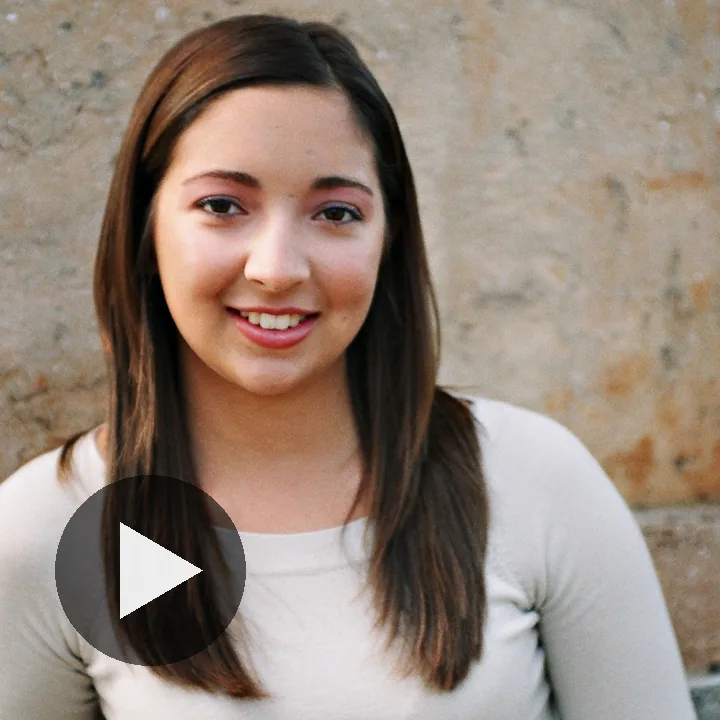



A photo on TikTok gets about as long as it takes to scroll past it. Give the same photo three seconds of movement and it becomes a video, which is the thing the app is built to show you. The quick version: put the photo into an AI video tool, write one line about how it should move, set the shape to 9:16, then download the MP4 and upload it like any other clip. Below is how to get a clip worth posting, the size TikTok wants, what to do about sound, and the AI label it asks you to switch on.
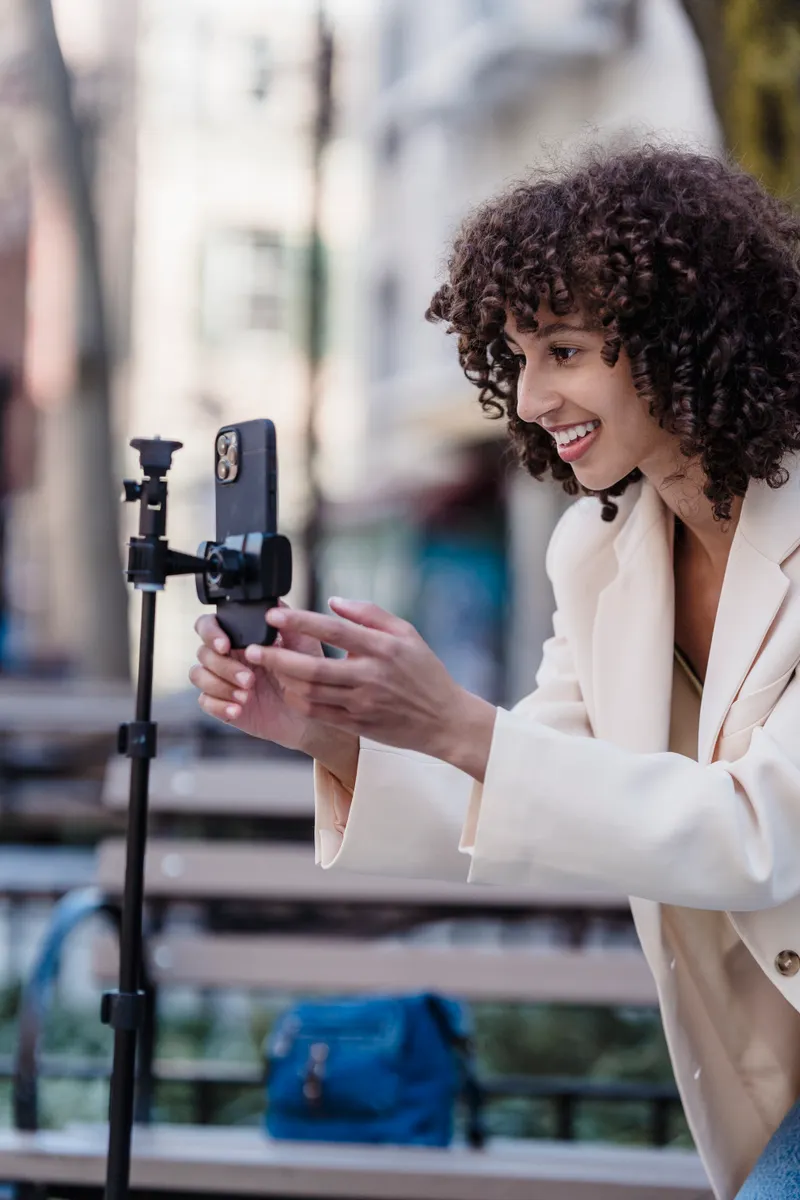
How to Turn a Photo Into a TikTok
Bring a Still to Life, Get the Size Right and Post It With Sound
Can You Turn a Photo Into a TikTok Video?
Yes, and TikTok will do a version of it for you. AI Alive arrived in May 2025 and lives in Stories: open the Story camera, pick a photo from your Story album, tap the AI Alive icon in the editing tools, and the picture gets some gentle movement and sound. Every result carries an AI-generated label and C2PA metadata, an industry tag that records a file was made with AI and stays with it after it is downloaded or reshared.
What you give up is control. AI Alive decides what moves. For a sunset, or a group photo in a Story that is gone in a day, that is fine. It is less fine when you want something in particular: the person to laugh rather than blink, the camera to creep in slowly, the clip to run as a full-screen post rather than a Story. For that you describe the motion yourself in an AI video tool, download the clip and upload it, and that is the route the rest of this guide follows.
How Do You Turn a Photo Into a TikTok, Step by Step?
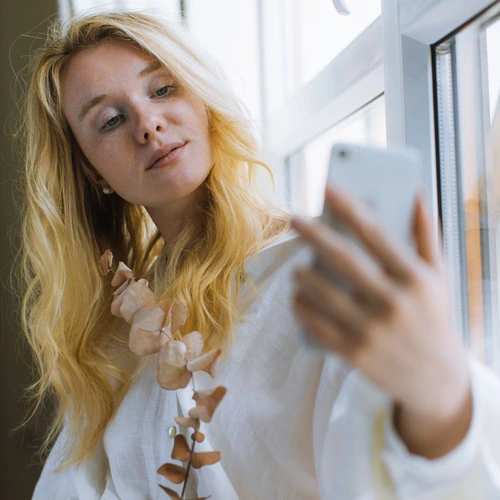
- Pick the photo. One person or one subject, reasonably sharp, with a bit of room around it. A photo cropped tight at the chin leaves the model nothing to move. If the photo itself is the weak link, our guide to taking a good selfie fixes that first.
- Open the TikTok video maker and add the photo.
- Write one line about how it should move. What moves, how much, and what the camera does. "She looks up and smiles gently. The camera holds still." is a complete prompt.
- Choose 9:16 and a length. Six seconds is plenty for a first go. Turn on HD if you want the 1080 by 1920 file TikTok recommends.
- Press Generate. Most clips are ready in about a minute, or two in HD, and you can leave the page while it works.
- Download the MP4, open TikTok, tap the plus, choose Upload and pick it. On a computer, upload it from TikTok Studio in the browser.
- Label it. Before you post, open More options and turn on the AI-generated content setting.
Your first NeonSnap video is free once you have an account, up to 6 seconds at 720p. After that it costs one credit a second at 720p and one and a half in HD, rounded up, and a clip that fails is refunded automatically.
What Makes a Short Clip Work?
Get something moving in the first frame. A clip that opens on a still image looks like a photo for its first second, and people scroll past photos. Write the prompt so something is already happening when it starts: hair lifting, a head turning, light moving across a face.
Stick to one event. Ten seconds is long enough for one event, two at a push. A prompt that asks for a laugh, a wave, a glance out of the window and a zoom out gets you a clip where everything happens a little and nothing lands.
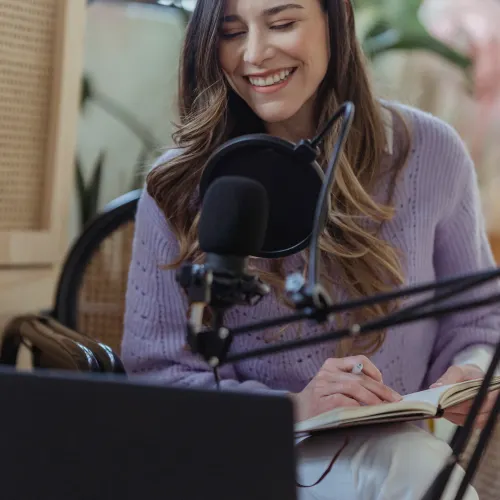
Go easy on faces. The further a face travels from the photo, the less it looks like the person in it, so ask a portrait to laugh rather than to dance. The clip below started as a single still and two sentences of instruction.
Ask a portrait to laugh rather than to dance. The further a face moves from the photo, the less it looks like the person in it.
End roughly where you started. TikTok plays a short video again the moment it finishes, so a clip whose last frame is close to its first loops without a visible jump. Ending the prompt with "then settles back into the same pose", as the laugh does, gets you most of the way there.
Which Prompts Work for TikTok?
Start from one of these and change the subject. Each is a whole prompt, and the first four are the right length for a photo, where the picture already supplies the scene and your words only have to supply the motion.
- A person, from a photo: "She looks up and smiles gently. The camera holds still."
- A pet, from a photo: "The dog tilts its head at the camera, ears lifting, then looks back. The camera holds still."
- A pet, from text: "A cat sitting on a sunny windowsill, tail flicking, a slow push in."
- A product: "Product shot: a perfume bottle on black glass, light sweeping across it, a slow rotation."
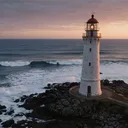
A scene made from text alone needs more, because the model has to invent everything you do not mention: the place, the light, the camera, the clothes. The lantern clip below came from a paragraph. Our guide to writing video prompts takes every sample clip apart line by line, with the camera moves that work and the mistakes that waste credits.
Try it with NeonSnap
Turn one of your photos into a 9:16 clip with sound
Add a photo, say how it should move, and get a portrait MP4 back in about a minute, ready to upload to TikTok. HD gives you the full 1080 by 1920 file. Your first video is free with an account.
Make a TikTok clip →What Size and Length Should a TikTok Be?
Portrait 9:16, at 1080 by 1920 pixels. TikTok accepts square and landscape video, but it fills the rest of a phone screen with black bars, which looks like a mistake. Make the clip in 9:16 from the start rather than cropping a landscape one, because cropping a landscape clip to portrait throws away most of the picture.
On NeonSnap, 9:16 at standard quality is 720 by 1280, which uploads without complaint and fills the screen. HD gives you a true 1080 by 1920 file. It is an upscale of the same render, so it comes out sharper rather than more detailed, and it takes about twice as long to make.
Each clip runs 4 to 10 seconds. That is short for a whole TikTok and a good length for the parts of one: a hook before you start talking, an intro, a cutaway, or a loop playing under a caption. For a longer video, make two or three clips and put them in order in TikTok's own editor.
Leave room for TikTok itself. Its buttons run down the right-hand side and the caption and username sit along the bottom, so keep faces near the middle of the frame. "Centred in the frame" in the prompt helps.
Should You Keep the Clip's Sound?
Every NeonSnap clip comes with sound, chosen to suit the scene, and you can steer it from the prompt by asking for music, speech or silence. If you would rather use a sound from TikTok's library, upload the clip, turn its own sound down in TikTok's editor and add one there. A popular sound over a silent clip is a perfectly ordinary TikTok. Or talk over it: our guide to adding a voiceover to a TikTok covers recording your own voice, TikTok's text to speech and an AI voice.
Do You Have to Label AI Videos on TikTok?
Yes, if it looks real. TikTok requires creators to label AI-generated content that shows realistic people or scenes, and a photo of a real person brought to life is squarely that. The setting is called AI-generated content and it sits under More options on the posting screen. TikTok's help page says turning it on does not affect how widely the video is distributed, as long as the video follows its Community Guidelines.
Videos made with TikTok's own AI effects are labelled automatically, and that automatic label cannot be taken off afterwards. Clips you make elsewhere and upload are yours to label. And keep to photos of people who would be happy to see themselves move; it is a short step from a laugh to something they never did. For more on getting the original photo right, see how to look good in photos.
Frequently Asked Questions
Can you turn a photo into a TikTok video?
Yes. TikTok's own AI Alive does it for Stories: pick a photo in the Story camera and it adds gentle movement and sound. For a full-screen post, or when you want to say exactly how the photo moves, an AI video tool such as NeonSnap's TikTok video maker turns the photo into a 4 to 10 second 9:16 clip you download and upload like any other video.
What size should a TikTok video be?
Portrait 9:16 at 1080 by 1920 pixels. TikTok accepts square and landscape video too, but it fills the rest of the screen with black bars, so a clip made in 9:16 from the start looks better.
How long can an AI video clip be?
On NeonSnap, 4, 6, 8 or 10 seconds. That suits a hook, a loop or an intro. For a longer TikTok, make several clips and join them in TikTok's editor.
Do you have to label AI videos on TikTok?
TikTok requires creators to label AI-generated content that shows realistic people or scenes. Turn on the AI-generated content setting under More options before you post. A photo of a real person brought to life by AI counts.
Is it free to turn a photo into a TikTok?
Your first NeonSnap video is free, up to 6 seconds at 720p, once you create an account. After that it costs one credit per second at 720p, and TikTok's own AI Alive is free inside Stories.
Turn your photo into a TikTok clip.
Add a photo, say how it should move, and download a 9:16 MP4 with sound, ready to post. Your first video is free with an account.
Make a TikTok clip