Make yours now
 Enough for 10 ten second videos






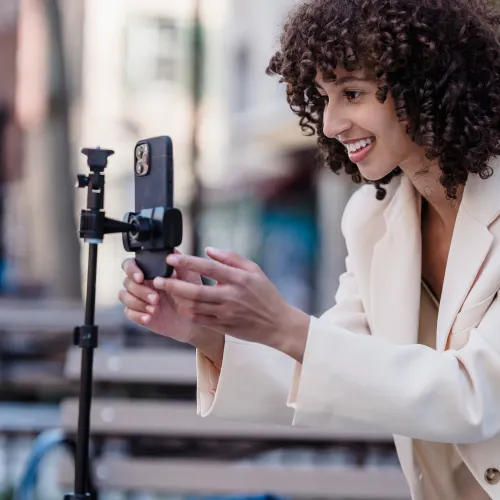
A voiceover turns a pile of clips into a video with a point. It tells people what they are looking at, it carries a story across cuts that would otherwise feel random, and it gives a faceless account a personality. There are three ways to get one onto a TikTok: record your own voice in TikTok's editor, let TikTok read out your on-screen text, or make the voiceover from a script with an AI voice and add it before you upload. Here is how each works, which one suits which video, and the two things that sink most voiceovers whichever route you take: a script that is too long and music that is too loud.
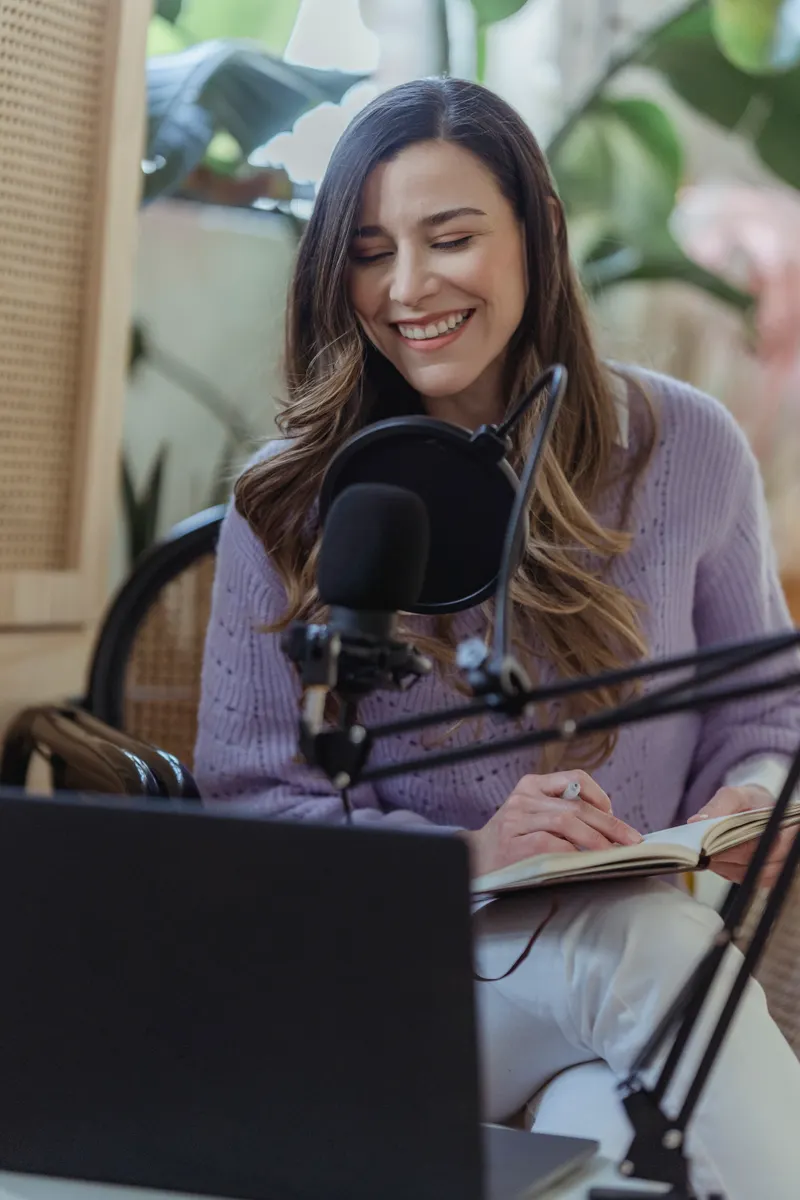
How to Add a Voiceover to a TikTok
Record It Yourself, Use Text to Speech or Add an AI Voice, Then Mix It Right
What Are the Ways to Add a Voiceover to a TikTok?
Your own voice is the default, and for anything personal it is still the best choice. Story times, opinions, reviews, anything where the viewer is following you as a person: they want to hear you, mumbles and all.
TikTok's text to speech is the quick fix. You type a caption, TikTok reads it out in a synthetic voice, and the video gets a narrator in about ten seconds. It works for a line or two. Over a whole video it gets choppy, because each text box is read as its own line, and the default voice is so familiar from other people's videos that it can make yours sound like everyone else's.
An AI voice from a script sits between the two. You write the whole narration, choose a voice and a tone, and get one continuous audio file back. It suits explainers, recipes, product videos, faceless channels, and anyone who would rather not hear their own voice played back to strangers.
How Do You Record Your Own Voiceover in TikTok?
Film or upload your clips first, then go into the editor. Look for Voiceover (a microphone icon) in the tools down the side. Move the playhead to where you want the voice to start, then hold or tap Record and talk while the video plays. You can stop, move the playhead and record another section, and delete a section that went wrong.
There is a Keep original sound option on the same screen. Untick it if the clip's own sound is just wind and traffic; leave it on if the background is part of the moment. Then, under Sounds, the Volume panel lets you set the original sound and the added sound separately. TikTok moves these labels around between app versions, so if your screen looks different, look for the microphone.

Two habits make a home recording sound much better. Record somewhere soft, such as a bedroom with curtains and a duvet, rather than a kitchen or a bathroom where every hard surface throws your voice back. And hold the phone about a hand's width from your mouth, a little to one side, so your breath does not pop on every P and B.
How Do You Use Text to Speech on TikTok?
In the editor, tap Text and type your line. Tap the text box you just made and choose Text-to-speech from the menu that pops up, then pick a voice. To change the voice later, tap the text box again. Set duration, in the same menu, controls how long the words stay on screen, which is separate from how long the voice takes to say them.
The voices on offer change from time to time and are not the same in every country, so the one you heard on someone else's video may not be on your list. Each text box is read when it appears, so a narration is really a string of separate captions, each needing its own timing. That is fine for "Day 3 of learning to bake bread" over a few clips. It is hard work for a 45 second recipe.
How Do You Add an AI Voiceover to a TikTok?
- Write the script. All of it, in one place, the way you want it read out. The next two sections cover how long and how to write it.
- Open the AI voice generator and paste it in. Clips of up to 300 characters, about 20 seconds of speech, are free with no sign up, five a day. With an account a clip can run to 3,000 characters, about three and a half minutes, at one credit per 1,000 characters.
- Pick a voice. Play the samples. Puck is upbeat and suits hooks and lifestyle clips, Charon and Kore suit explainers and tutorials, Sulafat and Algenib suit story time, Leda suits beauty and get ready with me, and Achernar is soft enough for ASMR.
- Say how it should sound. Tap a tone such as Excited or Storyteller, or write your own in plain words: "slow and serious", "a little sarcastic".
- Generate and download the MP3. A short clip is ready in seconds; a long script can take about a minute.
- Put the MP3 and the video together in CapCut, InShot or whichever editor you use, line the voice up with the clips, export one video, and upload that to TikTok.
One thing catches people out. Everything in the script box is read aloud, so a note like "(say this excitedly)" gets said, brackets and all. Directions go in the tone box, and only the words you want spoken go in the script.
Try it with NeonSnap
Turn your script into a natural voiceover
Paste your script, pick one of ten voices, say how it should sound and download an MP3 ready for your editor. Short clips are free with no sign up.
Make a voiceover →How Long Should a TikTok Voiceover Script Be?
Most voices, human or AI, speak at about 150 words a minute. That makes a 15 second TikTok about 35 words, a 30 second one about 75, and a minute about 150. In characters, which is how the voice generator counts, 300 characters comes out at roughly 20 seconds.
Then cut a bit. A script that fills every second gives you nowhere to land a joke, no gap while the reveal plays, and a voice that sounds as if it is racing the timer. Aim for about four fifths of the length, and let the video carry the rest.
Everything in the script box is read aloud. Directions go in the tone box, and only the words you want spoken go in the script.
How Do You Write a Voiceover That Sounds Natural?
Write the way you talk. Short sentences, one idea each. Contractions, because nobody says "do not" out loud unless they are cross. Put the hook in the first line, the one thing that makes someone stop scrolling: "This is the cheapest way to eat well in London" beats "So today I wanted to share some tips."
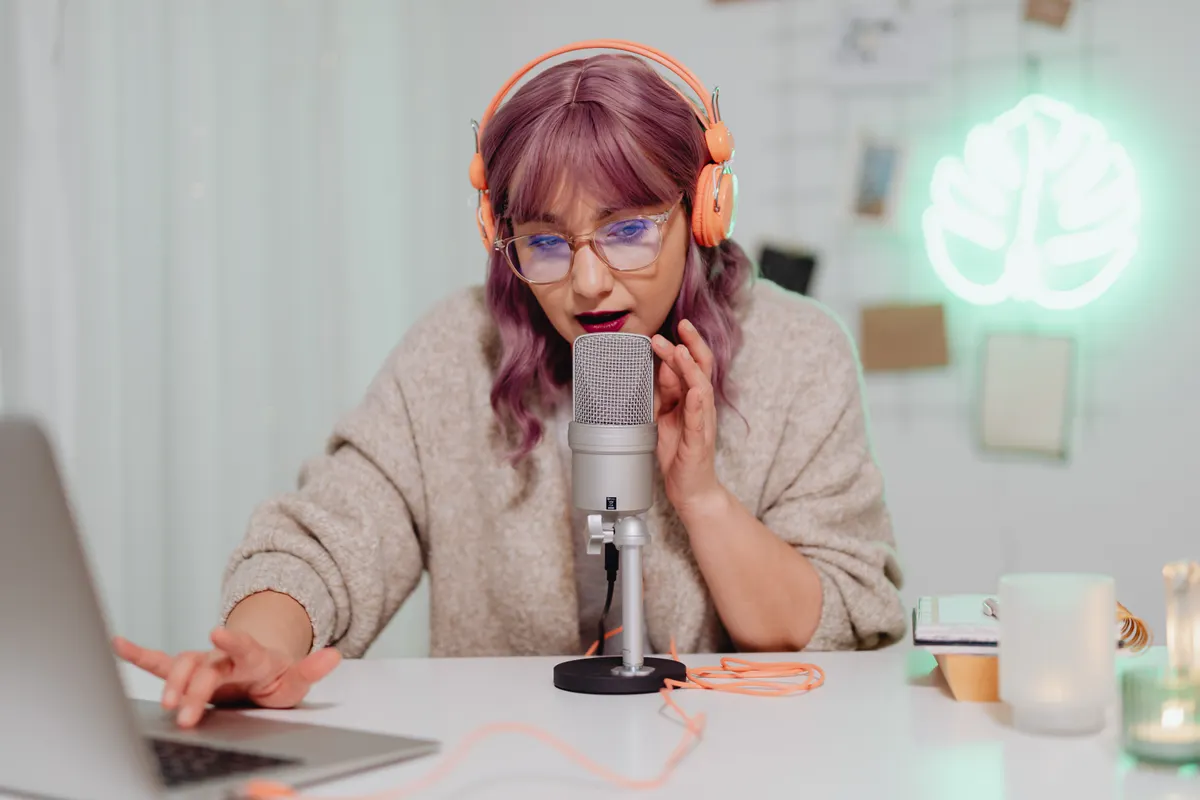
Punctuation is your direction. A full stop is a pause, a comma a shorter one, and a question mark lifts the voice at the end. If a line comes out rushed, break it into two sentences. If a name or a brand comes out wrong, spell it the way it sounds.
Read the script aloud once before you record it or generate it. Anything you trip over will trip the voice too, and anything that sounds like an essay will sound like one when it is spoken. If you are making the video itself from a photo or a line of text, our guide to turning a photo into a TikTok covers the clip side, and the voiceover goes on top in exactly the same way.
How Loud Should a Voiceover Be Over Music?
Much louder than you think. Music that sounds about right on headphones buries a voice on a phone speaker, which is how a lot of people will hear it. A good starting point is to bring the music down to about a quarter of its volume wherever someone is speaking, then play the finished video through your phone's speaker before you post. If you have to strain for a single word, turn the music down again.
Turn on TikTok's auto captions as well. They turn the voiceover into on-screen text for anyone watching with the sound off, and because they work from the audio, an AI voice gets captioned too. Check them before you post, because a misheard word in a caption looks worse than no caption at all.
Do You Have to Label an AI Voiceover on TikTok?
TikTok asks creators to label AI-generated content that is realistic, and a natural AI voice talking over your video can pass for a real person. So turn it on: the setting is called AI-generated content and it sits under More options on the posting screen. TikTok's help page says the label does not affect how widely a video is shown, as long as it follows the Community Guidelines.
The line you must not cross is someone else's voice. NeonSnap only uses its own built-in voices and does not clone or imitate real people, and a video that puts words in a real person's mouth is exactly what TikTok's rules on AI content are there to stop. Stick to stock voices reading your own words.
Frequently Asked Questions
How do you add a voiceover to a TikTok?
There are three ways. Record your own voice in TikTok's editor with the Voiceover tool, type your lines as text and use TikTok's text to speech, or make a voiceover from a script with an AI voice generator, join the MP3 to your clip in an editor such as CapCut or InShot, and upload the finished video.
How do you get the AI voice on TikTok?
Tap Text in the editor, type a line, tap the text box and choose Text-to-speech, then pick a voice. TikTok reads each text box as a separate line. For a longer narration, or a voice that is not the one everyone recognises, make the voiceover elsewhere and add it before you upload.
How long should a TikTok voiceover script be?
Most voices speak at about 150 words a minute, so a 15 second TikTok takes about 35 words and a 30 second one about 75. Write a little less than that, because a script that fills every second leaves no room to breathe.
Is NeonSnap's AI voice free?
Yes for short clips. Everyone gets five free clips a day of up to 300 characters, about 20 seconds of speech, with no sign up. Longer clips, up to 3,000 characters, cost one credit per 1,000 characters with a NeonSnap account.
Do you have to label an AI voiceover on TikTok?
TikTok asks creators to label AI-generated content that is realistic. A natural AI voice talking over your video can pass for a real person, so turn on the AI-generated content setting under More options before you post. TikTok says the label does not affect how widely the video is shown.
Make your TikTok voiceover.
Paste a script, pick a voice, say how it should sound and download the MP3. Short clips are free with no sign up.
Make a voiceover