£2.99 for 10 tokens



You can take a UK passport photo at home, and for an online application you don't even need to print it. What you need is a plain light wall, daylight from in front of you, a phone held at eye level by somebody else, and a straight face. The camera is the easy part. The photos that come back from HM Passport Office tend to fail on things that were visible when they were taken: a grin, a shadow on the wall, a reflection in someone's glasses, a fringe over one eye. Here are the current rules, how to meet them in a normal flat, and when the £6 to £13 at a booth is still money well spent.
How to Take a Passport Photo at Home
The UK Rules, a Plain Wall and Someone to Hold the Phone
Can You Take Your Own Passport Photo in the UK?
Yes. There are two ways to apply for a UK passport, and both accept a photo you took yourself, with different catches.
The online application is the one most people use. It takes a digital photo, which you can get in three ways: a photo code from a booth or shop, a file you upload, or a photo you take on your phone during the application. GOV.UK says you'll need someone to help you take it, and adds, fairly bluntly, that photos from a booth or shop are more likely to be approved than ones taken on your own device. That is a statement about how often home photos break a rule, not a ban. HM Passport Office's own guidance for its examiners, last updated in March 2026, says a selfie taken at arm's length can be accepted as long as it meets the other photo standards.
The paper form needs two identical printed photos, and that is where doing it at home gets harder, because the print has to be as good as one from a booth. More on that further down.
The online service also runs an automatic check on your photo as you add it. If it finds a problem it tells you the reason and how to fix it. You can still go ahead if you think the check has got it wrong, or if a religious or medical reason stops you meeting a rule, but you have to pick an explanation from a list, and a person at the Passport Office can still ask you for a new photo later.
What Are the UK Passport Photo Requirements?
The rules below come from GOV.UK's photo guidance and HM Passport Office's examiner standards. The digital ones apply to online applications; the printed ones to the paper form.
- Recent. Taken in the last month.
- Digital file. At least 600 pixels wide and 750 pixels tall, between 50KB and 10MB, in colour, sharp and in focus.
- Printed size. 45mm high by 35mm wide, with 29mm to 34mm from the bottom of your chin to the top of your head. Two identical copies, on good quality photo paper, with no creases or marks.
- Background. Plain and light. The examiners' guidance accepts shades of white such as cream, ivory and vanilla, and light grey. No shadow behind you and nothing else in the frame, including other people.
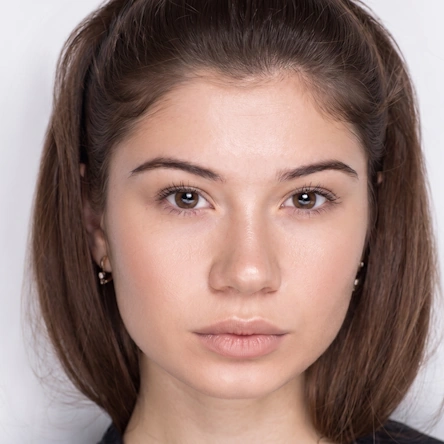
- Face. Facing forwards, looking straight at the camera, eyes open and visible, no hair in front of your eyes, plain expression with your mouth closed. No red eye.
- Lighting. No shadows on your face. Examiners may accept a small shadow as long as it doesn't hide your features.
- Glasses. Only if you have to wear them. No sunglasses or tinted lenses, and no glare, reflection or shadow over your eyes.
- Head coverings. Not allowed, except for religious or medical reasons, and even then your face must not be covered.
The expression rule catches more people than it should. Examiners are told to reject a photo if your expression changes the shape of your face, and the examples they give are smiling widely, pouting and frowning. A relaxed face with your mouth shut is what they want. It will look like a mugshot. Everyone's does.
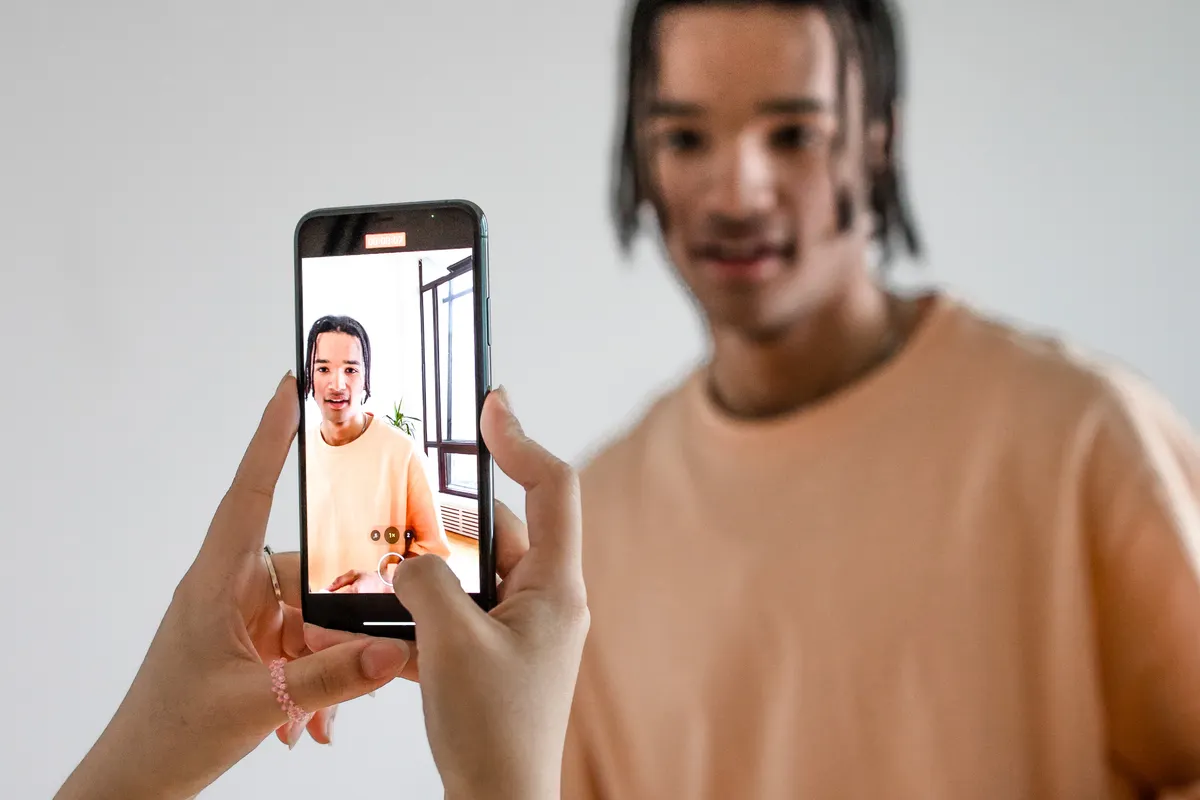
How Do You Take a Passport Photo With Your Phone?
Any phone from the last several years has far more resolution than the 600 by 750 pixel minimum. Sharpness, light and framing are what go wrong, and all of them are easier to fix before the photo is taken than after.
1. Find a plain, light wall
A white or pale grey wall with nothing on it: no light switch, no picture frame edge, no door frame creeping in at the side. If every wall in the flat is painted a dark colour or covered in things, a white sheet pinned flat works, but it has to be smooth, because creases show up as shadows.
2. Face a window, and step away from the wall
Daylight from in front of you lights your face evenly. Light from the side leaves one half in shadow, and an overhead ceiling light puts shadows under your eyes and nose. Stand about a metre in front of the wall rather than with your back against it, so your own shadow falls on the floor instead of behind your head.
3. Get someone else to hold the phone
Have them stand roughly one and a half metres away, using the main rear camera, with the lens at the height of your eyes. A selfie at arm's length can pass, but the front camera is usually the weaker one, and holding it that close makes your nose look bigger than it is. Tell them not to zoom; they should walk closer instead. Our guide to fixing blurry pictures explains why digital zoom costs you detail.
4. Leave room around your head
Frame your head, shoulders and the top of your chest, with a good gap above your hair. GOV.UK's instruction for the online photo is not to crop it yourself, because the service does that. A wider shot gives it something to work with; a tight one can leave your head too big for the frame.
5. Take several, then look at them properly
Take ten, not one, and check them at full size rather than as thumbnails. Look for closed or half-closed eyes, a shadow behind one ear, a reflection in your glasses, stray hair across an eye, and any hint of a smile. Pick the dullest-looking one. It is probably the right one.
lightbulb
Turn off portrait mode, beauty filters and any automatic skin smoothing before you start. Most phones have at least one of these switched on by default in the camera app.
Does Editing a Passport Photo Get It Rejected?
It depends what you edit. GOV.UK's public guidance says the photo must be "unaltered by computer software". The examiners' standards are more specific. They say a digitally edited photo can be accepted if the edit does not affect the image of the person, and that a photo must be rejected if the face itself has been digitally changed, giving the examples of altering the hairline, removing blemishes, or making features larger or smaller.
In practice that draws the line at your face. Straightening the photo, cropping it to size, or evening out a wall that came out slightly patchy is a different thing from smoothing your skin or brightening your eyes. The first leaves a true likeness. The second is the reason the rule exists, because the photo is there so a border officer or an e-gate can match it to you.
A passport photo is not trying to look good. It is trying to look like you on a tired Tuesday at the airport, which is a lower bar and a stricter one.
Try it with NeonSnap
Check your photo before the Passport Office does
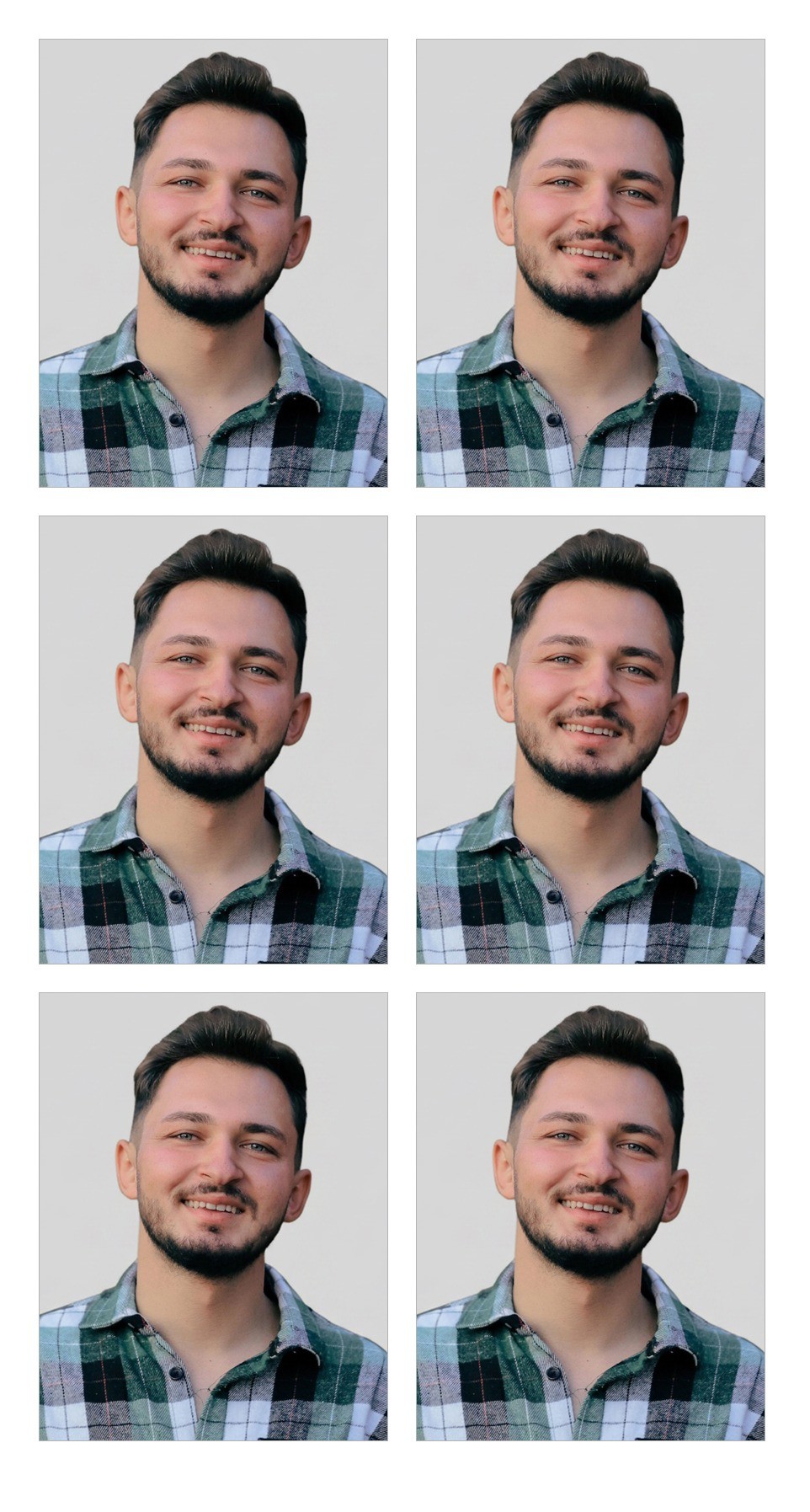
NeonSnap's passport photo tool takes the photo from your phone, crops it to 35 by 45mm with your head inside the 29 to 34mm range, and swaps the background for plain light grey. Your face and hair are copied from the original, untouched. You also get a ten-point check covering expression, eyes, head angle, glasses, headwear, lighting, background, sharpness, head size and the space around your head, each marked pass, warning or fail. It is free and needs no account.
Make a UK passport photo free →The check is the part worth having even if you already have a perfect white wall. A red mark on "neutral expression" at home costs you another thirty seconds in front of the window. The same problem found by an examiner a fortnight after you applied costs a lot more than that.
Can You Print Passport Photos at Home?
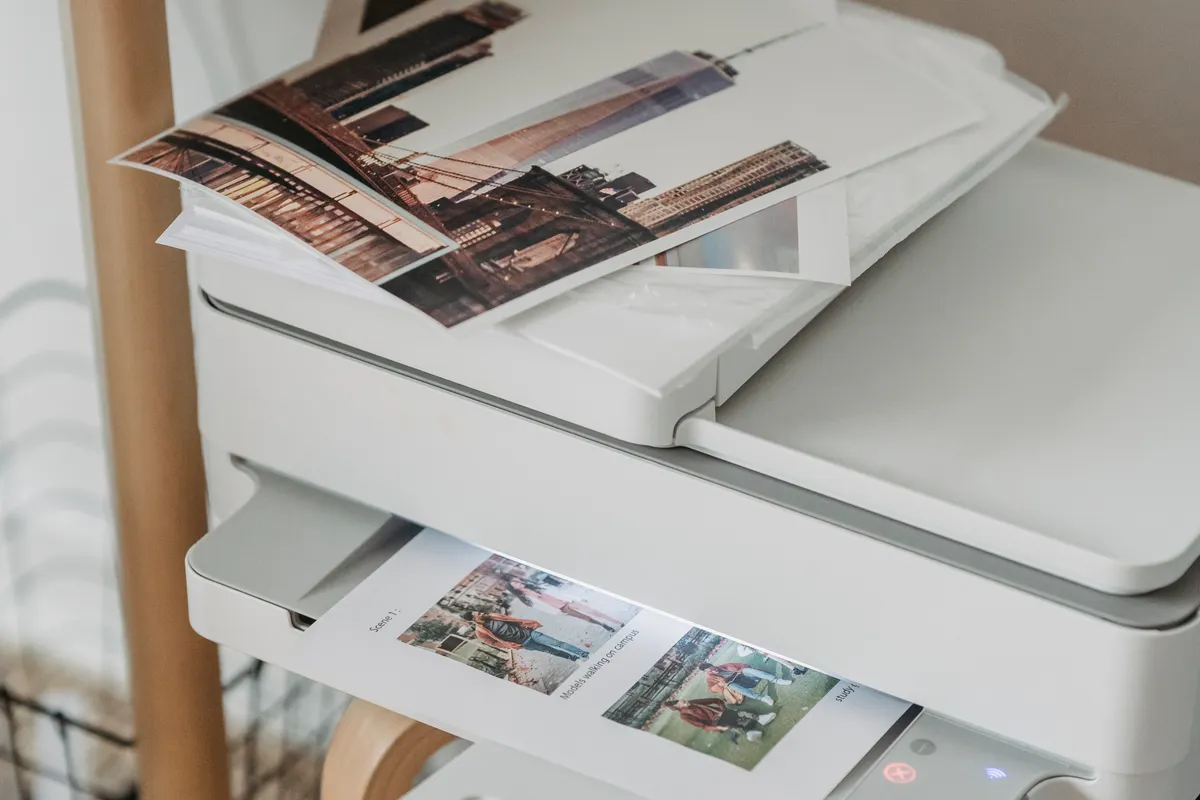
The rules don't forbid it, but they set a standard most home printers will not reach. The examiners' guidance says printed photos must be on good quality photo paper, free of creases, serrated edges and ink marks, and of a similar high quality to photos printed at booths and studios. An inkjet on standard printer paper is not that.
The cheaper route is to take the photo at home and pay a few pence for the print. A sheet with several 35 by 45mm copies laid out on a standard 6x4 inch print (10 by 15cm) can go to any supermarket or pharmacy photo kiosk as an ordinary photo, and you cut the copies out along the lines. Print it at 100 percent scale. A kiosk that "fits to page" will shrink every photo on the sheet and push your head out of the 29 to 34mm range.
Who needs to countersign the photo?
On a paper application, one of the two photos has to be countersigned if this is your first adult passport, a first child passport, a replacement for one that was lost, stolen or damaged, a renewal for a child aged 11 or under, or a renewal where you now look significantly different. The countersignatory must have known you for at least two years and be a person of good standing in the community or work in a recognised profession. They write "I certify that this is a true likeness of", followed by your title and full name, on the back of one photo, then sign and date it. The second photo stays blank.
What About Babies and Young Children?
The rules loosen for small children, and home is often the easier place to do it, because a baby in a photo booth rarely works out. Children under 6 don't have to look straight at the camera or keep a plain expression. Babies under 1 don't need their eyes open.
For a baby, GOV.UK suggests laying them on a plain light-coloured sheet and taking the photo from directly above. You can support their head, but your hand must not be in the picture, and the examiners' guidance is firm on this: a parent's hand or arm visible in the frame means rejection. Nobody else should be in the photo either, so no older siblings peering in from the edge.
Booth, Shop or Phone: Which Is Worth It?
A photo booth or a high street shop usually costs somewhere between about £6 and £13, and most now give you a digital photo code for the online application as well as prints. Some shops check the photo against the rules before you leave. If you are applying on paper and have no decent way to get it printed, or you want someone else to carry the responsibility for a rejection, that is a fair price.
Doing it at home makes more sense when you want to take twenty attempts rather than the booth's four, when the booth's lighting makes you look ill, when you're photographing a baby, or when you are applying online and the photo never needs to exist on paper at all. You can also go back and retake it the same evening if the online check flags something.
If you also need a photo for a CV or a work profile, the rules are close to the opposite: a smile is allowed and the light can be flattering. Our guide to a professional headshot without a photographer covers that one.
Frequently Asked Questions
Can I take my own UK passport photo with my phone?
Yes. The online application lets you take or upload a photo from your own device, and HM Passport Office guidance for its examiners says a selfie taken at arm's length can be accepted if it meets the other standards. GOV.UK still recommends getting someone to help, and says photos from a booth or shop are more likely to be approved.
What size is a UK passport photo?
A printed UK passport photo is 45mm high and 35mm wide, with 29mm to 34mm from the bottom of your chin to the top of your head. A digital photo for the online application must be at least 600 pixels wide and 750 pixels tall, and between 50KB and 10MB.
What colour background does a UK passport photo need?
Any plain light colour. GOV.UK asks for a plain light-coloured background, and the examiners' guidance lists shades of white such as cream, ivory and vanilla, as well as light grey. It must contrast with your face and hair and show no shadow behind you.
Can I wear glasses in a UK passport photo?
Only if you have to. GOV.UK says not to wear glasses unless you need to, and if you do, your eyes must not be covered by the frames or by any glare, reflection or shadow. Sunglasses and tinted lenses are not allowed.
Can I print passport photos at home?
You can, but the photos must be on good quality photo paper and match the quality of a booth or studio print, which most home inkjets on ordinary paper do not. The safer route is to take the photo at home and have the print sheet printed at a supermarket or pharmacy photo kiosk.
How recent does a passport photo have to be?
It must have been taken in the last month. That applies even if you look exactly the same as you did last year, so an old photo you liked will not do.
Make a UK passport photo at home, free.
Upload a photo from your phone and get it back at 35 by 45mm on a plain light grey background, with a print sheet and a ten-point check that tells you what to fix before you apply.
Make my passport photo