 £2.99 for 10 tokens



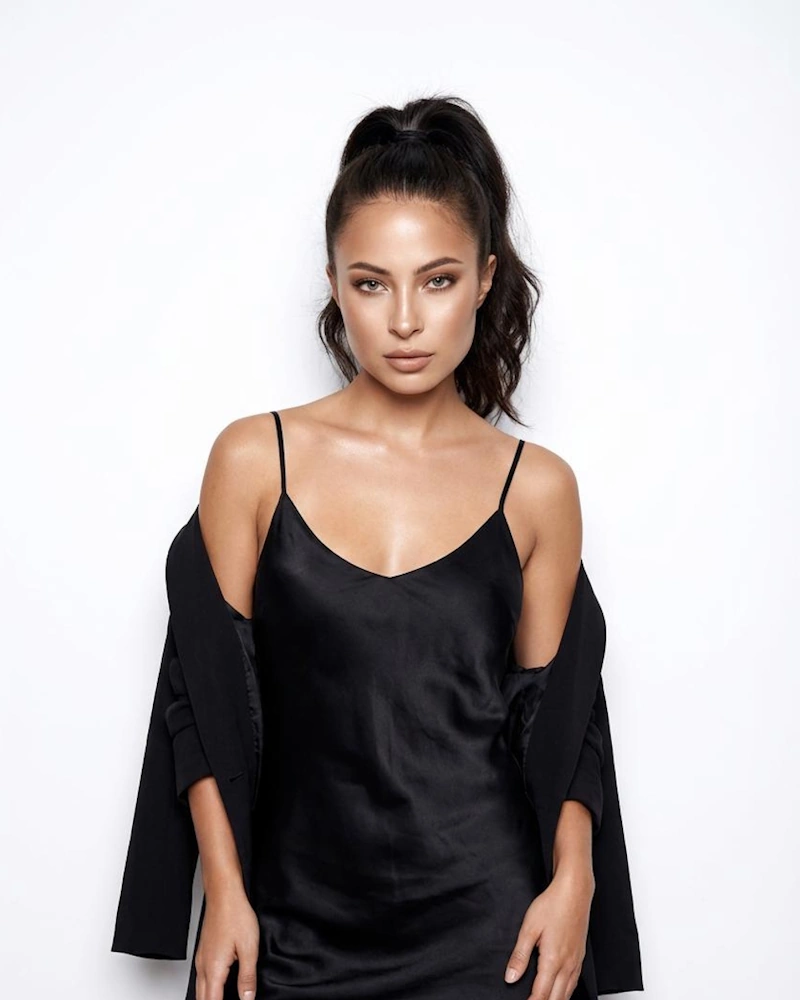
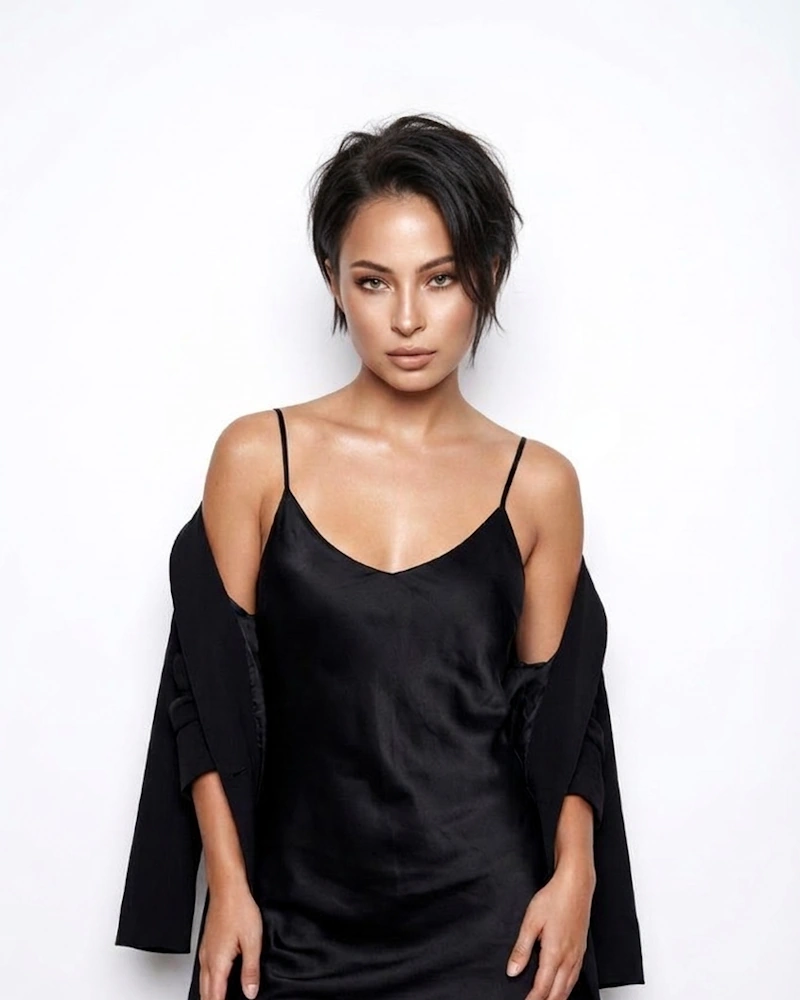
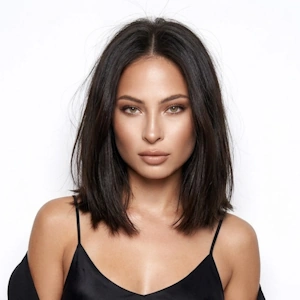
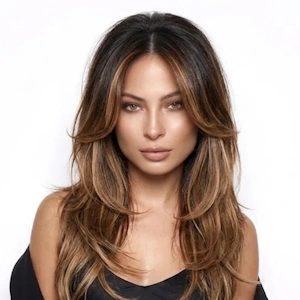
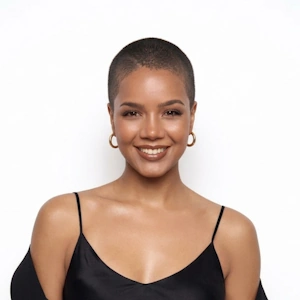
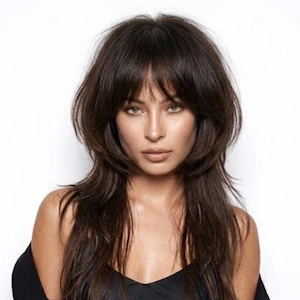
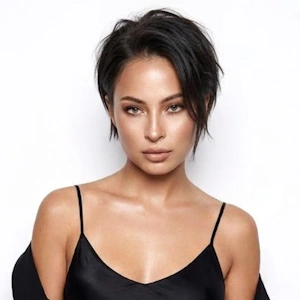
Preview the Bixie Cut Before You Commit
A Bixie Cut is a major transformation. It's bold, it's short, and once you go for it, growing it out takes patience. That's why so many people love the idea but hesitate to actually book the appointment.
With NeonSnap's virtual try on, the guesswork disappears. Upload your photo and our AI creates an instant, realistic preview of you with a Bixie. Unlike generic overlays or simple filters, NeonSnap's AI works with your unique face shape, hair colour, and lighting. You get a genuine, believable result that actually looks like you.
What Is a Bixie?
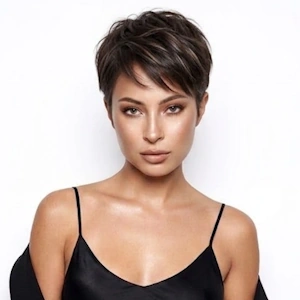
It's a hybrid style that blends the best features of a bob and a pixie. You get the short, cropped back of a pixie with the longer, face-framing pieces of a bob. The result is a textured, layered cut that typically falls somewhere between ear and chin length.
Unlike a full pixie, which can feel very short and exposing, the Bixie keeps enough length to soften the look and add versatility. It's edgy without being extreme. You can tousle it for a messy, carefree vibe or smooth it down for something more polished. It's modern, it's trendy, and it flatters a wide range of face shapes.
The layered nature of the cut creates movement and dimension, which is why people love it. But it's also why they want to see it on themselves first. NeonSnap's AI gives you that realistic preview, showing how the layers, the length, and the overall shape work specifically with your features.
Does This Style Suit My Face Shape?
Curious if this style will work for you? Thanks to its layered, versatile structure, the Bixie adapts beautifully to different face shapes. Here's what you can expect:
The best way to know if it suits you? Try the Bixie Cut before cutting using NeonSnap's AI preview tool. See the style on your own face and make your choice with total confidence.
What Is the Difference Between a Bixie and a Pixie?
They sound similar, but they're quite different in execution. Here's the breakdown:
- Length: A pixie is shorter overall, typically cropped close to the head. The Bixie keeps more length, especially at the front and sides.
- Layers: Pixies are often uniform and close-cropped. Bixies feature more dramatic layering that creates texture and movement.
- Vibe: A pixie is ultra-short and confident. A Bixie has an edgier, more textured feel while remaining softer and more versatile.
- Styling: Pixies usually look one way: short and sleek. Bixies can be tousled, smoothed, or styled in multiple ways depending on your mood.
If you're drawn to short hair but want more flexibility than a traditional pixie offers, the Bixie might be your perfect match. Use NeonSnap's AI to preview it on your actual face before you make the cut.
How to Try It Online
Why People Hesitate to Get a Bixie
This is one of those haircuts that sounds amazing in theory but feels intimidating when it's time to actually do it. Here's why:
- It's short. If you're used to long or medium hair, cutting it down to a Bixie feels like a big leap. Growing it back takes time and patience.
- It's layered and textured. The cut depends on precise layering to create that hybrid look. If it's done wrong or doesn't suit you, there's no hiding it.
- It showcases your face. With less hair to frame your features, everything is on display: your face shape, your jawline, your cheekbones. That can feel vulnerable.
- It's trendy. People worry about whether they can pull off a style that's currently having a moment. Will it suit me? Will I feel like myself?
That's where NeonSnap comes in. Instead of wondering what would I look like with this short cut, you get to actually see it. Upload your photo, generate a realistic preview, and know for certain whether this is the right move for you before you ever sit in the salon chair.
For Hairstylists and Salons
NeonSnap's virtual try on tool transforms salon consultations. Show clients exactly how the hairstyle would look on their face before you pick up the scissors, making the process smoother and more confident for everyone.
Tips for the Best AI Preview
- Use a front-facing photo. The AI needs a clear view of your face, jawline, and neck to create the most accurate result.
- Choose good lighting. Natural daylight is ideal. Avoid harsh overhead lights or dim rooms that create heavy shadows.
- Keep your hair visible. Don't cover your hair with hats, scarves, or hands. The AI needs to see your current hair to create a realistic transformation.
- Avoid heavy filters or makeup apps. Upload a natural, unedited photo so the AI can match your real hair colour and skin tone accurately.
- Tie back loose hair if needed. If your hair is very long or covering your face, consider pulling it back so the AI can see your bone structure clearly.
- Use a high-quality image. Blurry or low-resolution photos reduce the accuracy of the preview.
- Keep a neutral expression. A relaxed, natural face helps the AI align the haircut properly with your features.
- Choose a simple background. A plain wall or uncluttered space helps the AI focus on you, not your surroundings.
Bixie Cut AI Try On FAQs
What is a Bixie?
A Bixie is a hybrid hairstyle that combines elements of both a bob and a pixie. It features shorter layers at the back like a pixie, with slightly longer pieces at the front and sides like a bob. The result is a textured, layered cut that sits between chin and ear length, offering the best of both worlds.
Does a Bixie suit my face shape?
The Bixie works wonderfully on most face shapes thanks to its versatile, layered nature. Oval, heart, and diamond-shaped faces tend to carry it particularly well. Round and square faces can also rock the style with strategic layering and styling. Use NeonSnap's AI to see how it looks on you specifically.
Can I see what I'd look like with a Bixie before cutting my hair?
Absolutely. NeonSnap's AI allows you to try the style virtually using your own photo. Simply upload a clear image, hit Generate, and you'll see an instant, realistic preview of how the cut looks on your face without stepping foot in a salon.
What is the difference between a Bixie and a Pixie?
A pixie is typically shorter all around, close-cropped at the back and sides with minimal length. A Bixie keeps some extra length, especially around the front, creating a softer, more bob-like silhouette. The Bixie offers more styling versatility while still maintaining that short, edgy vibe.
Is the Bixie hard to style?
Not really. The Bixie is surprisingly manageable because of its layered structure. It air-dries well and looks great with minimal effort. Add some texturizing product for a tousled look, or smooth it out for something sleeker. The versatility makes it easy to adapt to your mood.
Will the AI preview look realistic?
Yes. NeonSnap's AI creates a photo-realistic transformation that preserves your facial features, matches your natural hair colour and texture, and maintains the original lighting and shadows. The result looks like an actual photo, not a cartoon or filter.
Is this tool really free?
Yes, completely. NeonSnap's virtual try on is 100% free with no sign-up, no account required, and no hidden fees. Just upload your photo and generate your preview right away.
What kind of photo should I upload?
Upload a clear, front-facing photo with good lighting. Ensure your face and neck are visible, hair is not covered by hats or accessories, and the background is simple. Natural daylight produces the best colour matching results.
What if I have curly or wavy hair?
The AI handles all hair types beautifully, including curly, wavy, and textured hair. It adapts the Bixie style to complement your natural texture while maintaining the signature layered, hybrid look.
How long does a Bixie take to grow out?
Since hair grows roughly half an inch monthly, growing out a Bixie to shoulder length usually takes 3 to 5 months depending on how short you go. That's exactly why seeing a preview before cutting is so valuable.
Can I use this preview to show my hairstylist?
Definitely. Showing your stylist a realistic preview of the style is an excellent way to communicate your vision clearly. It eliminates confusion and helps ensure you both understand the exact look you want.
Is my photo kept private?
Absolutely. Your privacy matters to us. All photos are processed securely and deleted automatically from our servers once your transformation is complete. We never store, sell, or share your images.
Do I need to install an app?
No. NeonSnap operates entirely in your web browser, whether on mobile or desktop. No app installation, no account signup, no complications.
Can I download my preview?
Yes. After your preview is generated, you can download the high-resolution image instantly. Use it however you like: share with friends, show your stylist, or save for reference.
What if I don't like the preview?
That's exactly what the tool is for: helping you see the cut before committing. If it doesn't work for you or you're not feeling it, you've just saved yourself from a haircut you'd regret. Zero risk involved.
Can I try different variations of the Bixie Cut?
Yes. You can describe specific variations you want to explore, like a longer Bixie, more texture, or a side-swept fringe, and NeonSnap's AI will create a preview tailored to your request.
Should I get a Bixie?
If you're drawn to the style but uncertain whether it suits you, try it virtually first. NeonSnap's AI shows you exactly how the cut complements your face, giving you the confidence to decide before making a permanent change.
Ready to See Yourself With a Bixie?
Stop wondering and start seeing. Upload your photo and preview the hairstyle on your actual face in seconds. No haircut, no commitment, no risk. Whether you're nervous about going short, curious about how it frames your face, or just want reassurance before your appointment, NeonSnap gives you the confidence to decide. Try it now - it's completely free, and you'll have your answer in less than a minute.