 £2.99 for 10 tokens



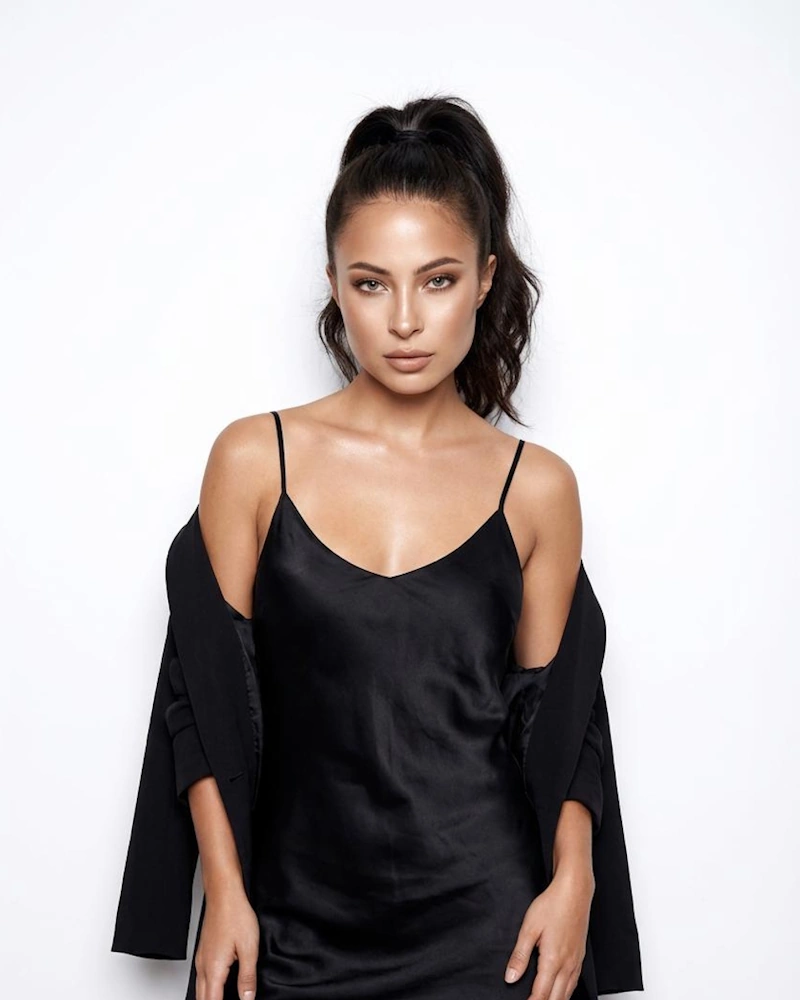
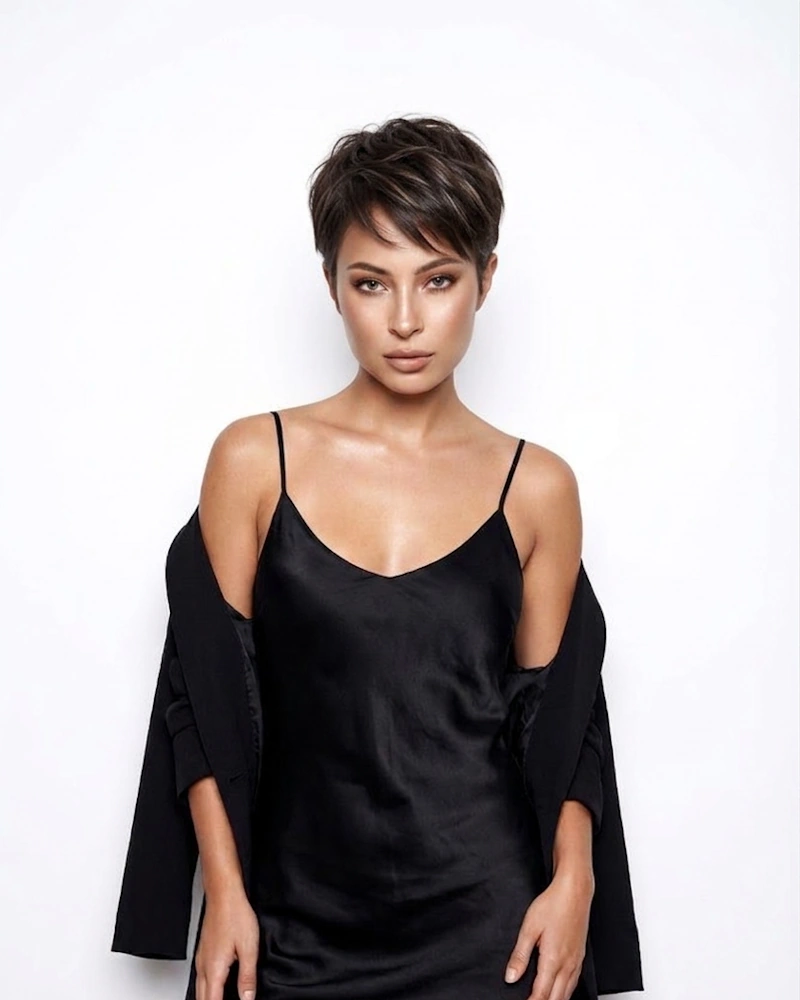
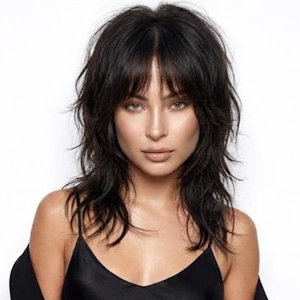
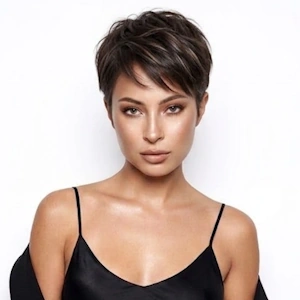
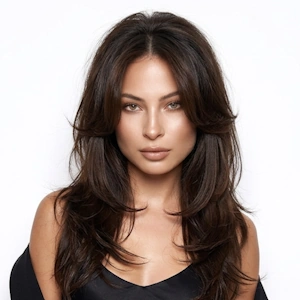
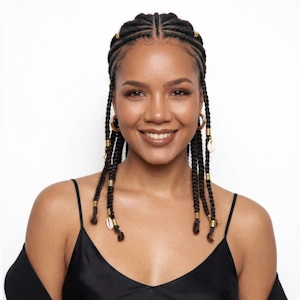
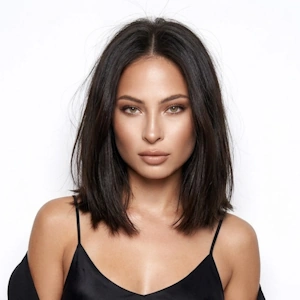
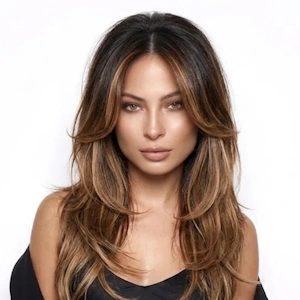
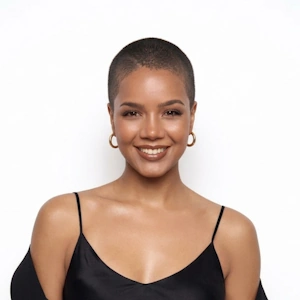
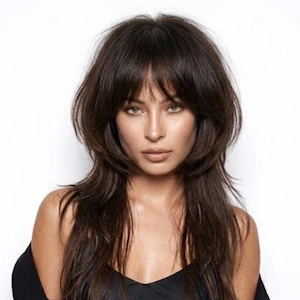
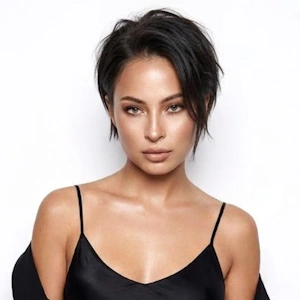
See Yourself With Short Hair Before the Big Chop
Cutting your hair short is one of the most transformative decisions you can make. It's empowering, it's freeing and it's also irreversible. Once those scissors snip, you're living with ultra-short hair for months while it grows back. No wonder so many people freeze at the salon door.
NeonSnap takes the guesswork out. Upload a photo and our AI instantly shows you what you'd look like with cropped hair. Not a generic overlay or cartoon filter, a realistic transformation tailored to your exact face shape, natural hair colour, and skin tone. You'll see the real you with short hair, so you can decide if the leap feels right.
What Defines a Pixie Cut?
A Pixie is an ultra-short hairstyle where hair is cropped close to the head, usually tapered or buzzed at the sides and back, with slightly more length left on top. It's the shortest mainstream cut you can get without going fully buzzed.
What makes it iconic? The way it exposes your entire face. There's nothing to hide behind: your bone structure, your eyes, your jawline all take centre stage. It's confident, practical, and undeniably eye-catching. These cuts can be styled sleek and polished, tousled and textured, or edgy and asymmetric depending on your vibe.
Because it's so dramatic, most people want proof it'll work before booking the appointment. That's where NeonSnap comes in. Our AI creates a true-to-life preview showing how the cropped length, the shape, and the overall style interact with your unique features, so you can see it, not just imagine it.
Will a Pixie Cut Suit My Face Shape?
Let's be honest, the Pixie is unforgiving. With no length to soften or balance your features, your bone structure does all the talking. Here's how different face shapes work with the style:
Still not sure? Don't guess, try it first. NeonSnap's AI shows you how the cropped style interacts with your specific face shape, so you can see if it enhances or overwhelms your features before making the cut.
How to Preview a Cropped Look on Your Own Photo
Why Cutting a Pixie Cut Feels So Scary
Getting a Pixie is a somewhat scary prospect for most people. Even those who love the look hesitate when it comes to actually doing it. Here's why:
- It's irreversible. Once you go that short, there's no quick fix if you hate it. Hair grows slowly, about half an inch per month, so you're looking at a year or more to return to shoulder length.
- It exposes everything. Your face, your ears, the shape of your head, everything is on full display. If you've always hidden behind long hair, that level of exposure can feel overwhelming.
- It's a statement. Ultra-short hair turns heads. It's confident, bold, and unconventional. Many people worry they don't have the personality or style to pull it off.
- Fear of regret. What if it doesn't suit you? What if it makes your face look wider, your features less balanced, or your neck too short? The unknown is paralysing.
That's precisely why NeonSnap exists. Instead of wondering will a Pixie suit me, you get to actually see it. Upload your photo, generate the preview, and within seconds you'll know if the cropped look feels empowering or uncomfortable. No guessing, no regrets, just a clear, honest answer before you ever step into a salon.
A Tool for Hairstylists and Salons
Very short crops are high-risk consultations. Clients are nervous, often indecisive, and terrified of regretting the cut. NeonSnap changes that dynamic completely. Show them a realistic AI preview on their own face before you even touch their hair. It builds trust, eliminates miscommunication, and gives them the confidence to commit. Clients arrive already emotionally prepared for the transformation, which means fewer hesitations and happier results. You can also use the previews to showcase different variations, textured, sleek, asymmetric, helping clients visualize exactly what they want. It's a consultation game-changer that turns nervous clients into excited ones.
Getting the Most Accurate AI Preview
- Face the camera directly. The AI needs to see your full face, including your ears and neck, to generate an accurate cropped hairstyle preview.
- Use natural light. Daylight gives the best results. Avoid dim lighting or harsh overhead bulbs that cast unflattering shadows.
- Pull long hair back if needed. If your hair is covering your face or obscuring your bone structure, tie it back or tuck it behind your ears.
- Skip the filters. Upload an unedited, natural photo. Filters and beauty apps distort your real hair colour and skin tone, which reduces preview accuracy.
- Remove hats and accessories. Make sure your hair, ears, and forehead are visible. The AI can't work with what it can't see.
- Choose a high-quality photo. Blurry or pixelated images produce less accurate previews.
- Relax your expression. A neutral or natural expression helps the AI align the haircut correctly with your facial structure.
- Keep the background simple. A plain background helps the AI focus entirely on you and your transformation.
Cropped Style AI Try On FAQs
What exactly is a Pixie?
It is an ultra-short hairstyle where hair is cropped close to the head, typically short at the back and sides with slightly more length on top. It's bold, low-maintenance, and showcases your facial features, especially your eyes, cheekbones, and jawline.
Does a Pixie suit every face shape?
Not every shape, but more than you'd think. Oval, heart-shaped, and diamond faces look stunning with cropped hair. Round and square faces can also work beautifully with the right styling (like added height or texture on top). The smartest way to know? Preview it on your own face using NeonSnap's AI.
Can I virtually try on a Pixie before committing?
Absolutely. NeonSnap's AI lets you see yourself with ultra-short hair in seconds. Just upload a photo, click Generate, and you'll get a realistic preview showing exactly how the style would look on your face. No salon visit required.
How is a Pixie different from other short hairstyles?
It is much shorter than a bob, often cropped above the ears with close-cut sides and back. Unlike a bob that frames the face with length, this look exposes it fully. It's also more textured and varied in styling, ranging from sleek and polished to tousled and edgy.
Is this cut high-maintenance?
Daily styling is minimal, many people just run some product through and go. However, this length needs frequent trims every 4-6 weeks to maintain the shape and prevent it from growing out awkwardly. So while daily upkeep is low, salon visits are more frequent.
Will my preview look realistic?
Yes. NeonSnap's AI doesn't just slap a generic wig on your head. It generates a photo-realistic transformation that preserves your facial features, matches your natural hair colour, and respects the lighting in your original photo. It looks like a real photo, because that's what it's designed to be.
Is this tool really free?
100% free. No hidden fees, no account required, no credit card. Upload your photo, generate your preview, and download the image, all without spending a penny.
What makes a good photo for the AI?
Use a clear, front-facing photo with natural lighting. Make sure your face, ears, and neck are visible. Avoid hats, sunglasses, or heavy shadows. The clearer your photo, the more accurate your preview.
What if my hair is curly or textured?
The AI adapts to all hair types: straight, wavy, curly, coily. It applies the cropped style while keeping your natural texture intact, so you see an authentic representation of how short hair would look with your specific hair type.
How long does it take to grow out a Pixie?
Hair grows roughly half an inch per month. If you cut to a cropped Pixie and want to grow it to shoulder length, expect 12-18 months minimum. That's why previewing before you cut is so valuable, you avoid months of regret.
Can I take the preview to my hairstylist?
Absolutely. In fact, bringing a realistic AI preview on your actual face is one of the best things you can do. It removes all ambiguity about what you want and gives your stylist a crystal-clear visual reference. They'll appreciate the clarity.
Is my photo kept private?
Yes. Privacy matters to us. Your photos are processed securely and automatically deleted from our servers once your transformation is complete. We never store, share, or repurpose your images.
Do I need to install an app?
No. NeonSnap runs entirely in your browser on any device, mobile or desktop. No downloads, no apps, no hassle.
Can I download the preview image?
Yes. Once generated, you can download your high-resolution preview instantly. Use it for reference, share it with friends for feedback, or take it to your salon appointment.
What if I don't like how it looks?
Then you've just saved yourself from a huge mistake. That's the entire point of trying it virtually first. If the preview doesn't excite you, you've lost nothing and gained clarity. If it does excite you, you can book your appointment with full confidence.
Can I try different Pixie styles?
Yes. You can describe specific variations you'd like to see, longer on top, textured, side-swept, asymmetric, and the AI will generate a preview to match. Experiment until you find the perfect version.
Should I get a Pixie?
If you're tempted but uncertain, seeing it on yourself first is the smartest move. NeonSnap's AI shows you the real deal, how the ultra-short length works with your face shape, bone structure, and overall look. Then you can decide with total clarity.
Ready to See Yourself With a Pixie?
Stop wondering if you can pull off ultra-short hair. Upload your photo and see the transformation happen in real time, no scissors, no risk, no regrets. Whether you're curious, terrified, or already half-convinced, NeonSnap gives you the clarity to decide. Find out if the cropped style suits you before you ever book the appointment. It's free, it's instant, and it's the smartest thing you can do before making such a dramatic change. Try it now.