 £2.99 for 10 tokens



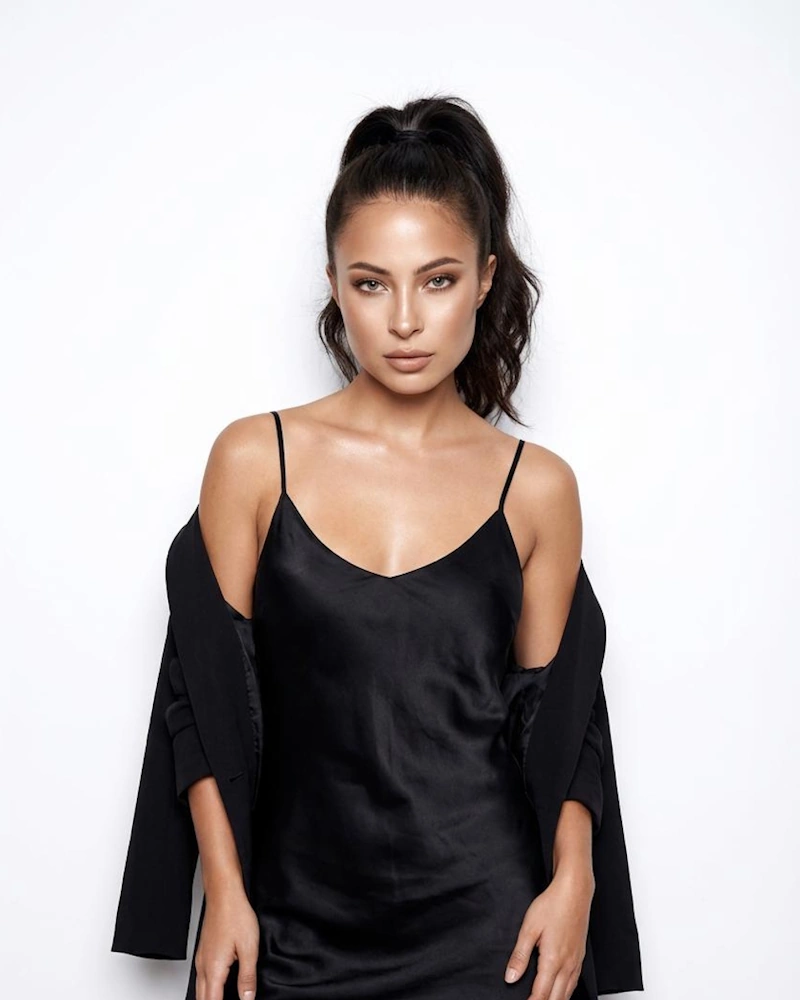
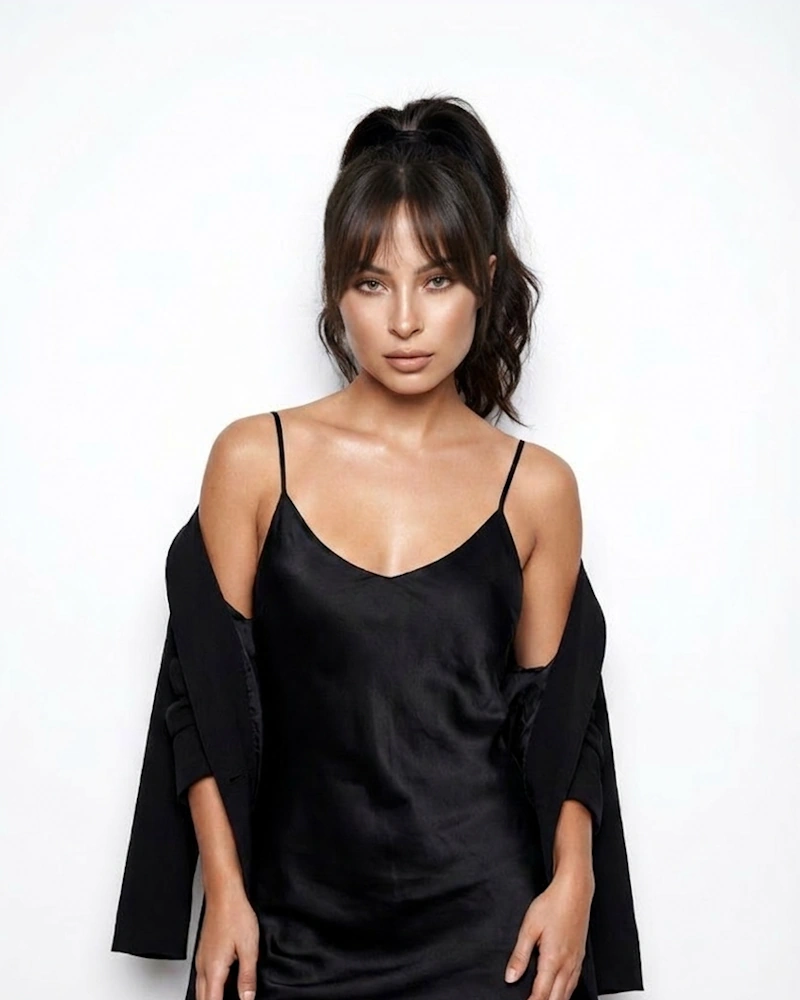
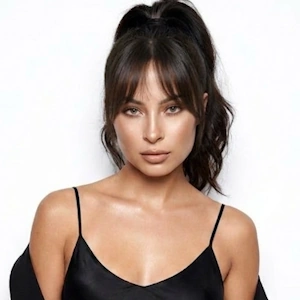
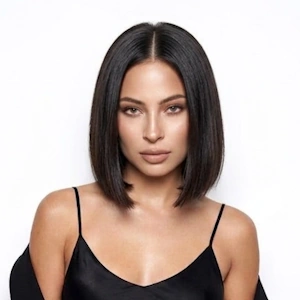
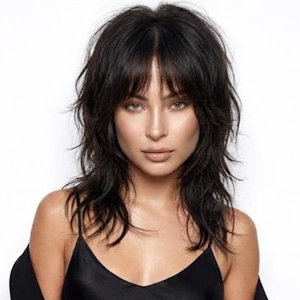
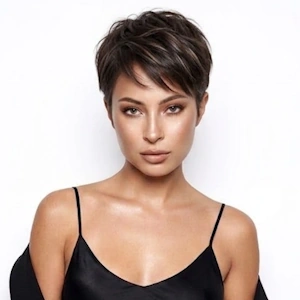
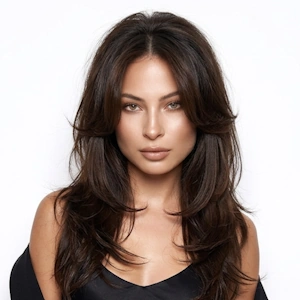
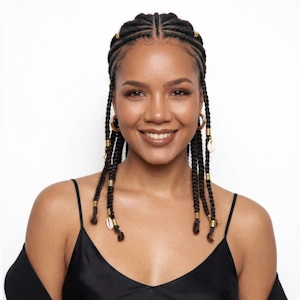
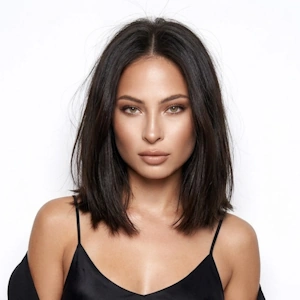
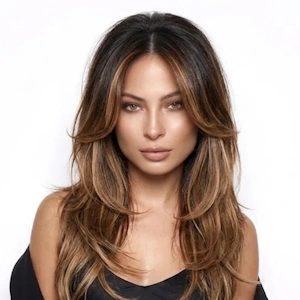
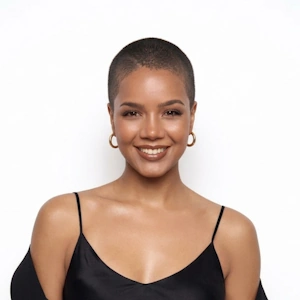
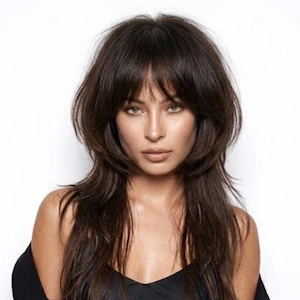
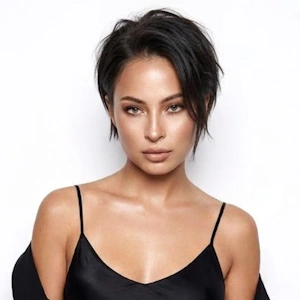
Try Curtain Bangs Instantly With AI
Take the guesswork out of how bangs might look, NeonSnap allows you to preview the hairstyle directly on your own face. Cutting bangs is a big commitment. Once they're cut, there’s no going back.
With NeonSnap's curtain bangs AI, you can instantly see what you would look like with this style before making the decision. Upload your photo and the AI generates a realistic, high-quality result in seconds. Unlike a basic fringe filter, NeonSnap preserves your real facial features, hair colour, and natural lighting for a preview you can actually trust.
Why Curtain Bangs Are So Popular
Curtain bangs, also known as a curtain fringe, have made a huge comeback thanks to their versatility and flattering shape. They are a style of face framing bangs that part gently down the middle, sweeping outward to soften the forehead and frame the cheekbones.
Unlike blunt bangs, a curtain fringe blends naturally into the rest of the hair and is far easier to grow out.
Our AI carefully adds the fringe while preserving your facial identity, your natural hair colour, lighting and shadows and realistic hair texture. The result is a natural-looking transformation, not a simple filter.
They are popular because they:
- Work as beautiful face framing bangs for many hair types
- Complement long or medium length hair
- Grow out more naturally than straight bangs
- Suit many different face shapes
Do Curtain Bangs Suit Your Face Shape?
Asking yourself do curtain bangs suit me? You are in good company, it is one of the most common questions before getting a fringe. The great news is that they are one of the most universally flattering styles around.
What face shape suits curtain bangs? The answer is: most of them.
Would this fringe suit my face? Use NeonSnap to preview them on your own photo or read on for a quick guide by face shape.
How to See Yourself With Curtain Bangs
Should I Get Curtain Bangs? See Yourself Before You Cut
If you are asking yourself should I get curtain bangs, the best way to decide is to see them on your own face first. Cutting bangs is one of the most permanent haircut decisions you can make. The fringe can take months to grow back if it does not suit you.
NeonSnap creates a realistic before and after preview using your actual photo. See your transformation in seconds and make a confident decision before booking your salon appointment.
- See exactly how the fringe will frame your specific face shape
- Get a realistic before and after preview using your own photo
- Avoid the regret of a haircut that is hard to reverse
- Try different lengths: short, mid-length, or long variations
- Generate a reference image to show your hairdresser
For Salons & Stylists
NeonSnap's AI simulator is a powerful consultation tool for hairstylists and salons. Show clients exactly what the style would look like on their own face before any scissors come out. Use it to set realistic expectations, build client confidence, and reduce the risk of post-cut regret. Create compelling before-and-after content for social media, or help clients arrive at their appointment already knowing the look they want. Whether you're convincing a hesitant client or fine-tuning the exact length and style, NeonSnap makes every consultation faster, clearer, and more confident.
Ready to See Yourself With Curtain Bangs?
Stop guessing and see for yourself. Upload your photo and preview the style on your own face in seconds, completely free, no sign-up required. Whether you're on the fence about the cut or already booked a salon appointment, NeonSnap lets you see the result before it happens. Try different lengths and styles risk-free before making any real changes.
Photo Tips
- Face the camera directly. A straight-on photo gives the AI a clear view of your hairline and face shape.
- Use good lighting. Natural daylight works best—avoid harsh shadows or dim indoor lighting.
- Keep your hair visible. Make sure your current hairstyle isn’t blocked by hats, scarves, or hands.
- Avoid filters or heavy makeup. Natural, unedited photos help the AI match tones and textures accurately.
- Tie back loose strands if needed. A tidy photo makes it easier for the AI to define your hair edges.
- Upload a high-quality image. Blurry or pixelated photos can reduce the accuracy of your results.
- Look relaxed and neutral. A soft, natural expression ensures the hairstyle aligns properly with your features.
- Use a plain background. A simple wall or uncluttered background helps the AI focus on you, not your surroundings.
Curtain Bangs FAQs
Do curtain bangs suit all face shapes?
They are one of the most versatile bang styles and suit oval, round, heart-shaped, and square faces. Use NeonSnap to preview them on your specific face shape before deciding.
Do I need to download an app?
No, NeonSnap runs entirely in your browser. No app or account needed.
How long do curtain bangs take to grow out?
Hair typically grows around half an inch per month. A short fringe can take 3–6 months to grow back out to a length that blends naturally with the rest of your hair.
Can I see curtain bangs with my natural hair colour?
Yes. NeonSnap's AI preserves your natural hair colour when generating your preview, so the result looks true to how they would actually appear on you.
Will curtain bangs look realistic on curly or wavy hair?
Yes. NeonSnap supports all hair types including curly, wavy, and textured hair. The AI adapts the style to match your natural hair texture for a realistic result.
Will my curtain bangs preview look realistic?
Absolutely. Our AI generates salon-quality results that blend naturally with your face, hair colour, lighting, and texture, so the preview feels genuinely real, not like a basic filter.
Can I use this to show my hairdresser what I want?
Yes! Generate a preview and bring it to your salon appointment. Showing your hairdresser a reference image of the look on your actual face is one of the best ways to communicate exactly what you want.
Is my photo safe and private?
Yes, your privacy is our top priority. All images are processed securely and automatically deleted from our servers after your transformation is complete.
What if I want to try different curtain bang lengths?
You can describe the exact style you want, such as short, mid-length, or long variations, and NeonSnap will generate a preview matching your description. Try multiple variations to find your perfect look.
Should I get curtain bangs?
If you are tempted but unsure, the safest way to decide is to try them virtually first. Upload your photo to NeonSnap and see exactly how the style would look on your face. No commitment required.
Do curtain bangs suit me?
They suit most face shapes. Oval, round, square, and heart-shaped faces all tend to look great with a curtain fringe. The AI preview will show you exactly how they would look on your specific face so you can decide with confidence.