£2.99 for 10 tokens



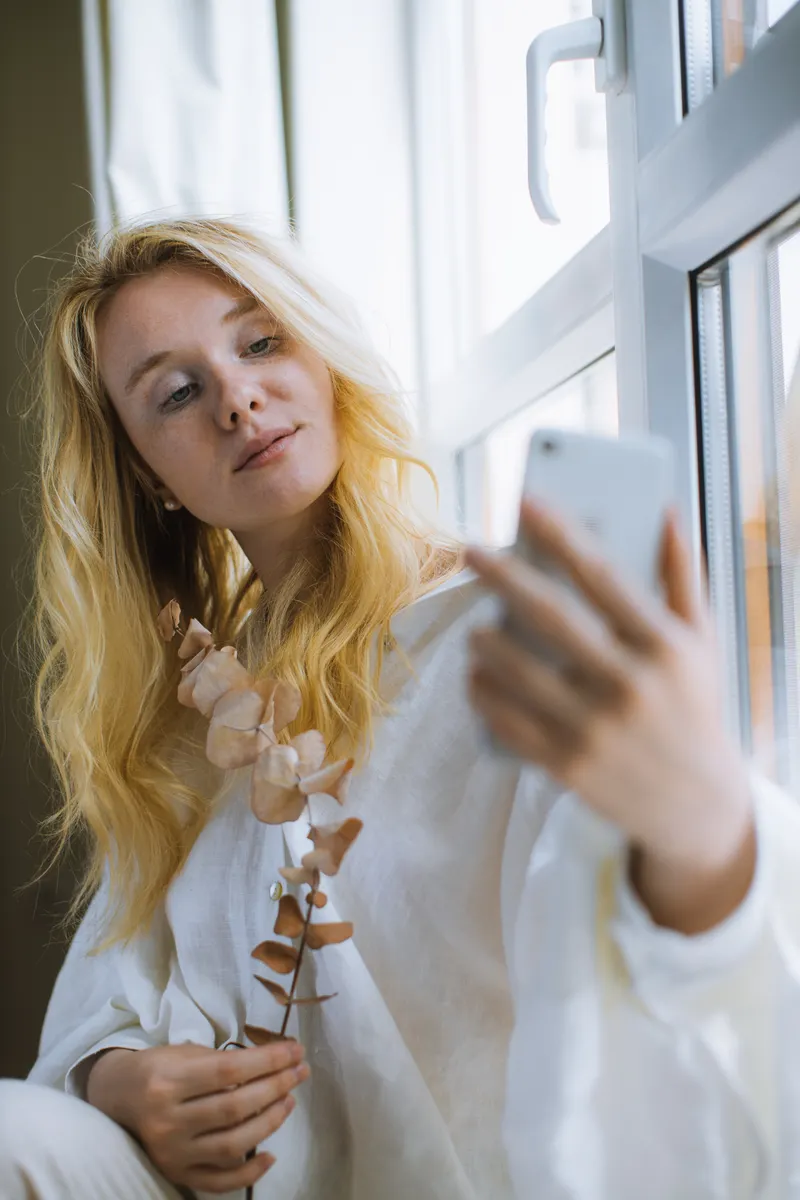
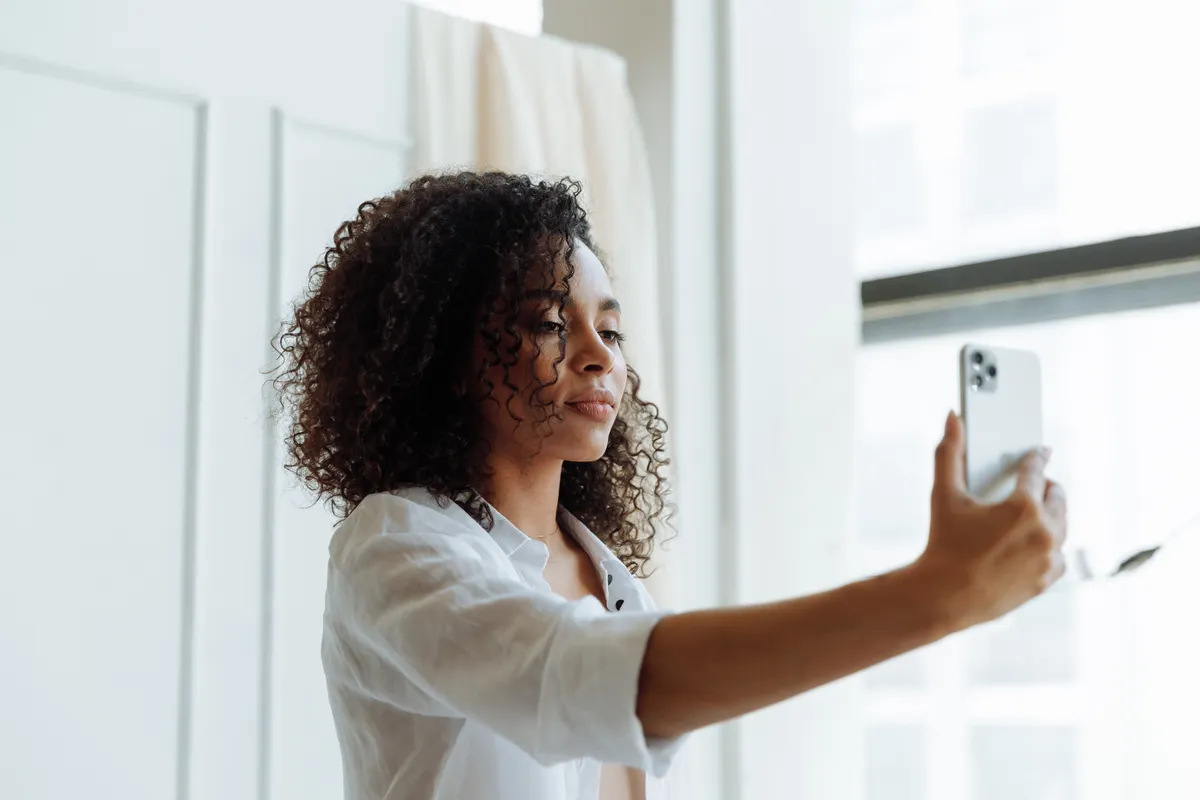
A phone held the way most people hold it for a selfie, elbow bent, sits about 30 centimetres from your face, and at that distance it is not photographing the face other people see. A 2018 study in JAMA Facial Plastic Surgery put a number on it: from 12 inches, the nose comes out roughly 30 percent wider than it does from five feet. That is most of the reason selfies feel slightly off, and it is why the first fix here is distance rather than a pose. After that come the angle, the light, the few phone settings worth changing, and what AI can and cannot repair once the photo exists.
How to Take a Good Selfie
Distance, Angles, Light and the Settings Your Phone Hides
Why Do Selfies Look Nothing Like You?
Two things are happening, and neither of them is your face.
The first is the lens. Boris Paskhover, a facial plastic surgeon at Rutgers New Jersey Medical School, worked with Ohad Fried at Stanford to model how a face changes with camera distance. In a selfie taken from 12 inches, the nose appeared about 30 percent wider than in a photo of the same face taken from five feet, and the tip of the nose about 7 percent wider. Nothing about the nose has changed. The parts nearest the lens are drawn bigger than the parts further back, which is what any lens does at close range. The effect was strong enough that a 2018 poll by the American Academy of Facial Plastic and Reconstructive Surgeons found 55 percent of its surgeons had seen patients in 2017 asking for procedures to look better in selfies, up from 42 percent in 2016. The authors' advice was that nobody should use a selfie as evidence for surgery.
The second is the mirror. While you line up the shot, the screen shows you reversed, the way a mirror does, because that is the face you have looked at every day of your life. Then the phone saves the photo the right way round, and the result looks subtly wrong to you and completely normal to everyone else. iPhones have had a Mirror Front Camera switch under Settings, then Camera, since iOS 14, and Samsung and Pixel phones call the same thing Save selfies as previewed. Leave it off if the photo is for other people. Turn it on if you want the version you recognise.
How Far Away Should You Hold the Phone?
Further than feels natural. Most people take selfies with the elbow bent, which puts the lens 25 to 30 centimetres away, right in the zone the Rutgers model measured. Straighten the arm fully and the distance goes up by a third or more, and the stretching drops with it. A selfie stick or a small tripod gets you further still, and a tripod with the timer set is how most of the selfies you admire online were actually taken.
Straighten the arm and the lens moves a third further away. That one change does more for a selfie than any filter.
Do not pinch to zoom to make up the distance. The front camera's digital zoom only crops the sensor, so you get the same close-range proportions with fewer pixels, and the file goes soft for the reasons covered in our guide to fixing blurry pictures.
Better still, turn the phone round. The rear camera has the larger sensor and the better lens, which is why a 12 megapixel rear camera routinely beats a front camera with a bigger megapixel number on the box. Prop the phone against something at head height, set the timer to ten seconds and take a burst. You cannot see the frame, so the first few attempts will cut off the top of your head. The fifth one is usually the best photo of you on the phone.
Apple's iPhone 17, launched in September 2025, went a different way: a square 18 megapixel front sensor that can shoot a landscape selfie while you hold the phone upright, and a Center Stage mode that widens the frame on its own when a second person leans in. It is a real improvement for group selfies. It does nothing about distance, so everything above still applies.
What Is the Best Angle for a Selfie?
Slightly above eye level, with the lens tipped a little down towards you. Not the steep top-down angle everyone used in 2012, which shrinks the body and makes the forehead the largest thing in the frame, just high enough that you are looking marginally up at the lens. It opens the eyes and clears the shadow under the chin.
Push your chin forward and then a touch down. It feels ridiculous and it works in every photo: pulling the chin back is what folds the skin under the jaw, and pushing it out stretches it flat again. Our guide to looking good in photos covers the chin push and the rest of the posing basics in more detail.
Turn your shoulders. A face square on to the lens is the widest version of it; angle the body 30 or 40 degrees and bring the face back towards the camera. Which way to turn is a real question with a partial answer. In 2012 Kelsey Blackburn and James Schirillo at Wake Forest University asked people to rate the left and right sides of faces in greyscale photographs, and included mirror-reversed copies so nobody could tell which side they were really looking at. The left cheek won for both men and women, and the raters' pupils dilated more when they looked at it. The researchers' guess is that the left side of the face shows emotion more strongly. Try leading with your left cheek for a week and see whether you agree.
Then look at the lens, not at yourself. The lens is a small dot at the top of the phone, and your eyes on the preview are several centimetres below it, so a selfie taken while watching the screen always has a faintly downward gaze. Find the dot, look into it, and the photo looks back.
What Is the Best Lighting for a Selfie?
Face a window. That is most of it. Daylight through glass is a large, soft light source, and standing about a metre from it with the phone between you and the window gives you even light across the face, a catchlight in each eye and no shadow under the nose. If the sun is coming straight through, step back or wait, or pull a sheer curtain across, because direct sun does to a face what a ceiling light does, and makes you squint as well.
Outdoors, overcast is a gift. A grey sky is a softbox the size of the county. On a bright day, find open shade: under an awning, on the shadow side of a building, under a tree, anywhere the sky still lights you but the sun does not. The hour before sunset gives the warm, low light that makes skin look its best, and it is the one time of day direct sun is worth facing.
There are two things to avoid. Light from above, which includes ceiling lights, office strips and midday sun, drops shadows into the eye sockets and under the nose, and is the main reason people think they look tired in selfies. And a bright window behind you, which turns you into a silhouette unless you tell the phone otherwise.
You can tell it with one press. Tap and hold on your face until the phone locks focus and exposure (iPhones show AE/AF Lock in a yellow box), then drag the small sun icon upwards until your face is bright enough. Android phones have the same tap and a brightness slider. Most people have never touched it.
Ring lights work, with two cautions. Point it straight at you from about an arm's length, and turn it down. On full power it flattens the face and leaves a bright white ring in each pupil that anyone who has sat through a video call will recognise. Half power, slightly above eye level, and it does a decent impression of a window after dark. The screen flash on the front camera is a last resort; it is small and close, which is the opposite of what a face wants.
Which Phone Settings Actually Matter?
Turn the beauty filter off. Most phones have a skin smoothing setting for the front camera, under names like face retouching, beauty mode or a numbered slider, and on some it is switched on out of the box. The result is a waxy version of you that reads as filtered to anyone who has seen a filter. Set it to zero and do any retouching afterwards, where you can see what changed.
Wipe the lens. The front lens lives under your thumb and against your cheek during calls, and collects a film of skin oil that softens every photo and turns every light source into a smear. A rub on a clean T-shirt fixes a problem people buy new phones to solve.
Turn the grid on and put your eyes on the top line. Centring the face leaves a slab of empty ceiling above it; eyes a third of the way down the frame is where every portrait photographer puts them.
Use portrait mode with care. The blur behind you is calculated rather than optical, and the calculation struggles at the edge of curly hair, the arms of glasses and anything held in front of the face. It is at its best with a plain background and smooth hair, and at its worst exactly where you would most like it to help.
Use the timer and a burst. Holding the phone at full stretch and pressing the on-screen shutter makes the phone move, which is where most blurry selfies come from. The volume buttons take a photo too, and a wired pair of earphones with a volume control is a remote shutter that costs nothing. Set the timer, breathe out and let the phone take ten frames. The one worth keeping is usually somewhere in the middle, after you have stopped posing.
Try it with NeonSnap
See the same selfie with the skin sorted and nothing else moved
Upload a selfie to Glow Up and it comes back with temporary blemishes cleared, uneven patches evened out and the shadows under the eyes softened, while the framing, expression, bone structure and skin tone stay exactly as you shot them. Free to try, no account needed.
Try AI Glow Up free →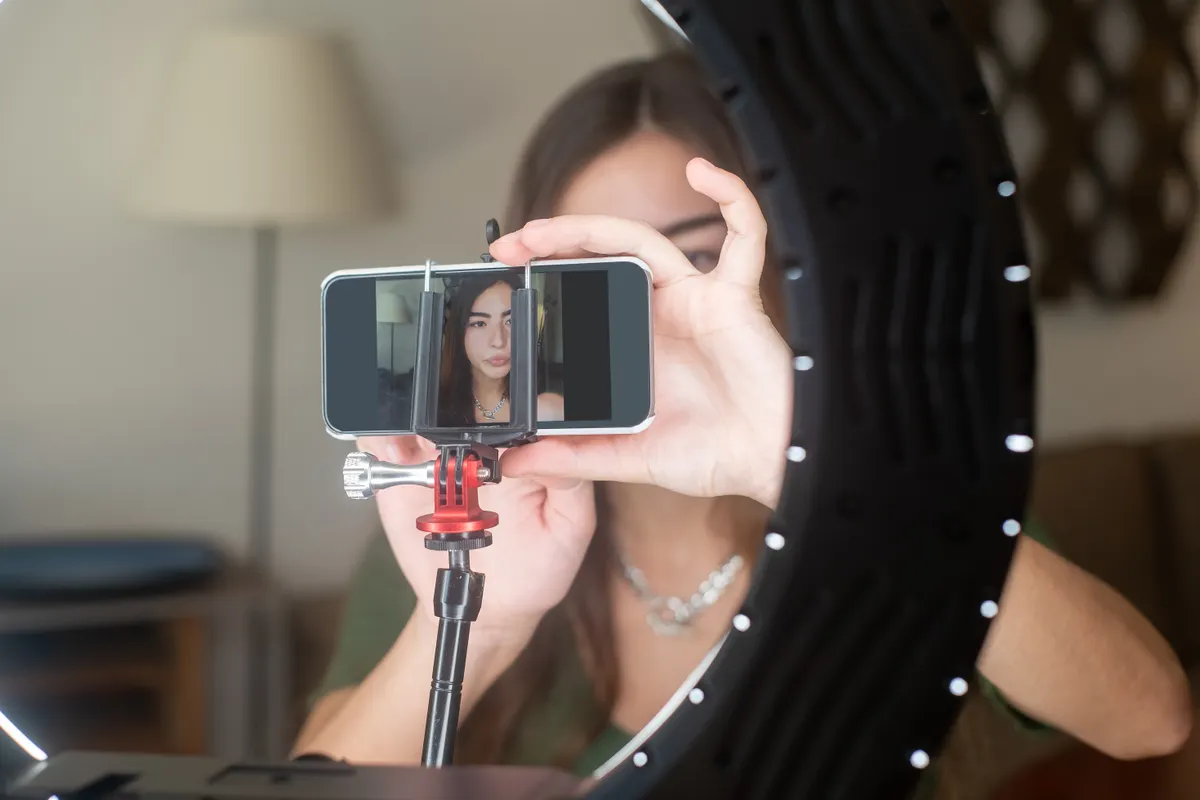
How Do You Look Natural in a Selfie?
Stop holding the face. A smile kept in place while you fiddle with the angle has gone stale by the time the shutter fires, and the camera records the staleness. Set everything up with a blank expression, then do the smile, or the thing that is not quite a smile, at the last moment and shoot straight away. A burst helps here too, because the frames just before and after the smile often look more like you than the smile itself.
Breathe out before the shot. Everyone inhales and tenses when they press a shutter; exhaling drops the shoulders and unclenches the jaw, and the jaw is where tension shows. Letting the lips part slightly instead of pressing them together does the same for the mouth.
Give the free hand a job. A hand in a pocket, a cup, a collar, hair tucked behind an ear. A hand that has nothing to do looks like a hand that has nothing to do.
And take more than you need. A photographer shooting a portrait takes a hundred frames to get three. You are not doing anything different with a phone, you are just doing it with worse light and one arm.
What Can You Fix Afterwards?
Not the distance. Nothing you do after the shutter fires will put the nose back where it belongs, because what the face looks like from further away was never captured. That is why this guide starts where it does.
Most of the rest is fixable. A selfie from a current phone is a 12 megapixel file or larger, so resolution is rarely the problem unless you have cropped hard or are working from a screenshot, in which case the upscale tool will bring it back to a size that prints. A bathroom behind you is a job for background change.
For the face itself, NeonSnap's Glow Up is built around leaving you alone. The instruction it sends to Google's Gemini image model is to keep the framing, the expression, the pose, the bone structure and the background exactly as they are, to leave your skin tone untouched, and then to clear temporary blemishes, even out patches of redness and soften the shadows under the eyes while keeping real skin texture. The upload is resized to 1000 pixels on its long side before it reaches the model, which is plenty for anything you would post. It is free to try and needs no account. Compare the result with the original at full size before you post it, the way you would check any edit. If it has stopped looking like you, post the original.
Frequently Asked Questions
What is the best angle for a selfie?
Hold the phone a little above eye level with the lens tilted slightly down, push your chin forward and a touch down, and turn your shoulders so your face is angled rather than square to the lens. A 2012 Wake Forest University study found people rated the left side of faces as more pleasant, so try leading with your left cheek and compare the results.
Why does my face look wider in selfies?
Because the phone is too close. A 2018 study in JAMA Facial Plastic Surgery modelled a selfie taken from 30 centimetres (12 inches) and found the nose appeared about 30 percent wider than in a photo taken from 1.5 metres (5 feet). Holding the phone at full arm's length, using a selfie stick or tripod, or switching to the rear camera with a timer all reduce the effect.
What is the best lighting for a selfie?
Soft light from in front of you and slightly above. Facing a window in daytime is the easiest version, an overcast sky or open shade outdoors is the next best, and a ring light turned down and pointed straight at you does the same job at night. Avoid ceiling lights and avoid standing with a bright window behind you.
Should I use the front or back camera for selfies?
The back camera, when you can. It has the larger sensor and the better lens, so it keeps more detail and distorts less. Prop the phone at head height or use a tripod, set the timer and take a burst. The front camera is fine when you need to see the frame, which is most of the time, so get the distance and the light right and it will do.
Why do my selfies look flipped?
Your phone shows you a mirror image while you line up the shot and then, on the default setting, saves the photo the right way round, which is how everyone else sees you. On iPhone, Settings, then Camera, then Mirror Front Camera keeps the mirrored version instead. Samsung and Pixel phones have a Save selfies as previewed option in the camera settings.
Can AI fix a bad selfie?
Some of it. NeonSnap's Glow Up tool clears temporary blemishes, evens skin tone and softens under-eye shadows while keeping your framing, expression, bone structure and skin tone unchanged, and it is free to try with no account. It cannot undo the stretching that comes from holding the phone too close, and no tool can, so sort the distance out first.
Take the selfie, then let Glow Up finish it.
Upload any selfie and get it back with blemishes cleared and skin evened out, with your face, framing and expression left exactly as they were. Free to try, no account needed.
Try AI Glow Up free