Make yours now
 Enough for 10 ten second videos







The average UK shopper orders 22 pieces of clothing online a year and sends six of them back, according to a survey of 1,002 shoppers published by the fulfilment firm fulfilmentcrowd in January 2025. Virtual try-on is what the big retailers are building in response: a picture of you wearing the thing before you pay for it. Google switched its version on in the UK in December 2025 and ASOS followed in February 2026. It does work, with one large catch. A try-on picture shows you what a garment looks like on you, and it has no idea whether the size 12 will do up. Here is how the technology works, what the picture is good for, what it can't know and how to get a result worth acting on.
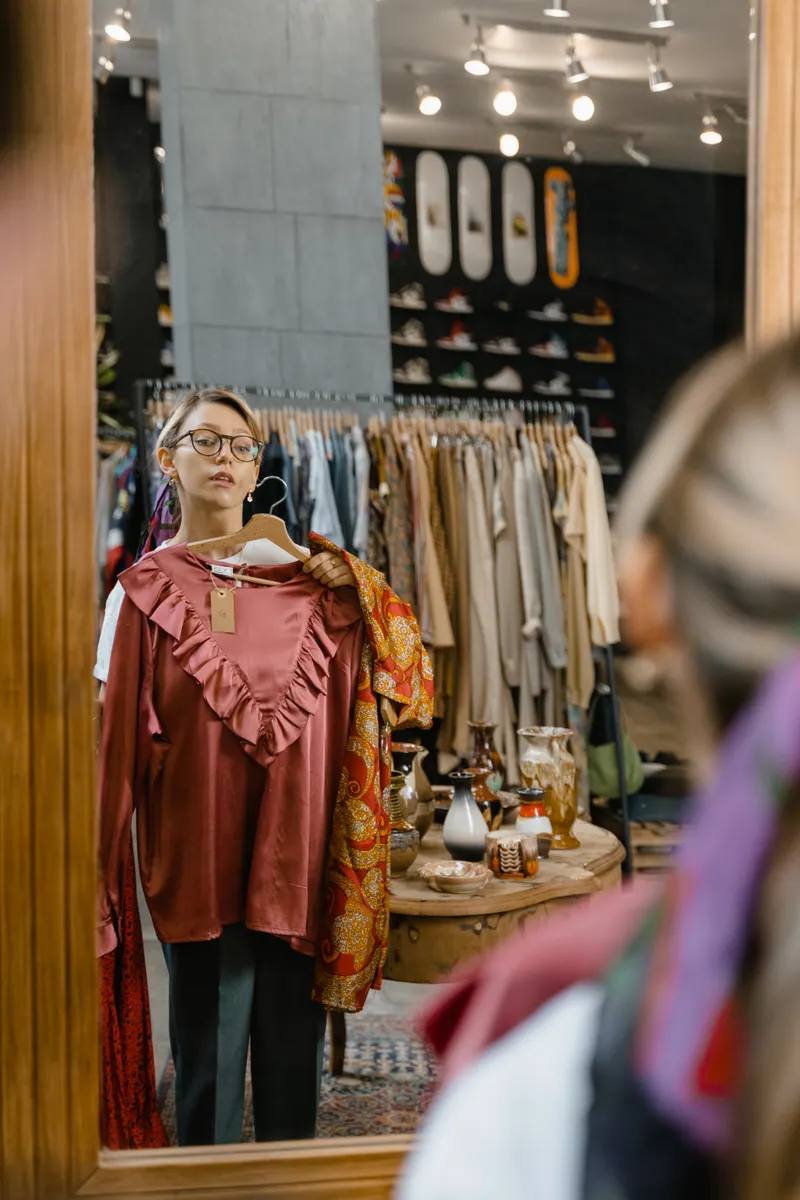
Virtual Try-On for Clothes: Does It Actually Work?
What the Picture Shows You, What It Can't Know and How to Use It Before You Buy
What Is Virtual Try-On?
Virtual try-on is any tool that puts a garment you are not wearing onto a picture of you. The first versions were augmented reality: a pair of glasses or a lipstick shade pinned to your face in a live camera view. That worked because glasses are rigid and sit in one place. Clothes are harder. Fabric hangs, folds and stretches differently on every body, so the newer tools for clothes mostly don't overlay anything. They generate a new photograph.
That is why the results have started to look real. Google's earlier version showed each garment on a range of models from XXS to XXXL and left you to pick the one nearest your build. The version that reached the UK on 3 December 2025 uses your own photo instead. You tap the "try it on" icon on a clothing listing, upload a full-length picture, and a few seconds later you are looking at yourself in the jacket.
How Does Virtual Try-On Work?
Two different technologies share the name, and they answer different questions.
The first is image generation. You give the tool a photo of yourself and either a photo of a garment or a description of one. A model trained on a very large number of pictures of clothed people works out your pose, your outline and the light in the room, then redraws the photo with the new clothes in place. Google's try-on, the ASOS one and the NeonSnap clothes changer all work this way. It needs nothing from you except a picture, which is why it has spread so quickly.
The second is a measured avatar. Zalando's virtual fitting room takes your body measurements, which you can capture with two photos or a short video on your phone, builds a 3D figure from them and dresses that figure in the garment in a particular size. It looks less like you than a photo does. It knows more about you, because it is working from centimetres.
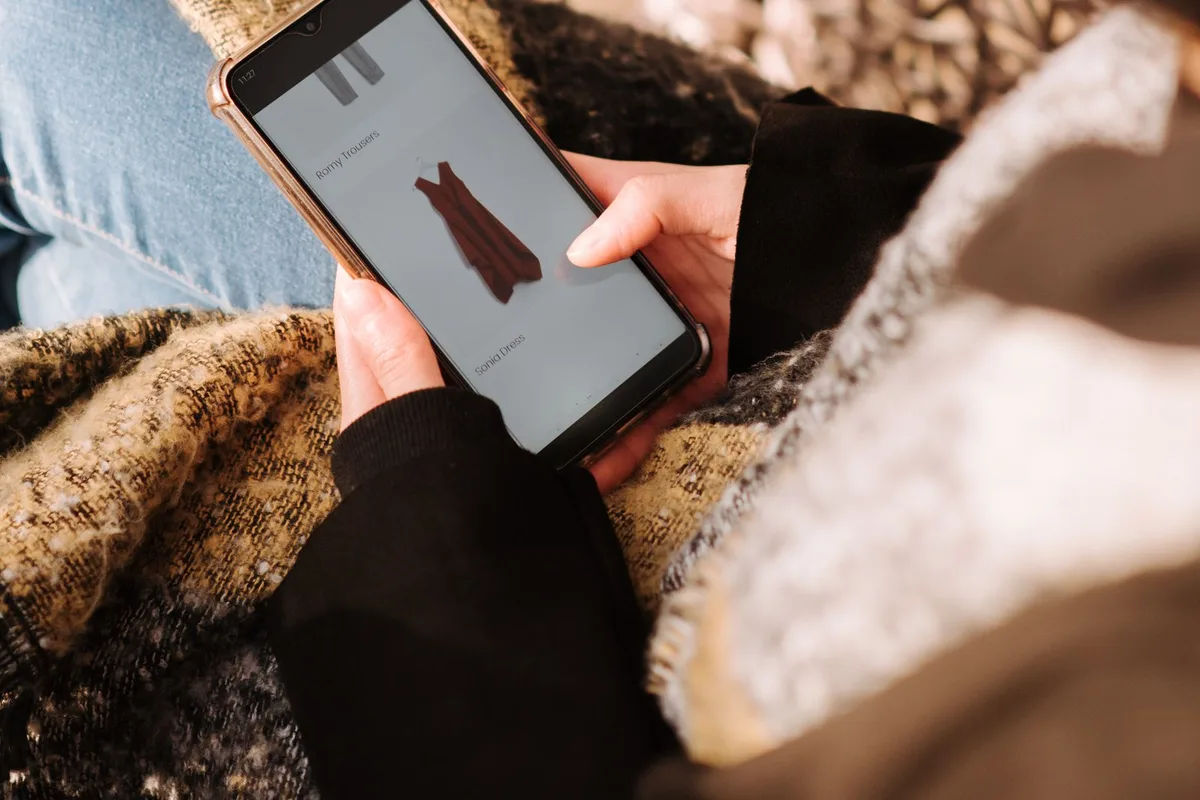
What Does Virtual Try-On Get Right?
The photo kind is good at the questions a product shot can't answer, because the product shot is of someone else.
Colour is the big one. Mustard on a model with dark hair and olive skin tells you very little about mustard on you, and a try-on settles it in one picture. Length is the next. You can see where a midi hem lands on your own leg, whether a cropped jacket stops at your waist or above it, and how far down your hand a sleeve comes. Proportion follows from that: wide trousers with a short top, a long coat over a long dress, a boxy blazer on narrow shoulders.
Then there is the plain question of whether the style is you at all. Most of us have a list of things we have never worn because we assume they won't work, and a picture is a cheap way to test the assumption. If you are still working out what your style is, the guide to finding your aesthetic is the place to start, and a try-on tool is how you check the answer on your own body.
What Can't Virtual Try-On Tell You?
Your size. Google's own help page for the feature says the generated image "doesn't indicate fit, suggest a size, or indicate size availability", and that is true of every tool that works by redrawing a photo. An image model has never been told that you are a 14 on top and the dress stops at a 12. It draws the dress fitting, because nearly every photo it learned from shows clothes that fit the person wearing them.
It can't tell you about the fabric either. Weight, stretch, whether the lining clings, whether a white shirt is see-through in daylight and whether the wool itches are all things you find out with your hands. Nor can it tell you what happens when you move. A skirt that looks right standing still in a picture may ride up when you sit, and a jacket may pull across the back when you reach for something.
Small details need checking too. Fine prints, logos and lettering are sometimes redrawn approximately, so put the result beside the shop's photo and compare the pattern before you fall for it.
A try-on picture tells you whether the dress suits you. Whether it fits is still a job for the size chart and a tape measure.
Try it with NeonSnap
Put a shop photo on your own photo
Upload a picture of yourself, then add the product photo from any shop or describe the outfit in words. The clothes are redrawn on you, and your face, pose and background are left as they were. It's free to try in your browser.
Try the AI clothes changer free →Why Is Every Shop Building One?
Returns. In the same fulfilmentcrowd survey, 62% of shoppers admitted to ordering more than they meant to keep, and the most common way of doing it was buying one item in several sizes. An older EY survey of 1,000 UK online shoppers, from 2016, found that 76% of clothing returns went back because of fit or sizing. Retail Economics and the returns firm ZigZag forecast the value of returned non-food goods in the UK at £25.1bn for 2025, down from £26.7bn the year before, as shops brought in return fees and tighter policies.
So does try-on cut returns? The best public numbers come from Zalando, and they are worth reading carefully. The company says pilots of its virtual fitting room reduced return rates by up to 40%. It also says that all of its size and fit tools together prevented 8% of size-related returns in 2025. Pilots flatter any technology, and the 8% is the figure to hold on to. Both numbers are about measured avatars and size advice. We could not find a published returns figure from Google or ASOS for the photo kind.
Reference Photo or Text Prompt: Which Should You Use?
Some tools, NeonSnap's included, let you say what to try on in two ways, and they suit different moments.
A reference photo is for a decision about one garment. You save the shop's product picture, upload it with your own photo, and the tool copies that garment onto you. The best references show the whole garment from the front, either laid flat or on a model standing straight. A side-on shot or a close crop of the collar leaves the tool guessing at the rest.
A text prompt is for exploring. Type "a green midi dress with thin straps" and you get a green midi dress with thin straps, but one the model made up, so there is nothing to add to a basket. That is still useful before you go shopping. It tells you whether green, midi and thin straps are worth looking for. It is also a good way to plan a capsule wardrobe, because you can see a camel coat over everything you already own before you spend three figures on one. The Academy guide to reference photos goes into when each one gives the better result.
How Do You Get a Result You Can Trust?
1. Start with a full-length photo in fitted clothes
Google's advice for its own tool is a full-body shot with good lighting and fitted clothing, and it holds for all of them. A baggy jumper or a long coat hides your outline, and the tool then has to guess what is underneath.
2. Face the camera and keep the pose plain
Stand straight, arms slightly away from your body, in even light and against a plain wall if you have one. Crossed arms and a bag held in front of you both give the tool less of you to dress.
3. Try one garment at a time
Change the dress and leave everything else alone. If you swap the whole outfit in one go, you can't tell which piece you liked.
4. Put the result next to the listing
Check the colour, the print and the length against the shop's own photos. If the model in the listing is wearing the hem at mid-calf and your try-on shows it at the knee, believe the listing and read the length in the product details.
5. Then do the size work separately
Measure something you own that fits the way you want this to fit, laid flat, and compare it with the garment measurements on the size chart. Read the reviews for "runs small". None of that is in the picture.
Where Can You Try Clothes On Virtually in the UK?
- Google. Look for the "try it on" icon on clothing listings across Google. It covers tops, bottoms, dresses and shoes. Lingerie, swimwear and accessories are not supported, you have to be 18 or over, and it appears on ordinary product results, not sponsored ones.
- ASOS. Launched on 17 February 2026 with the AI firm AIUTA, in the iOS app, on around 10,000 products and for selected UK and US customers to begin with. You can upload your own picture or choose an AI-generated model that resembles you, and ASOS says a result takes four to seven seconds.
- Zalando. The measured kind. Its virtual fitting room builds a 3D avatar from your body measurements and shows a garment on it in different sizes. It has run as pilots so far, and in June 2026 the company said it aimed to open it to all customers this year.
- NeonSnap. The clothes changer isn't tied to a shop, so it works with a product photo from anywhere, or with a description. Free to try in a browser without an account.
lightbulb
If a try-on leaves you wanting to order two sizes to be safe, it has answered the style question and you still owe yourself the size one. Five minutes with a tape measure is cheaper than a return fee.
Frequently Asked Questions
Does virtual try-on actually work?
Yes, for the question of how a garment looks on you. A good try-on picture shows the colour against your skin and hair, where the hem and sleeves finish on your frame and whether the shape suits you. It does not work as a fitting. The picture is drawn so the clothes fit, whatever size you would really need, so the size chart still has to do that job.
Is virtual try-on accurate for size and fit?
Not the photo kind. Tools that redraw your photo, including Google's, do not know your measurements or the garment's, and Google's own help page says its try-on image does not indicate fit or suggest a size. Tools that build an avatar from your body measurements, such as Zalando's virtual fitting room, are made for sizing. Zalando says its size and fit tools together prevented 8% of size-related returns in 2025.
How can I try on clothes online before buying?
Take a full-length photo of yourself in fitted clothes and good light. On Google, tap the 'try it on' icon on a clothing listing and upload it. For a garment from any other shop, save the product photo and upload it with your own photo to a tool that accepts a reference picture, such as the NeonSnap clothes changer. Then check your measurements against the shop's size chart before you order.
Can I use Google's virtual try-on in the UK?
Yes. Google brought it to the UK and India on 3 December 2025. Look for the 'try it on' icon on clothing listings across Google, then upload a full-length photo. It covers tops, bottoms, dresses and shoes. Lingerie, swimwear and accessories are not supported, and you have to be 18 or over.
Should I use a reference photo or a text prompt?
Use a reference photo when you are deciding about one particular garment, because the tool copies that garment from the shop's picture. Use a text prompt when you are still exploring, for example to see whether a green midi dress or a cropped jacket suits you at all. A prompt gives you a garment the model made up, so you cannot buy that exact one.
What photo works best for virtual try-on?
A full-length photo, facing the camera, in even light and fitted clothes. A baggy jumper or a long coat hides your outline and the tool has to guess what is underneath. A plain background helps, and so does standing straight with your arms slightly away from your body.
Is the NeonSnap clothes changer free?
Yes, to try. You can change clothes in a few photos free in your browser without an account, and a free account adds more. It works from a description of an outfit or from a photo of one.
See it on you before it's in the basket.
Upload your photo, add the shop's picture of the garment or describe it, and look at the result before you order. Free to try.
Try the AI clothes changer free